
Pinterest is one of those marketing channels that can look simple at first. Create a graphic, add a description, and share your recipe. Easy enough, right?
But once your food blog starts growing, things get more complicated. You’re researching seasonal keywords, designing graphics for older recipes, organizing boards, scheduling posts, and checking whether any of that work is bringing visitors to your website.
That’s where the best Pinterest tools for food bloggers can help. The right combination makes the work more manageable without adding a collection of expensive subscriptions.
The right tools help you create attractive Pins, discover what people are searching for, plan seasonal content, and understand which recipes actually bring visitors to your blog.
And you don’t need a collection of expensive subscriptions to get started.
Free tools like Canva, Pinterest Trends, and Pinterest Analytics already cover much of what beginners need. As your recipe collection grows, platforms such as Tailwind, Metricool, and PinClicks can help with scheduling, keyword research, and more advanced marketing tasks.
But not every tool is worth paying for, and some offer features you may never use.
In this guide, we’ll compare 15 of the best Pinterest tools for food bloggers in 2026, including free and paid options for graphic design, keyword research, scheduling, automation, and analytics.
We’ll look at what each tool does well, where it falls short, and whether upgrading makes sense for your budget.
Whether you’re promoting your first few recipes or managing hundreds of articles, the goal is the same: spend less time managing Pinterest and more time creating content that brings readers to your food blog.
Pinterest is only one part of running a successful recipe website. If you’re building your complete blogging setup, our guide to essential food blogging tools explains which platforms can help with SEO, photography, content creation, analytics, and everyday website management.
What Pinterest Tools Do Food Bloggers Actually Need?
Before spending money on Pinterest software, it’s worth figuring out which tools will actually make your work easier.
It’s tempting to sign up for several platforms, especially when each promises to save time or improve your results. But many food bloggers end up paying for features they barely use, even though free alternatives could do the job.
Affiliate Disclosure: Some links in this article may be affiliate links. If you make a purchase or sign up through one of these links, iFoodBloggers may earn a commission at no extra cost to you.
You really only need tools to handle five main tasks: designing Pins, researching keywords, scheduling posts, tracking performance, and organizing content.
You don’t need a separate subscription for each one, either. Some platforms handle multiple tasks, while others are better at one specific job.
Let’s look at what matters in each category so you can choose the tools that fit your food blog without overspending.
1. Pinterest Pin Design Tools
Great food photography is the foundation of an attractive Pinterest Pin, but how you present that photograph matters too.
A close-up of homemade cinnamon rolls or a colorful Mediterranean salad might catch someone’s attention, while a clear headline helps them understand what the recipe offers.
Tools like Canva and Adobe Express make it easy to combine your photographs with readable text, attractive layouts, and consistent branding. You don’t need professional design experience to create graphics that look polished.
Reusable templates are especially helpful if you publish recipes regularly. Instead of starting from scratch, you can swap out the photograph and headline, make a few adjustments, and have another Pin ready to publish.
Choose a design tool that feels comfortable to use and makes creating new graphics easy.
2. Pinterest Keyword Research and Trend Discovery Tools
Pinterest works differently from traditional social media platforms. People use it to search for ideas, discover recipes, and plan meals or special occasions.
That makes keyword research an important part of your strategy.
Someone might search for “easy high protein breakfast,” “healthy air fryer recipes,” or “Christmas cookie ideas.” Knowing which topics attract interest can help you decide what to promote and when.
Pinterest Trends is particularly useful for spotting seasonal patterns. For more detailed keyword and competitor research, tools like PinClicks offer additional insights.
For example, if searches for pumpkin recipes begin increasing in late summer, you can prepare your graphics before autumn arrives instead of waiting until October.
The goal is to find relevant searches that match your recipes, not simply chase the most popular keywords.
3. Pinterest Scheduling and Publishing Tools
Creating Pinterest graphics is one task. Finding time to publish them consistently is another.
If you’re balancing food blogging with work, family, or other responsibilities, scheduling tools can make life easier.
Instead of logging into Pinterest every day, you can prepare several graphics at once and schedule them over the coming weeks.
Tailwind, Metricool, and Pinterest’s built-in scheduler are useful options, depending on how much content you publish and whether you manage other social media accounts.
For example, you could spend an afternoon preparing graphics for ten recipes and organize their publication in advance.
That gives you more time to focus on developing recipes, improving photographs, and updating older articles.
Just remember that publishing more Pins doesn’t guarantee more traffic. A manageable schedule with useful, original content is more valuable than filling every available publishing slot.
4. Pinterest Analytics and Performance Tracking Tools
How do you know whether your Pinterest strategy is working?
The answer isn’t simply looking at impressions or follower counts.
A Pin might receive thousands of views but send very few visitors to your website. Another might reach a smaller audience while generating significantly more clicks.
Pinterest Analytics helps you understand these differences by tracking impressions, saves, engagement, and outbound clicks.
For food bloggers, outbound clicks are particularly useful because they show when someone clicks from Pinterest toward an external destination, such as your recipe article.
Google Analytics 4 adds another layer of information by showing which recipes receive Pinterest traffic and how visitors interact with your website.
Pinterest works best as part of a broader audience growth strategy. Our guide on how to get more traffic to your food blog explores additional opportunities through SEO, content updates, internal linking, and other marketing channels.
Together, these free tools help you identify recipes worth promoting again and graphics that may need improvement.
Rather than checking your statistics constantly, establish a regular routine for reviewing what works.
5. Pinterest Content Planning and Workflow Tools
Keeping your Pinterest content organized becomes more challenging as your recipe collection grows.
You might have several graphics for one recipe, seasonal promotions planned months ahead, and older articles that still need Pinterest designs.
Without a tracking system, it’s easy to forget what you’ve already published.
Tools such as Google Sheets, Notion, and Trello can help you organize recipe URLs, keywords, graphics, publishing dates, and performance notes.
For example, a simple spreadsheet could show which recipes already have Pinterest Pins and which still need attention.
You could also track different designs for the same recipe to avoid accidentally publishing duplicate graphics.
You don’t need complicated project management software to accomplish this. For many food bloggers, a well-organized Google Sheets document is more than enough.
Do You Really Need All Five Types of Pinterest Tools?
You need a way to handle these five activities, but you don’t need five paid subscriptions.
If you’re just starting, Canva Free, Pinterest Trends, Pinterest Analytics, Pinterest’s native scheduler, and Google Sheets can cover the basics without adding to your monthly expenses.
As your recipe collection grows, you may find that certain tasks become too time-consuming.
That’s when a paid scheduling platform, advanced keyword research tool, or automated Pin creator might be worth considering.
Start with the free options, learn what works for your audience, and upgrade when a tool solves a genuine problem.
The goal is simple: spend less time managing Pinterest and more time creating recipes that people want to discover.
Now, let’s compare the individual tools and see which ones deserve a place in your workflow.
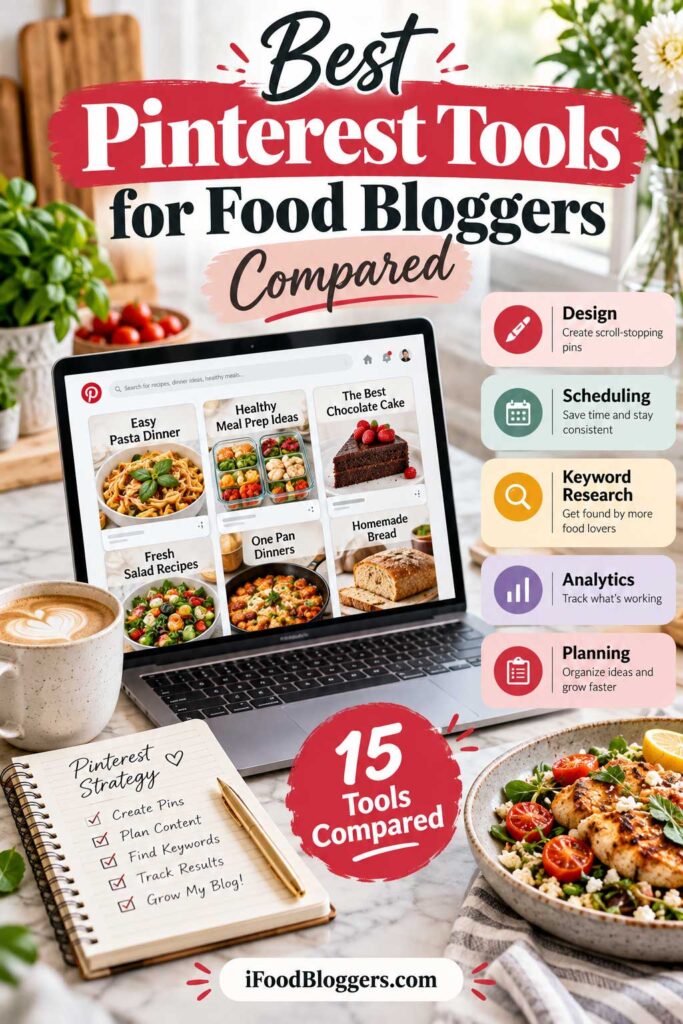
Best Pinterest Tools for Food Bloggers Compared (2026)
Not every Pinterest tool does the same job. Some help you design better Pins, others make scheduling easier, and a few focus on keyword research or tracking results.
The best Pinterest tools for food bloggers are the ones that solve problems you’re actually dealing with.
If you’re publishing two recipes a week, you probably don’t need expensive automation software. But if you’re managing hundreds of recipes and creating dozens of Pins each month, more advanced tools could save you considerable time.
Here’s how the 15 tools we’ve reviewed compare.
Pinterest Marketing Tools Comparison Table
| Pinterest Tool | Best For | Free or Paid | Our Recommendation |
|---|---|---|---|
| Canva | Pin design and reusable templates | Free + Paid | Best Overall Design Tool |
| Tailwind | Scheduling and automation | Limited Trial + Paid | Best Pinterest-Focused Platform |
| Pinterest Trends | Keywords and seasonal trends | Free | Best Free Research Tool |
| Pinterest Analytics | Pin performance and outbound clicks | Free | Best Free Analytics Tool |
| PinClicks | Keyword and competitor research | Limited Trial + Paid | Best Advanced Research Tool |
| Metricool | Multi-platform scheduling and analytics | Free + Paid | Best Multi-Platform Tool |
| Adobe Express | Pin design and publishing | Free + Paid | Best Canva Alternative |
| Buffer | Simple scheduling | Free + Paid | Best Budget Scheduler |
| Later | Visual content planning | Free + Paid | Best Visual Content Calendar |
| Pin Generator | Bulk Pin creation and automation | Limited Free Access + Paid | Best Bulk Creation Tool |
| Pinterest Native Scheduler | Scheduling directly on Pinterest | Free | Best Built-In Scheduler |
| Google Analytics 4 | Website traffic and engagement | Free | Best Traffic Tracking Tool |
| Google Sheets | Content calendars and tracking | Free | Best Simple Planning Tool |
| Notion | Content and workflow organization | Free + Paid | Best Flexible Workspace |
| Trello | Task management and collaboration | Free + Paid | Best Visual Task Manager |
Pricing and features may change. Some free plans limit scheduled posts, connected accounts, or analytics history, so check the provider’s current terms before subscribing.
Which Pinterest Tools Should You Start With?
If you’re new to Pinterest, keep things simple.
Canva Free is a great starting point for designing Pins, while Pinterest Trends helps you research keywords and plan seasonal content. Use Pinterest Analytics to see which Pins attract attention and Google Analytics 4 to track visitors reaching your recipes.
For scheduling, Pinterest’s built-in tool may be all you need. And if you’re struggling to keep track of everything, a simple Google Sheets content calendar can help.
As your blog grows, you can add more specialized software.
Tailwind is worth exploring if scheduling and automation are taking too much time. PinClicks offers deeper keyword research, while Metricool and Buffer are useful for managing content across multiple platforms.
If you have hundreds of recipes waiting for Pinterest graphics, Pin Generator could also make bulk content creation easier.
But there’s no reason to subscribe to everything.
Start with free tools, figure out what slows you down, and invest in paid software only when it makes your workflow easier.
Now, let’s take a closer look at each tool, starting with one of the most popular options for creating Pinterest graphics.
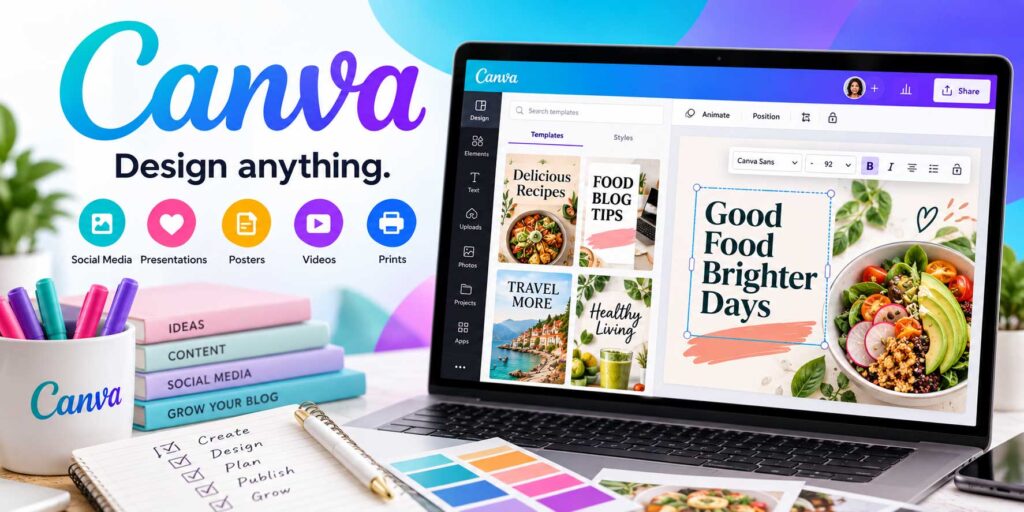
1. Canva – Best for Pinterest Pin Design
Creating attractive Pinterest graphics doesn’t have to be complicated. Canva is one of the best Pinterest tools for food bloggers who want professional-looking Pins without learning advanced graphic design software.
Its drag-and-drop editor, customizable templates, and simple photo-editing tools make it easy to turn recipe photographs into eye-catching graphics. Best of all, Canva offers a free plan that’s suitable for beginners.
Why Canva Works So Well for Food Bloggers
Food photography is what catches someone’s attention on Pinterest, but a clear headline can make your recipe even more appealing.
Imagine promoting homemade chicken shawarma bowls. You could combine a close-up photograph with a headline such as “Easy Chicken Shawarma Bowls” to show readers exactly what they’ll find.
Canva lets you upload your own photographs, add text, adjust layouts, and customize designs to match your blog’s branding.
You can also reuse your favorite templates. Simply replace the photograph and headline instead of designing every Pin from scratch.
Key Canva Features for Pinterest Marketing
Canva offers several useful features for creating and managing Pinterest graphics.
Pinterest Templates: Choose from customizable layouts and adjust the photographs, fonts, colors, and text to match your recipes.
Photo Editing: Crop images, adjust brightness and contrast, and make basic improvements without switching between multiple applications.
Reusable Designs and Branding: Duplicate successful layouts to maintain a consistent visual style. Canva Pro also provides expanded Brand Kit features.
Design Resizing: Canva Pro can help adapt Pinterest graphics for other social platforms, although the final layouts should always be reviewed.
Pinterest Scheduling: Eligible paid plans allow you to schedule designs directly to Pinterest, reducing the need for separate publishing software.
How to Create Pinterest Pins With Canva
Start with a Pinterest template or create a 1000 × 1500 pixel design, following the recommended 2:3 aspect ratio.
Upload an original photograph of your finished recipe and add a short, descriptive headline.
For example, “Easy Greek Lemon Chicken” is clearer than something vague like “The Best Dinner Ever.”
Keep the text readable on mobile devices, avoid covering too much of the food, and consider adding your website name near the bottom.
When finished, export your graphic as a PNG or JPG and publish it through Pinterest or your preferred scheduler.
For popular recipes, you can also experiment with different photographs and layouts rather than repeatedly publishing nearly identical Pins.
Canva Pricing in 2026: Free vs. Pro vs. Business
Canva offers a generous free plan, making it accessible to food bloggers who are just getting started. Paid plans add premium design features, branding tools, and content scheduling capabilities.
Here’s how Canva’s current U.S. pricing compares:
| Canva Plan | Monthly Billing | Annual Billing | Best For |
|---|---|---|---|
| Canva Free | $0 | $0 | Beginners creating Pinterest graphics |
| Canva Pro | $18/month | $144/year ($12/month equivalent) | Food bloggers creating Pins regularly |
| Canva Business | $25/person/month | $250/person/year | Teams and businesses needing advanced branding and collaboration |
Prices are in USD, exclude applicable taxes, and may vary by region. Annual subscriptions are billed upfront.
Canva Free includes customizable templates, photo editing, custom design dimensions, and PNG/JPG exports. It’s enough for creating professional-looking recipe Pins.
Canva Pro adds premium templates, background removal, advanced resizing, expanded Brand Kits, and social media scheduling. These features can save time if you’re producing Pinterest graphics every week.
Canva Business offers additional collaboration, branding, and marketing capabilities. Most individual food bloggers won’t need this plan.
For beginners, Canva Free is our recommendation. If you’re managing a growing recipe collection and creating graphics regularly, Canva Pro is the most practical upgrade.
You don’t need to pay more unless the additional features genuinely improve your workflow.
Canva Advantages and Limitations
Canva is easy to learn, offers plenty of design flexibility, and makes creating consistent Pinterest graphics much faster.
However, some useful features require a subscription, and popular templates can look generic unless you customize them.
It’s also primarily a design tool, not a replacement for dedicated Pinterest keyword research or analytics software.
For food bloggers, original recipe photography should always remain the foundation of the design.
Is Canva Worth Using for Pinterest?
Canva is our top recommendation for food bloggers who want an affordable, beginner-friendly Pinterest design tool.
Start with the free version, create a few reusable templates, and upgrade only when additional features would genuinely save you time.
The software makes graphic design easier, but attractive photographs, relevant keywords, and helpful recipes are still what make your Pinterest content valuable.
Best For: Creating professional Pinterest graphics and reusable templates.
Pricing: Free plan available; Canva Pro costs $18/month or $144/year ($12/month equivalent). Canva Business starts at $25/person/month.
Overall Recommendation: Best Overall Pinterest Design Tool for Food Bloggers.
2. Tailwind – Best for Scheduling and Automation
Creating Pinterest graphics is one thing. Finding time to publish them consistently is another.
Tailwind is a Pinterest marketing platform that helps food bloggers schedule Pins, generate designs, and automate repetitive publishing tasks.
It’s particularly useful for established recipe websites with large content libraries, although beginners can explore its features before purchasing a subscription.
Why Tailwind Is Useful for Food Bloggers
Imagine managing a food blog with 200 recipes, including breakfast ideas, family dinners, seasonal desserts, and holiday dishes.
You want to promote different recipes throughout the year, but manually uploading and scheduling every graphic takes time.
Tailwind lets you prepare Pins in batches and organize upcoming publications through a central dashboard.
For example, you could create graphics for your pumpkin recipes during summer and schedule them ahead of autumn, when interest typically increases.
This makes it easier to maintain a consistent Pinterest presence without publishing manually every day.
Key Tailwind Features for Pinterest Marketing
SmartSchedule: Suggests publishing times based on Pinterest activity and account data, helping you organize a consistent schedule.
Tailwind Create: Generates Pinterest graphic variations using your photographs and content, reducing the need to design everything from scratch.
SmartPin: Helps automate the creation of fresh Pin designs for selected website URLs. Generated graphics should still be reviewed before publication.
Pin Spacing: Distributes scheduled Pins over time instead of publishing multiple graphics for the same recipe too close together.
Pinterest SEO: Offers keyword research and tracking features to help identify relevant search terms. This is a separate paid product unless you purchase the bundle.
Website Integration: Supports content creation workflows using existing website pages, which can be helpful when promoting older recipes.
Together, these features make Tailwind more specialized than a basic social media scheduler.
How Food Bloggers Can Use Tailwind
Suppose you have 30 autumn recipes, including pumpkin muffins, apple desserts, homemade soups, and roasted vegetables.
You could prepare several Pinterest graphics using your original photographs, review their headlines and descriptions, and schedule them over the coming weeks.
Tailwind’s scheduling features help organize publication dates and maintain spacing between Pins.
After publishing, use Pinterest Analytics and Google Analytics 4 to see which recipes attract website visitors.
Automation saves time, but it shouldn’t replace reviewing your content or researching what your audience wants.
Tailwind Pricing in 2026
Tailwind introduced a new pricing structure on September 25, 2026, replacing its previous plans for new subscribers.
| Tailwind Plan | Monthly Billing | Annual Billing* |
|---|---|---|
| Pin Scheduling & Creation | $29.99/mo | $17.99/mo |
| Pinterest SEO | $14.99/mo | $11.99/mo |
| Pinterest Engagement | $14.99/mo | $11.99/mo |
| Complete Bundle | $44.98/mo | $29.98/mo |
Annual prices are monthly equivalents, billed yearly. Each subscription applies to one Pinterest account.
Tailwind now uses a credit-based system. The Scheduling & Creation plan includes 300 monthly credits, while the complete bundle includes 400.
Scheduling one Pin currently costs one credit, but automated features such as SmartPin can require additional credits.
A limited free starting option lets you explore the platform before subscribing.
Tailwind Advantages and Limitations
Tailwind’s biggest advantage is its combination of scheduling, Pin creation, and automation features designed specifically for Pinterest.
It can save time when you’re managing hundreds of recipes or publishing frequently.
However, the subscription cost may be difficult to justify for smaller blogs. Its credit-based pricing also requires attention, particularly when using automated content generation.
The newer plans focus on Pinterest, so food bloggers wanting to manage multiple social platforms may prefer Metricool or Buffer.
And remember that automated graphics still need accurate photographs, relevant descriptions, and functioning recipe links.
Is Tailwind Worth Paying For?
Tailwind is a strong choice for established food bloggers who want to simplify Pinterest scheduling and content creation.
If you’re just starting, Pinterest’s free scheduler may be enough.
But if you’re managing a large recipe library and spending hours organizing Pinterest content, Tailwind could be a worthwhile investment.
Start with its free trial and upgrade only if the features provide meaningful time savings.
Best For: Pinterest scheduling, automated Pin creation, and managing large recipe collections.
Pricing: Limited free trial; paid scheduling starts at $29.99/month or $17.99/month with annual billing.
Overall Recommendation: Best Dedicated Pinterest Scheduling and Automation Tool.
3. Pinterest Trends – Best Free Pinterest Keyword Research Tool for Food Bloggers
Before spending an afternoon designing Pins for your pumpkin muffins, wouldn’t it help to know when people actually start searching for pumpkin recipes?
That’s where Pinterest Trends comes in. This free tool shows how interest in different searches changes over time, making it easier to plan seasonal promotions and choose relevant keywords.
For food bloggers, that can mean preparing holiday recipes before the search interest peaks instead of rushing to promote them when everyone is already looking.
Why Pinterest Trends Is Useful for Food Bloggers
Food searches often change with the seasons.
During summer, people may look for refreshing salads, grilling recipes, and homemade ice cream. As autumn approaches, interest often shifts toward pumpkin desserts, comforting soups, and holiday baking.
Pinterest Trends helps you identify when these changes typically happen.
For example, if you publish Christmas cookie recipes, historical search data may show that interest starts increasing well before December.
You can use that information to prepare your graphics earlier rather than waiting until the holiday season is already underway.
Key Pinterest Trends Features
Keyword Research: Explore Pinterest search terms and see how interest changes over time. This can help you identify relevant keywords for recipe titles and descriptions.
Seasonal Trends: Review historical search patterns going back up to two years, depending on data availability, to understand when particular recipes attract interest.
Keyword Comparisons: Compare up to four search terms on one graph. For example, you could compare “easy chicken recipes,” “chicken dinner ideas,” and “chicken meal prep.”
Related Trends: Discover additional searches connected to your original keyword, providing ideas for new recipes or Pinterest graphics.
Audience Insights: View available demographic information and, for eligible business accounts, explore trends associated with engaged users and followers.
Some features and data may vary depending on your region and account eligibility.
How to Find Pinterest Keywords for Your Recipes
Start by opening Pinterest Trends and selecting the country you’re targeting.
If most of your readers are in the United States, choose that region for more relevant results.
Next, search for a keyword related to one of your recipes.
For example, if you’ve published homemade tzatziki, you could research “tzatziki recipe” and compare it with terms such as “Greek tzatziki” or “homemade tzatziki sauce,” where data is available.
Review the search patterns and related suggestions to identify wording that accurately describes your recipe.
You could then create a graphic with a headline such as “Easy Homemade Tzatziki Sauce.”
The goal isn’t to chase the most popular keyword. It’s to choose phrases that match what readers will actually find on your website.
Finding the right keywords matters beyond Pinterest. If you’re also trying to improve your visibility in Google Search, our guide to finding low-competition recipe keywords explains how to discover realistic opportunities for newer and growing food blogs.
Using Pinterest Trends for Seasonal Content Planning
One of the best ways to use this tool is to plan your Pinterest content calendar ahead of seasonal demand.
Imagine you have recipes for pumpkin muffins, apple cinnamon bread, and roasted butternut squash soup.
Research their keywords to see when Pinterest interest typically begins increasing.
Then prepare your Pins before the expected peak rather than waiting until everyone is already searching.
As a practical starting point, consider preparing seasonal content four to eight weeks ahead, adjusting that schedule based on the trends you find.
This approach also works for evergreen recipes. Even topics such as homemade hummus or easy pasta dinners may experience seasonal changes worth monitoring.
Understanding Pinterest Trends Data
There’s one important detail to understand: Pinterest Trends doesn’t provide exact monthly search volumes.
Instead, its historical search graphs use a normalized index from 0 to 100.
A score of 100 represents the highest relative search interest within the displayed data, not 100 actual searches.
This makes the tool useful for identifying patterns and comparing interest, but it doesn’t tell you exactly how many visitors a keyword could bring to your website.
Pinterest Trends also doesn’t provide a traditional keyword difficulty score.
For a more complete picture, review actual Pinterest search results and use Pinterest Analytics to measure the performance of your published Pins.
Pinterest Trends Advantages and Limitations
Pinterest Trends’ biggest advantage is that it provides useful, platform-specific keyword insights without a subscription.
It’s easy to explore seasonal searches, compare relevant phrases, and find ideas for promoting existing recipes.
However, highly specific keywords may not have enough data, and some advanced audience features have eligibility restrictions.
The platform also doesn’t replace Pinterest Analytics or Google Analytics 4, which are better suited to measuring actual content performance and website visits.
Is Pinterest Trends Worth Using?
Pinterest Trends is our top recommendation for free Pinterest keyword research.
It’s especially valuable for food bloggers who want to plan seasonal recipe promotions and make more informed decisions about which keywords to target.
Whether you’re publishing your first recipes or managing a large food blog, it’s worth incorporating into your regular content planning process.
Best For: Pinterest keyword research, seasonal recipe planning, and trend discovery.
Pricing: Completely free.
Overall Recommendation: Best Free Pinterest Keyword Research Tool for Food Bloggers.
4. Pinterest Analytics – Best for Tracking Pin Performance for Food Bloggers
A Pinterest graphic can receive thousands of impressions and still send very few people to your website. Another Pin might reach a smaller audience but bring in more recipe readers.
Pinterest Analytics helps you see the difference.
It shows how people interact with your Pins, including impressions, saves, and outbound clicks, so you can identify which recipes and graphics deserve more attention.
Instead of guessing which recipes are popular, you can see which Pins attract attention and which ones encourage people to visit your website.
Why Pinterest Analytics Matters for Food Bloggers
A Pin can receive thousands of impressions without generating many website visits.
For example, your homemade sourdough bread graphic might receive 20,000 impressions but only 100 outbound clicks. Meanwhile, a Greek salad Pin with 5,000 impressions could generate 150 clicks.
Although the sourdough Pin reaches more people, the Greek salad brings more potential visitors to your website.
This is why tracking performance matters, especially if your goal is to grow traffic and eventually earn revenue through advertising, affiliate marketing, or digital products.
Key Pinterest Analytics Metrics to Track
Pinterest provides several useful metrics, but food bloggers should understand what each one measures.
| Metric | What It Measures | Why It Matters |
|---|---|---|
| Impressions | How often your Pins appear on screens | Shows content visibility |
| Saves | How often people save your Pins | Indicates interest in your content |
| Pin Clicks | Clicks to open or view a Pin more closely | Measures interest within Pinterest |
| Outbound Clicks | Clicks leading to external websites | Helps measure potential recipe traffic |
| Outbound Click Rate | Percentage of impressions resulting in outbound clicks | Shows how effectively a Pin encourages website visits |
For most food bloggers, outbound clicks are particularly important because they indicate that people are leaving Pinterest to explore the linked content.
However, these clicks aren’t identical to completed website sessions. Some visitors may leave before your page loads, while tracking and attribution differences can also affect reporting.
How to Access Pinterest Analytics
You’ll need a free Pinterest business account to access the analytics dashboard.
Once you’re signed in, navigate to Analytics → Overview to explore your account’s performance.
You can review top-performing Pins, adjust reporting periods, and examine metrics such as impressions, saves, and outbound clicks.
For example, you might discover that your Mediterranean dinner recipes consistently attract more website clicks than your dessert content.
That information can help you decide which recipes deserve additional promotion.
Claim Your Food Blog Website
If you haven’t already, it’s worth claiming your website on Pinterest.
Website claiming helps Pinterest connect content saved from your domain with your business account and provides additional reporting opportunities.
For WordPress food bloggers, verification can be completed through supported methods such as an HTML tag, HTML file, or DNS TXT record.
Once verified, you can gain a better understanding of how content from your website is shared on Pinterest, including Pins saved by other users.
How to Use Pinterest Analytics to Improve Your Results
Start by reviewing your Pins with the most outbound clicks.
Look for patterns in the recipes, photographs, headlines, and topics that perform well.
For example, if your homemade Greek chicken gyros and Mediterranean salad Pins consistently attract visitors, you might consider promoting related recipes.
You can also identify graphics that need improvement.
If a Pin receives plenty of impressions but few outbound clicks, consider testing a different original photograph or a clearer headline.
If impressions are low, investigate whether the topic has limited search interest or whether seasonal demand might explain the results.
Avoid making decisions based on only a few days of data. Some Pins gain visibility gradually, especially when their topics become seasonally relevant.
Pinterest Analytics vs. Google Analytics 4
Pinterest Analytics shows how people interact with your content on Pinterest.
Google Analytics 4 (GA4) helps you understand what happens after visitors arrive at your food blog.
For example, Pinterest might report 300 outbound clicks for a recipe Pin, while GA4 records a different number of Pinterest-attributed sessions.
These figures won’t necessarily match because the platforms measure different activities.
By using both tools, you can identify which recipes receive Pinterest traffic and how those visitors interact with your website.
For food bloggers, this provides a more useful picture than relying exclusively on impressions or saves.
Once you’ve identified recipes attracting Pinterest visitors, it’s worth reviewing their search optimization as well. Our recipe SEO guide explains how to improve recipe titles, content structure, structured data, and search visibility.
Pinterest Analytics Advantages and Limitations
Pinterest Analytics is free, easy to access, and provides valuable information directly from Pinterest.
It helps you identify successful Pins, monitor website clicks, and compare performance across different reporting periods.
However, it doesn’t replace website analytics or provide the advanced competitor research available through some paid Pinterest tools.
Performance can also fluctuate because of seasonal demand, competition, and changes in audience interests.
For most food bloggers, a quick weekly review and a more detailed monthly analysis are enough to identify useful patterns.
Is Pinterest Analytics Worth Using?
Pinterest Analytics is an essential free tool for food bloggers who want to understand which Pins are actually driving results.
It’s useful for beginners and established bloggers alike, especially when combined with Pinterest Trends and Google Analytics 4.
Focus on outbound clicks, learn which recipes attract visitors, and use those insights to improve your future Pinterest content.
Best For: Tracking Pin performance, outbound clicks, and Pinterest marketing results.
Pricing: Completely free with a Pinterest business account.
Overall Recommendation: Best Free Pinterest Analytics Tool for Food Bloggers.
5. PinClicks – Best Pinterest Keyword Research and Competitor Analysis Tool for Food Bloggers
Finding the right Pinterest keywords can help your recipes reach more interested readers, but free research tools don’t always provide enough detail.
PinClicks is a specialized Pinterest research platform that helps food bloggers discover keywords, analyze competing Pins, and track search rankings.
Unlike Pinterest Trends, which focuses primarily on search interest and seasonality, PinClicks offers deeper insights into Pinterest keywords, popular content, and competitor accounts.
Why PinClicks Is Useful for Food Bloggers
Imagine you’ve published several Mediterranean recipes, including homemade hummus, Greek chicken bowls, and traditional spanakopita.
You know these dishes could appeal to Pinterest users, but you’re unsure which keywords to target or what types of graphics attract attention.
PinClicks helps you explore related searches, examine popular Pins, and research competing accounts in your niche.
For example, instead of targeting only a broad keyword like “chicken recipes,” you could investigate more specific searches such as “Greek chicken dinners” or “Mediterranean chicken bowls.”
This can help you create more relevant Pinterest content without relying entirely on guesswork.
Key PinClicks Features for Pinterest Marketing
Keyword Explorer: Research Pinterest keywords, explore related terms, and examine provider-reported search volume information. PinClicks advertises a database containing more than 20 million keywords and interests.
Top Pins Research: Examine popular Pins appearing for specific searches. The platform also provides a proprietary Pin Score to help evaluate content popularity and freshness.
Account Explorer: Research competing Pinterest accounts, including their Pins, boards, and keyword visibility. This can help identify useful recipe topics and content organization ideas.
Keyword Rank Tracking: Monitor how your Pins appear for selected Pinterest searches over time. Rankings can vary because Pinterest results are personalized, so use them as indicators rather than guaranteed positions.
Pinterest Interest Keywords: Explore keyword classifications and annotations associated with Pinterest content to better understand related topics.
Pin Trends Chrome Extension: Access additional Pinterest research information while browsing the platform.
These features are particularly useful for established food bloggers who want more detailed research than Pinterest’s free tools provide.
How to Use PinClicks for Recipe Keyword Research
Suppose you’ve published a traditional Greek spanakopita recipe.
Start by researching “spanakopita,” “Greek spinach pie,” and other relevant keyword variations.
Next, examine the popular Pins associated with those searches.
Look at how competing food bloggers present their recipes. Do they emphasize traditional preparation, simple ingredients, or beginner-friendly instructions?
Use those observations to create a more descriptive Pin.
For example, “Traditional Greek Spanakopita With Spinach and Feta” tells readers considerably more than “The Most Delicious Pie.”
You can also explore related keywords for future recipe ideas, but remember that popular searches aren’t automatically low-competition opportunities.
Finally, monitor your published Pins through Pinterest Analytics and GA4 to see whether your research translates into actual website traffic.
PinClicks Pricing in 2026
PinClicks offers two main paid plans, along with a five-day free trial that provides access to its Plus features.
| Feature | Pin Pro | Pin Plus |
|---|---|---|
| Monthly Price | $29 | $49 |
| Annual Price | $249 | $399 |
| Keyword Explorer | Included | Included |
| Account Explorer | Included | Included |
| Top Pins Research | Included | Included |
| Keyword Rank Tracking | 25 keywords | 5,000 keywords |
| Search Suggestion Tracking | 50 | 5,000 |
| Custom Keyword and Pin Lists | Limited | Included |
| Research Data Exporting | No | Yes |
Pricing reflects the provider’s published October 2026 plans and may change.
Pin Pro is generally sufficient for food bloggers who want keyword research, competitor analysis, and basic rank tracking.
Pin Plus is better suited to larger research projects requiring extensive tracking, custom lists, exports, and additional account monitoring features.
A limited free keyword-interest research tool is also available.
PinClicks Advantages and Limitations
PinClicks’ biggest advantage is its focus on Pinterest-specific research rather than traditional Google SEO.
Its keyword database, competitor analysis, and rank tracking features can help you investigate recipe topics more thoroughly.
However, the subscription may be difficult to justify for beginners.
Also, its search-volume figures and proprietary scores should be treated as research indicators, not guarantees of rankings or traffic.
PinClicks doesn’t replace Canva for design, Tailwind for scheduling, or Pinterest Analytics for measuring your actual results.
Is PinClicks Worth Paying For?
PinClicks is a strong option for established food bloggers who want advanced Pinterest keyword research and competitor insights.
If you’re just starting, Pinterest Trends and manual keyword research are usually enough.
But if you’re managing hundreds of recipes and regularly researching new Pinterest opportunities, PinClicks could help you work more efficiently.
I recommend testing the free trial before committing to a subscription.
Best For: Advanced Pinterest keyword research, competitor analysis, and rank tracking.
Pricing: Pin Pro starts at $29/month; Pin Plus starts at $49/month. Annual discounts and a five-day free trial are available.
Overall Recommendation: Best Advanced Pinterest Keyword Research and Competitor Analysis Tool.
6. Metricool – Best Pinterest Analytics and Social Media Scheduling Tool for Food Bloggers
One recipe can turn into several pieces of social media content. You might create a Pinterest graphic, share a photograph on Facebook, and publish a short cooking video on Instagram.
Managing those posts separately can become tedious, especially when you’re publishing new recipes regularly.
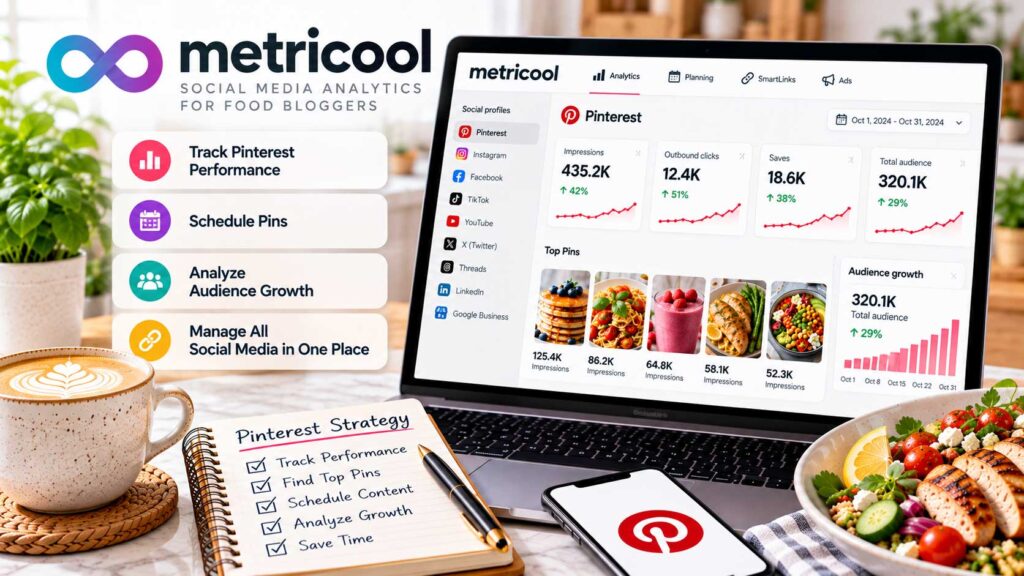
Metricool brings scheduling and reporting for multiple social networks into one dashboard, making it easier to organize promotions without jumping between different platforms.
Why Metricool Is Useful for Food Bloggers
Imagine you’ve published a homemade Greek chicken gyro recipe.
You want to promote it with a Pinterest graphic, share food photography on Facebook, and publish a short cooking video on Instagram.
Instead of managing each platform separately, Metricool lets you organize those posts through one publishing calendar.
This is especially useful for food bloggers who regularly promote recipes across several channels or manage multiple websites.
Key Metricool Features for Pinterest Marketing
Pinterest Scheduling: Prepare image and video Pins, add titles and descriptions, select relevant boards, include recipe URLs, and schedule publication dates.
Visual Content Calendar: Organize upcoming Pinterest, Instagram, Facebook, and other supported posts from one dashboard. You can also adjust publishing dates when your plans change.
Pinterest Analytics: Monitor impressions, saves, clicks, and other available performance metrics to understand how your Pins perform.
Multi-Platform Management: Coordinate recipe promotions across different social networks without maintaining separate scheduling systems.
Canva Integration: Paid plans support Canva integration, making it easier to incorporate your Pinterest graphics into the publishing workflow.
Performance Reports: Paid subscriptions include additional reporting capabilities, including downloadable reports useful for managing multiple websites or client accounts.
Metricool’s main advantage is convenience. It combines social media publishing and reporting without requiring separate software for every channel.
How Food Bloggers Can Use Metricool
Suppose you publish three new recipes during the week: Greek chicken soup, Mediterranean vegetable bowls, and homemade chocolate cake.
You could create Pinterest graphics for each recipe, prepare Instagram content, and schedule Facebook posts through Metricool’s calendar.
Make sure every Pinterest graphic links directly to the corresponding recipe article.
After publishing, review which Pins generate outbound clicks and which topics attract attention on your other social platforms.
This approach helps you maintain a consistent promotional schedule without managing everything manually.
Metricool Pricing in 2026
Metricool offers a permanent free plan and several paid subscriptions.
| Metricool Plan | Monthly Billing | Annual Billing* | Best For |
|---|---|---|---|
| Free | $0 | $0 | Beginners and small food blogs |
| Starter | From $25/mo | From $20/mo | Growing blogs and multiple social accounts |
| Advanced | From $67/mo | From $53/mo | Teams and multiple brands |
| Custom | Custom | Custom | Agencies and larger businesses |
Annual prices are monthly equivalents, billed annually. Prices are in USD and reflect starting plan tiers; costs vary with brand allowances and may change.
Metricool Free supports one brand, up to 20 scheduled posts per month across supported platforms, and 30 days of analytics history.
Starter offers expanded brand management, publishing subject to a fair-use policy, longer analytics history, Canva integration, and additional reporting features.
Advanced adds team collaboration, approval workflows, and more extensive management capabilities.
For most individual food bloggers, the Free or Starter plan will be sufficient.
Metricool Advantages and Limitations
Metricool’s biggest strength is its ability to manage Pinterest alongside other social platforms.
Its centralized calendar, analytics, and free plan make it particularly appealing to bloggers who want to simplify their marketing workflow.
However, the free plan’s 20-post monthly limit can become restrictive when you’re publishing across several networks.
Metricool also doesn’t offer the same specialized Pinterest keyword research and automation features as PinClicks or Tailwind.
You’ll still benefit from using Pinterest Trends for keyword research and Google Analytics 4 for tracking website visitors.
Is Metricool Worth Using?
Metricool is an excellent choice for food bloggers who want to manage Pinterest, Instagram, Facebook, and other social platforms from one dashboard.
If Pinterest is your only marketing priority, a specialized platform may offer more relevant features.
However, if you’re promoting recipes across multiple channels, Metricool can simplify scheduling and reporting while potentially reducing the number of subscriptions you need.
Start with the free plan and consider Starter when your publishing volume or account management needs increase.
Best For: Multi-platform scheduling, Pinterest analytics, and social media content management.
Pricing: Free plan available; Starter begins at $25/month or $20/month with annual billing.
Overall Recommendation: Best Multi-Platform Social Media Scheduling and Analytics Tool for Food Bloggers.
7. Adobe Express – Best Canva Alternative for Pinterest Pin Design
Adobe Express is an excellent alternative to Canva for food bloggers who want to create professional Pinterest graphics without complicated design software.
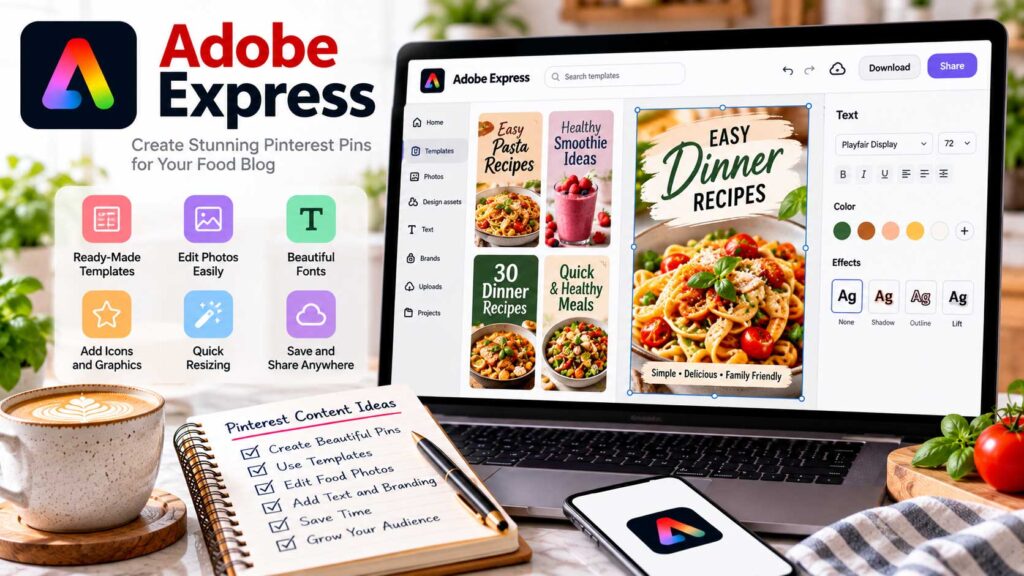
It offers customizable templates, photo-editing tools, branding features, and a built-in Content Scheduler. Unlike many design platforms, Adobe Express includes Pinterest scheduling in its free plan.
Why Adobe Express Is Useful for Food Bloggers
Attractive food photography is essential on Pinterest, but adding a clear headline and consistent branding can make your Pins more effective.
Imagine promoting a traditional Greek moussaka recipe. You could upload your original photograph, choose a vertical template, and add a headline such as “Traditional Greek Moussaka Recipe.”
Adobe Express lets you customize the fonts, colors, and layout to complement your photograph.
You can also reuse designs for other recipes, saving time when creating new Pinterest content.
Key Adobe Express Features for Pinterest Marketing
Pinterest Templates: Choose from customizable designs and adapt them using your original recipe photography, headlines, and branding.
Photo Editing: Crop photographs, adjust their appearance, and apply basic enhancements without switching between applications.
Background Removal: Create graphics with isolated food photographs or custom backgrounds. More advanced editing features may require Premium.
Branding Tools: Maintain consistent colors, fonts, and design elements across your Pinterest graphics.
Design Resizing: Adobe Express Premium includes one-click resizing to adapt Pinterest graphics for Instagram, Facebook, and other platforms.
Content Scheduler: Create, preview, and schedule Pinterest Pins directly from Adobe Express. Scheduling is available in both Free and Premium plans.
The integrated scheduler is particularly appealing if you want one platform for creating graphics and publishing them.
How to Create and Schedule Pinterest Pins With Adobe Express
Start by selecting a Pinterest template or creating a 1000 × 1500 pixel design using the recommended 2:3 aspect ratio.
Upload a photograph of your finished recipe and add a short, descriptive headline.
For example, “Easy Greek Chicken Souvlaki” clearly tells readers what they’ll find.
Adjust the layout so the food remains visible and the text is readable on mobile devices.
Once your design is ready, export it as a JPG or PNG, or open Adobe Express’s Content Scheduler.
Connect your Pinterest account, choose the appropriate board, add your recipe details and destination link, and select a publication date.
Always confirm that your Pin links directly to the correct recipe article.
Adobe Express Pricing in 2026
Adobe Express offers a free plan alongside its Premium subscription.
| Feature | Adobe Express Free | Adobe Express Premium |
|---|---|---|
| Monthly Price | $0 | $9.99 |
| Pinterest Templates | Free templates | Free + Premium templates |
| Basic Photo Editing | Included | Included |
| Premium Design Assets | Limited | Expanded access |
| Branding Features | Basic options | Advanced features |
| One-Click Resize | No | Yes |
| Background Removal | Limited tools | Expanded capabilities |
| Pinterest Scheduling | Included | Included |
| Connected Accounts | 1 per social network | Up to 3 per network |
| Free Scheduling Allowance | Up to 1,000 posts/month across supported networks | Expanded account connections |
| Best For | Beginners | Frequent content creators |
Prices are in USD and may change. Adobe Express Premium is available for $9.99/month, with a 30-day trial offered to eligible new subscribers.
Adobe Express Free is surprisingly capable. It includes basic design tools, more than 100,000 templates, and scheduling for up to 1,000 posts per month across supported social platforms.
That publishing allowance is a platform limit, not a recommended Pinterest posting frequency.
Adobe Express Premium adds more templates, premium assets, advanced editing tools, resizing, and additional connected accounts.
For most beginners, the free plan is an excellent starting point.
Adobe Express Advantages and Limitations
Adobe Express combines design and scheduling in one platform, which can eliminate the need for a separate Pinterest scheduler.
It’s also beginner-friendly and useful for promoting recipes across multiple social networks.
However, some advanced design features require Premium, and it doesn’t provide specialized Pinterest keyword research or competitor analysis.
You’ll still benefit from Pinterest Trends, Pinterest Analytics, and GA4.
Also, remember to use original recipe photography rather than AI-generated food images that don’t accurately represent your finished dish.
Is Adobe Express Worth Using?
Adobe Express is our top Canva alternative for food bloggers who want attractive Pinterest graphics and free scheduling.
If you already use Canva and love your workflow, there’s little reason to switch.
However, Adobe Express is worth trying if you’d prefer to handle design and scheduling without paying for separate subscriptions.
Start with the free plan and consider Premium only when its advanced features would save you meaningful time.
Best For: Pinterest graphic design, reusable templates, and free social media scheduling.
Pricing: Free plan available; Adobe Express Premium costs $9.99/month.
Overall Recommendation: Best Canva Alternative With Free Pinterest Scheduling.
8. Buffer – Best Simple Pinterest Scheduling Tool for Food Bloggers
Buffer is an affordable social media scheduling platform that helps food bloggers plan, publish, and organize Pinterest content without complicated automation software.
It supports Pinterest alongside Instagram, Facebook, and other social networks, making it a practical option for bloggers who promote recipes across multiple platforms.
Buffer also offers a permanent free plan, so you can start scheduling Pins without another monthly subscription.
Why Buffer Is Useful for Food Bloggers
Imagine you’ve published 50 recipes, including Mediterranean dinners, homemade bread, and traditional desserts.
You want to promote those recipes on Pinterest, but manually publishing every graphic takes time.
With Buffer, you can prepare Pins in advance and add them to a publishing queue.
For example, you could create five Pinterest graphics on Sunday and schedule them throughout the following week.
This lets you maintain a consistent publishing routine while spending more time developing recipes and improving your website.
Key Buffer Features for Pinterest Marketing
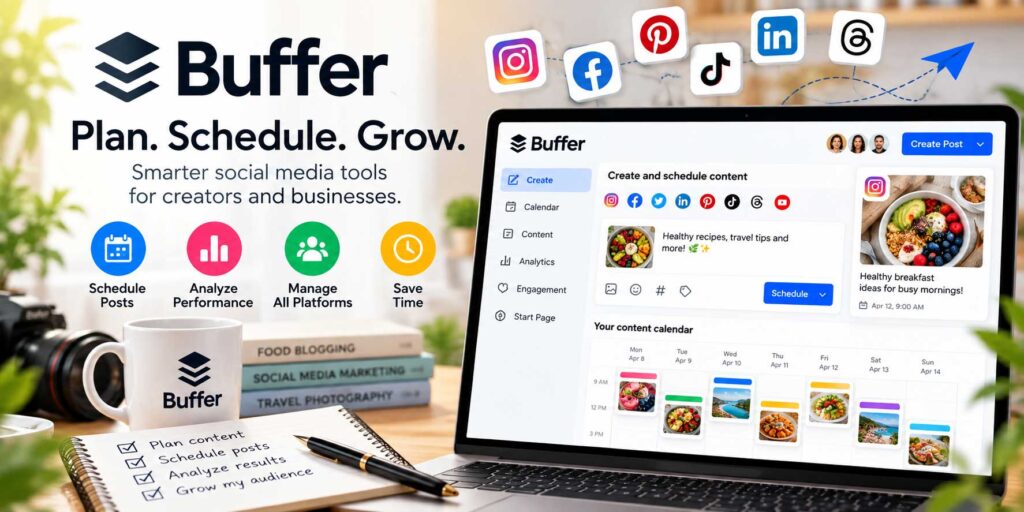
Pinterest Scheduling: Schedule image, video, and GIF Pins with titles, descriptions, destination URLs, and relevant Pinterest boards.
Custom Publishing Schedules: Set recurring posting times and add Pins to your queue without selecting a new publication date for every graphic.
Visual Content Calendar: Review upcoming Pins alongside content scheduled for other social platforms.
Buffer Ideas: Save and organize content ideas before they’re ready for publication. The free plan includes up to 100 saved ideas.
Canva Integration: Bring Canva graphics into your scheduling workflow without manually rebuilding designs.
AI Assistant: Generate or improve promotional text, although recipe ingredients, preparation times, and dietary claims should always be checked.
Pinterest Analytics: Review available performance information through Buffer Insights, with more advanced reporting on paid plans.
Buffer’s strength is its straightforward publishing workflow rather than specialized Pinterest keyword research or advanced automation.
How to Schedule Pinterest Pins With Buffer
Start by connecting your Pinterest account to Buffer.
Create a new post, select Pinterest, and upload your recipe graphic. A vertical image measuring 1000 × 1500 pixels is a practical starting point.
Next, add a descriptive headline, natural Pin description, and the appropriate Pinterest board.
For example, a graphic titled “Traditional Bulgarian Banitsa With Feta Cheese” should link directly to your banitsa recipe, not your homepage.
Once you’ve checked the details, choose a specific publishing date or add the Pin to your existing queue.
You can also organize seasonal promotions in advance, such as summer salads, pumpkin desserts, or Christmas cookies.
Buffer Pricing in 2026
Buffer offers three main plans, with paid subscriptions priced per connected social channel.
| Feature | Free | Essentials | Team |
|---|---|---|---|
| Monthly Price | $0 | $6/channel | $12/channel |
| Annual Billing | $0 | $5/mo/channel | $10/mo/channel |
| Connected Channels | Up to 3 | Pay per channel | Pay per channel |
| Scheduled Posts | 10 per channel | Up to 5,000* | Up to 5,000* |
| Pinterest Scheduling | Yes | Yes | Yes |
| Content Calendar | Yes | Yes | Yes |
| Canva Integration | Yes | Yes | Yes |
| Analytics | Basic Insights | Advanced | Advanced |
| Team Collaboration | 1 user | 1 user | Multiple users |
| Best For | Beginners | Growing blogs | Teams and agencies |
Annual prices are monthly equivalents, billed annually. Paid scheduling is advertised as unlimited but is subject to Buffer’s 5,000-post-per-channel fair-use limit. Prices may change.
Buffer Free supports three connected channels and ten scheduled posts per channel at any one time.
Importantly, this isn’t a monthly publishing limit. When a Pin is published, its queue position becomes available for another post.
Buffer Essentials is a practical upgrade for food bloggers who want a larger scheduling queue and more detailed analytics.
Buffer Team adds collaboration and approval features that most individual bloggers won’t need.
Keep in mind that paid plans charge per channel. For example, connecting Pinterest, Instagram, and Facebook to Essentials would cost $18 per month with monthly billing.
Buffer Advantages and Limitations
Buffer is easy to use, reasonably priced, and integrates well with Canva.
Its free plan is especially appealing for beginners who want a scheduling tool without a recurring expense.
However, the ten-post queue can become restrictive when preparing large seasonal campaigns.
Buffer also lacks the specialized Pinterest keyword research and automated Pin creation features offered by platforms such as PinClicks and Tailwind.
If you already use another scheduler, adding Buffer may simply duplicate features you’re paying for elsewhere.
Is Buffer Worth Using?
Buffer is one of our top recommendations for food bloggers who want simple, reliable, and affordable Pinterest scheduling.
Its free plan is a great starting point, while Essentials offers excellent value when you need more publishing flexibility.
For bloggers who create Pins in Canva and primarily need help organizing their publication, Buffer may be all the scheduling software they need.
Best For: Affordable Pinterest scheduling, content planning, and multi-platform publishing.
Pricing: Free plan available; Essentials starts at $6/month per channel or $5/month with annual billing.
Overall Recommendation: Best Simple and Affordable Pinterest Scheduling Tool for Food Bloggers.
9. Later – Best Visual Content Calendar and Pinterest Scheduling Tool for Food Bloggers
Later is a social media scheduling platform designed for creators who prefer organizing their content visually.
For food bloggers managing Pinterest, Instagram, Facebook, and other social networks, Later provides a convenient way to organize recipe photographs, plan upcoming posts, and maintain a consistent publishing calendar.
Its biggest strength is visual content planning rather than advanced Pinterest automation.
Why Later Is Useful for Food Bloggers
Imagine you’ve created Pinterest graphics for homemade pasta, Greek chicken bowls, Mediterranean salads, and several holiday desserts.
You also want to share recipe videos on Instagram and photographs on Facebook.
Instead of managing everything separately, Later lets you organize these promotional assets in one media library and schedule them through a visual calendar.
This is particularly useful for food bloggers who manage large collections of photographs and publish across multiple platforms.
Key Later Features for Pinterest Marketing
Pinterest Scheduling: Schedule image and video Pins with descriptive titles, relevant boards, and direct links to your recipes.
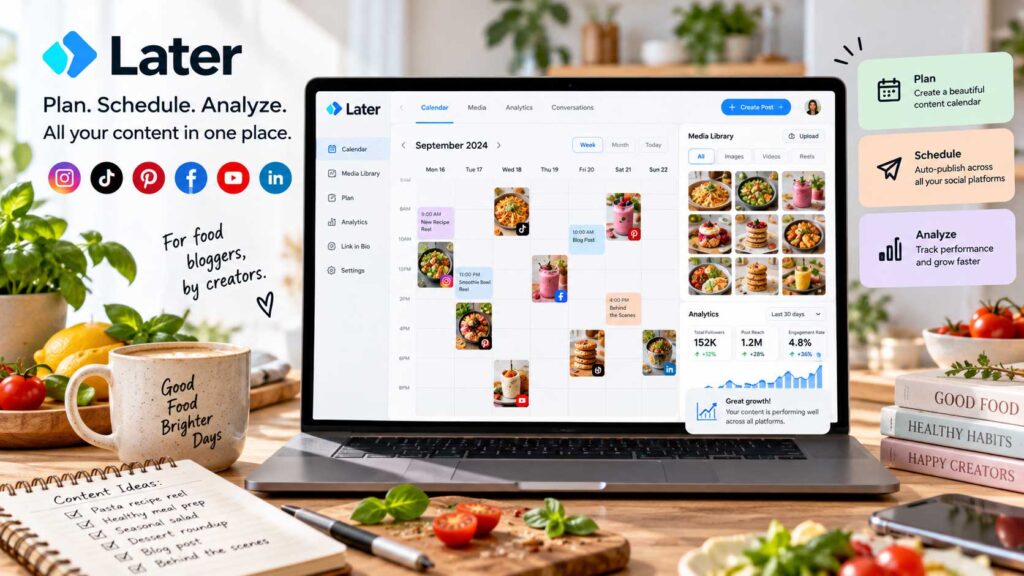
Visual Content Calendar: View upcoming publications, adjust scheduled dates, and coordinate Pinterest posts with other social media content.
Media Library: Store and organize recipe photographs, Pinterest graphics, and videos for future promotions.
Canva Integration: Import designs from Canva into your Later media library without rebuilding your graphics.
Pinterest Analytics: Paid plans provide reporting for Pins published through Later, helping you review engagement and performance.
AI Content Tools: Generate content ideas and draft promotional captions, although all recipe details should be checked before publication.
Later’s visual organization makes it especially appealing to food bloggers who prefer working with photographs and calendars rather than spreadsheets.
How Food Bloggers Can Use Later
Suppose you’re preparing Pinterest promotions for autumn.
You have recipes for pumpkin muffins, apple desserts, roasted vegetables, and homemade soups.
Start by researching seasonal interest through Pinterest Trends.
Next, create graphics using original photographs and descriptive headlines. Upload the finished designs to Later’s media library.
You can then schedule your Pins across the coming weeks while coordinating related Instagram and Facebook posts.
Before publishing, make sure each Pin links directly to the corresponding recipe article.
Afterward, use Pinterest Analytics and Google Analytics 4 to evaluate which recipes attract visitors to your website.
Later Pricing in 2026
Later offers a limited free plan alongside three main paid subscriptions.
| Later Plan | Monthly Billing | Annual Billing* | Posts per Profile/Month |
|---|---|---|---|
| Free | $0 | $0 | 12 |
| Starter | $25/mo | $18.75/mo | 30 |
| Growth | $50/mo | $37.50/mo | 180 |
| Scale | $110/mo | $82.50/mo | Unlimited |
Annual prices are monthly equivalents, billed annually. Prices are in USD and may change.
Later Free provides a useful starting point for beginners, with 12 scheduled posts per social profile each month.
Starter includes one Social Set, expanded scheduling, and Pinterest analytics.
Growth includes two Social Sets, higher publishing limits, and additional collaboration features.
Scale offers six Social Sets, unlimited scheduling, and advanced reporting capabilities for larger teams.
A Social Set includes one profile from each supported social network.
One important difference from Buffer is that Later counts posts when they’re scheduled, not when they publish. Drafts also count toward the monthly allowance.
For example, if you prepare 12 Pinterest posts in October using Later Free, you’ve used that month’s allowance for that Pinterest profile.
Later also offers a 14-day trial of its paid plans.
Later Advantages and Limitations
Later’s biggest advantages are its visual calendar, organized media library, Canva integration, and support for multiple social platforms.
However, its paid plans cost more than some simpler Pinterest scheduling alternatives.
The free plan’s 12-post monthly allowance may also be restrictive for bloggers who create several Pins per recipe.
Another important limitation concerns Pinterest analytics. Later’s reporting primarily covers Pins scheduled through its platform, and Pinterest-specific analytics history is limited compared with some other supported networks.
You’ll still want Pinterest Analytics and GA4 for a more complete understanding of your website traffic.
Later also doesn’t offer the advanced Pinterest keyword research or specialized automation available through PinClicks or Tailwind.
Is Later Worth Using?
Later is a strong choice for food bloggers who prefer visual content planning and manage several social media accounts.
Its calendar and media library make it easy to organize recipe photographs, promotional graphics, and upcoming posts.
However, if you only need affordable Pinterest scheduling, Buffer or Pinterest’s native scheduler may be more economical.
For bloggers who regularly publish on Pinterest, Instagram, and Facebook, Later’s organized visual workflow may justify the additional cost.
Best For: Visual content planning, organizing recipe photographs, and multi-platform scheduling.
Pricing: Free plan available; Starter costs $25/month or $18.75/month with annual billing.
Overall Recommendation: Best Visual Content Calendar and Social Media Planning Tool for Food Bloggers.
10. Pin Generator – Best for Bulk Pin Creation
A food blog with 300 published recipes has plenty of content to promote on Pinterest. The difficult part is finding time to create graphics for all those articles.
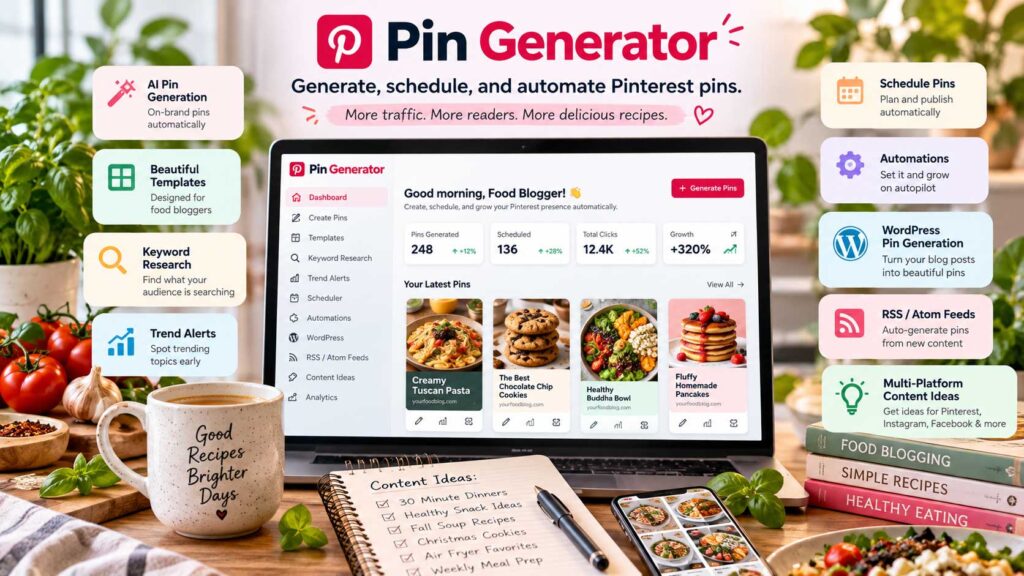
Pin Generator tackles that repetitive work by turning existing recipe URLs into Pinterest designs.
Instead of creating every Pin manually, you can import multiple articles, apply reusable templates, and review a batch of graphics before scheduling them.
Why Pin Generator Is Useful for Food Bloggers
Imagine your food blog has 250 published recipes, but many older articles don’t have Pinterest graphics.
Creating two or three designs for every recipe would mean producing hundreds of Pins.
Pin Generator simplifies this process by importing content from your website and using available photographs and titles to generate promotional graphics.
For example, you could enter the URL of a homemade Greek chicken souvlaki recipe and generate several designs using different layouts.
You can then review the results, improve the headlines, and schedule the graphics you want to publish.
Key Pin Generator Features for Pinterest Marketing
Bulk Pin Generation: Create multiple Pinterest graphics from individual recipe URLs or groups of articles using customizable templates.
WordPress and Sitemap Integration: Import content from your website’s XML sitemap instead of manually entering every recipe URL.
Reusable Templates: Maintain consistent fonts, colors, and branding while generating Pins for different recipes.
AI Titles and Descriptions: Generate draft headlines, descriptions, and alt text. Always review the results for inaccurate ingredients, preparation times, or dietary claims.
Pinterest Keyword Research: Explore related keywords and trend information to help identify relevant topics for your Pins.
Automatic Scheduling: Schedule approved graphics in advance and organize content across relevant Pinterest boards.
RSS Feed Automation: Detect new website content through RSS or Atom feeds and incorporate it into automated Pinterest workflows.
These features can reduce repetitive work, but generated graphics still need editorial review before publication.
How to Create Pinterest Pins in Bulk
Start with a small collection of five existing recipes rather than importing your entire website immediately.
Choose articles with attractive original photographs and complete recipe instructions.
For example, you could select homemade hummus, Greek chicken gyros, traditional tzatziki, Mediterranean pasta salad, and baked feta.
Import their URLs into Pin Generator and select templates that complement your food photography.
Generate a few variations for each recipe, then review the image cropping, headlines, descriptions, and destination links.
You might need to adjust some designs before they’re ready to publish.
Once approved, schedule the Pins across your publishing calendar and monitor their performance through Pinterest Analytics.
Starting with a small batch helps you determine whether automation genuinely saves time before processing hundreds of recipes.
Pin Generator Pricing in 2026
Pin Generator uses a credit-based pricing system. Its main plans differ primarily in the number of monthly credits included.
| Plan | Standard Monthly Price | Promotional Price* | Monthly Credits |
|---|---|---|---|
| Pro | $29.99 | $23.99 | 1,000 |
| Growth | $49.99 | $39.99 | 4,000 |
| Agency | $69.99 | $55.99 | 10,000 |
Promotional prices reflect the 20% discount advertised in October 2026. Prices are in USD, and offers may change.
All three plans include access to the main Pin Generator features, with higher tiers providing more credits and additional support options.
However, 1,000 credits don’t necessarily mean 1,000 finished Pins.
Different actions consume different amounts of credits:
| Action | Credit Cost |
|---|---|
| Schedule or download a standard Pin | 1 |
| Generate AI text | 0.5 |
| Generate AI alt text | 2 |
| Schedule or download a video Pin | 5 |
| Generate an AI image | From 12 |
For example, generating standard template designs doesn’t automatically consume credits, but scheduling or downloading them does. AI features can increase usage.
Pin Generator also offers limited introductory credits, allowing you to test the workflow before subscribing.
Pin Generator Advantages and Limitations
Pin Generator’s biggest advantage is its ability to transform existing recipe content into Pinterest graphics without designing everything individually.
Its URL importing, sitemap integration, reusable templates, and automated scheduling are particularly valuable for larger food blogs.
However, automated designs aren’t always publication-ready.
Some photographs may be cropped awkwardly, headlines may need rewriting, and AI-generated descriptions can contain inaccurate information.
The credit system also requires attention when using more advanced features.
Most importantly, avoid publishing dozens of nearly identical graphics simply because the software makes bulk creation easy.
Creating a few meaningful variations using accurate recipe photographs is a better starting point.
Is Pin Generator Worth Paying For?
Pin Generator is one of our top recommendations for established food bloggers who want to create and schedule Pinterest graphics in bulk.
It’s particularly useful for WordPress websites with hundreds of published recipes that haven’t been fully promoted on Pinterest.
However, beginners with smaller content libraries may find that Canva and a free scheduler already meet their needs.
Test Pin Generator with a small batch of recipes before committing to a paid plan.
Best For: Bulk Pinterest Pin creation, WordPress recipe archives, and automated publishing workflows.
Pricing: Limited introductory free credits; Pro starts at $29.99/month at the standard rate.
Overall Recommendation: Best Bulk Pinterest Pin Creation and Automation Tool for Food Bloggers.
11. Pinterest Native Scheduler – Best Free Built-In Pinterest Scheduling Tool for Food Bloggers
You don’t need paid scheduling software to maintain a consistent Pinterest publishing routine.
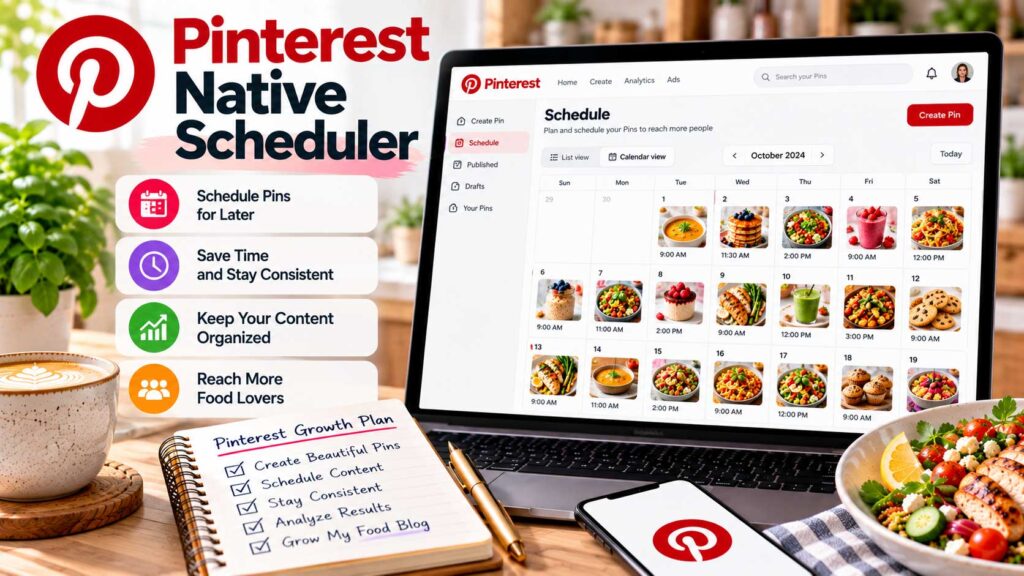
Pinterest’s Native Scheduler allows food bloggers with business accounts to schedule Pins directly through Pinterest without using third-party tools.
It’s completely free and particularly useful for beginners who publish a manageable number of recipe graphics each week.
Why Pinterest’s Native Scheduler Is Useful
Imagine you’ve recently launched a food blog with 25 recipes.
You create Pinterest graphics for homemade tzatziki, Greek chicken gyros, traditional spanakopita, and several easy dinners.
Instead of publishing everything immediately, you can schedule those Pins throughout the week.
Pinterest automatically publishes them at your selected times, leaving you free to focus on developing recipes and improving your website.
For smaller food blogs, this simple workflow may eliminate the need for a paid scheduling subscription.
Key Pinterest Native Scheduler Features
Pinterest’s built-in scheduler offers several useful capabilities:
Free Scheduling: Create and schedule Pins directly from your Pinterest business account without paying for additional software.
30-Day Scheduling Window: Prepare Pins for publication up to 30 days in advance.
10-Pin Scheduling Queue: Keep up to ten Pins scheduled at one time. Once a Pin publishes, another space becomes available.
Image and Video Pins: Schedule standard recipe graphics and supported video content through Pinterest’s publishing interface.
Edit Scheduled Pins: Change publication dates, titles, descriptions, boards, and destination links before publishing.
However, Pinterest doesn’t allow you to replace the image or video of an already scheduled Pin. You’ll need to delete it and create a new one.
The scheduler also handles Pins individually rather than providing the bulk scheduling capabilities of specialized marketing software.
How to Schedule Pinterest Pins for Free
Start by signing in to your Pinterest business account.
On desktop, select Create → Create Pin and upload your recipe photograph or finished Pinterest graphic.
For standard graphics, a vertical 1000 × 1500 pixel design is a practical starting point.
Next, add a descriptive headline and natural Pin description.
For example, a graphic promoting homemade Greek chicken souvlaki could use the title “Easy Greek Chicken Souvlaki Recipe.”
Choose a relevant Pinterest board and enter the direct URL of your recipe article.
Then select Publish at a later date, choose your publication date and time, and confirm the schedule.
You can review your upcoming Pins from your Pinterest profile.
A Simple Weekly Pinterest Publishing Schedule
If you’re just starting, you don’t need an aggressive posting schedule.
Here’s an example of how you could organize four recipe Pins throughout the week.
| Day | Content | Example Recipe |
|---|---|---|
| Monday | New recipe | Greek Chicken Gyros |
| Wednesday | Evergreen recipe | Homemade Tzatziki |
| Friday | New recipe | Mediterranean Chickpea Salad |
| Sunday | Seasonal recipe | Pumpkin Muffins |
You can prepare these graphics in Canva or Adobe Express and schedule them directly through Pinterest.
The exact publishing days aren’t particularly important. Choose a schedule you can maintain and adjust it as you learn which content attracts visitors.
Can You Automate Pinterest Without Paid Software?
Pinterest also offers a free RSS auto-publishing feature for eligible business accounts with claimed websites.
This feature can automatically create Pins using content from your website’s RSS feed.
For example, when you publish a new WordPress recipe, Pinterest can use information and images from your RSS feed to create Pins.
However, RSS automation doesn’t provide the same design control as Canva or Pin Generator.
The resulting graphics depend on the photographs and information available in your feed.
For food bloggers who want carefully designed vertical Pins with customized headlines, manually prepared graphics may still be preferable.
You can learn more through Pinterest’s official RSS auto-publishing guide.
Pinterest Native Scheduler Advantages and Limitations
The biggest advantage is simplicity. There’s no subscription, additional software, or separate scheduling dashboard to manage.
You can create Pins, choose boards, add destination links, and schedule publication directly through Pinterest.
However, the 10-Pin queue and 30-day scheduling window can become restrictive as your recipe collection grows.
The lack of bulk scheduling is another limitation for food bloggers preparing large seasonal campaigns.
If you’re regularly creating dozens of Pins, platforms such as Buffer or Tailwind may provide greater flexibility.
Is Pinterest’s Native Scheduler Worth Using?
Pinterest’s Native Scheduler is our top recommendation for food bloggers who want free Pinterest scheduling without additional software.
It’s easy to use and offers enough scheduling flexibility for beginners and smaller recipe websites.
Start with Pinterest’s built-in tools before purchasing a separate scheduling subscription.
As your publishing volume increases, you can decide whether advanced software would genuinely save you time.
Best For: Beginners, smaller food blogs, and free Pinterest scheduling.
Pricing: Completely free with a Pinterest business account.
Overall Recommendation: Best Free Built-In Pinterest Scheduling Tool for Food Bloggers.
12. Google Analytics 4 – Best Free Tool for Tracking Pinterest Traffic to Your Food Blog
Pinterest impressions are exciting, but they don’t tell you how many people actually visit your recipes.
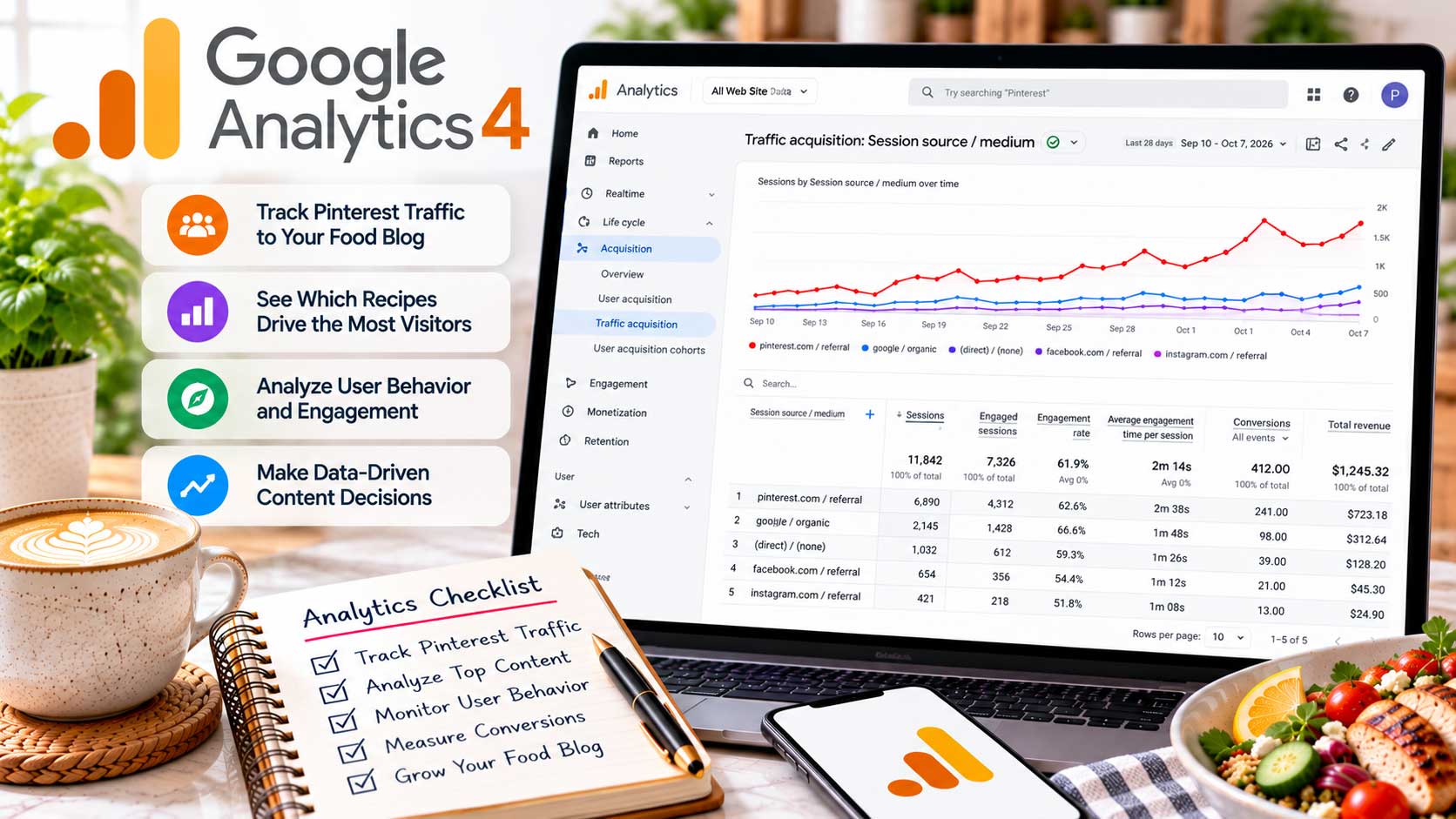
Google Analytics 4 (GA4) is a free website analytics platform that helps food bloggers measure Pinterest traffic, identify popular recipe pages, and understand how visitors interact with their content.
Unlike Pinterest Analytics, which measures activity on Pinterest, GA4 focuses on what happens after someone arrives at your website.
Why Google Analytics 4 Is Useful for Food Bloggers
Imagine your homemade chocolate cake Pin receives 25,000 impressions, while a Mediterranean chicken bowl Pin receives only 8,000.
The chocolate cake appears more successful at first glance.
However, GA4 might reveal that the chicken bowl attracts considerably more website visitors.
You could also discover that those visitors explore other Mediterranean recipes or subscribe to your newsletter.
These insights help you evaluate Pinterest based on actual website activity rather than visibility alone.
Key GA4 Features for Pinterest Marketing
Pinterest Traffic Tracking: Identify sessions attributed to Pinterest and compare them with visitors from Google Search, Facebook, email, and other sources.
Recipe Landing Pages: Discover which recipes attract the most Pinterest visitors and identify articles worth promoting further.
Engagement Reports: Examine engaged sessions, engagement rates, and average engagement time to better understand visitor behavior.
Traffic Source Comparisons: See how Pinterest contributes to your overall website traffic and whether its performance changes seasonally.
Newsletter and Affiliate Tracking: Measure important actions through properly configured events, including newsletter registrations and selected outbound link clicks.
AdSense Integration: Eligible publishers can connect AdSense with GA4 to access additional advertising performance information.
Not every feature works automatically. Newsletter conversions, affiliate interactions, and advertising revenue reporting may require additional setup.
How to Find Pinterest Traffic in Google Analytics 4
If GA4 is already installed on your WordPress website, start by opening your Google Analytics account.
Navigate to Reports → Acquisition → Traffic acquisition.
Depending on your report configuration, the location may differ slightly.
Change the primary dimension to Session source / medium, then search for Pinterest-related traffic.
You may see sources such as pinterest.com or other Pinterest referring domains.
This report helps you examine Pinterest-attributed sessions, engagement, and changes in traffic over time.
To discover which recipes attract those visitors, open the Landing page report and add Session source / medium as a secondary dimension.
For example, you might find that homemade tzatziki, traditional Bulgarian banitsa, and Mediterranean chicken bowls receive the most Pinterest sessions.
You can use this information to improve internal links, update older articles, or create additional Pinterest graphics for promising recipes.
Pinterest Analytics vs. Google Analytics 4
Both tools are useful, but they measure different activities.
| Pinterest Analytics | Google Analytics 4 |
|---|---|
| Pin impressions | Website sessions |
| Saves and Pin clicks | Recipe landing pages |
| Outbound clicks | Visitor engagement |
| Individual Pin performance | Traffic source comparisons |
| Pinterest account activity | Configured website events |
One important distinction is that Pinterest outbound clicks and GA4 sessions won’t necessarily match.
Someone may click your Pin but leave before your website finishes loading. Browser privacy settings, consent choices, and attribution differences can also affect the numbers.
You also don’t need UTM parameters on every Pinterest link to begin tracking referral traffic. GA4 can recognize Pinterest when the necessary referral information is available.
For basic reporting, use clean recipe URLs, Pinterest Analytics to compare individual Pins, and GA4 to evaluate website traffic.
How to Set Up GA4 on WordPress
If you haven’t installed GA4, Google’s free Site Kit plugin provides a convenient setup option.
Create or select your Google Analytics property, install Site Kit, and follow the instructions to connect Analytics with your WordPress website.
Afterward, verify that data is being collected through GA4’s Realtime report or Google Tag Assistant.
Before installing a new tracking solution, check whether GA4 is already connected through Google Tag Manager, another plugin, or manually inserted code.
Duplicate installations can cause inaccurate reporting.
You should also review the privacy and consent requirements applicable to your visitors.
Google Analytics 4 Advantages and Limitations
GA4’s biggest advantage is that it connects Pinterest marketing with measurable website activity.
You can identify popular recipes, compare traffic sources, and track important visitor actions without purchasing analytics software.
However, GA4 can feel complicated for beginners, and some reports require customization.
It also doesn’t replace Pinterest Analytics for measuring individual Pin performance.
Tracking restrictions and attribution differences can affect reporting, so avoid making major decisions based on small changes or limited data.
For most food bloggers, a quick weekly review and a more detailed monthly analysis are enough to identify useful trends.
Is Google Analytics 4 Worth Using?
Google Analytics 4 is an essential free tool for food bloggers who want to understand whether Pinterest is contributing to their website’s growth.
It helps you move beyond impressions and focus on visitors, popular recipes, engagement, and measurable blogging goals.
We recommend combining GA4 with Pinterest Analytics and Pinterest Trends for a more complete understanding of your Pinterest marketing strategy.
Best For: Pinterest referral traffic, recipe landing page analysis, website engagement, and tracking blogging goals.
Pricing: Free standard version; enterprise-level Analytics 360 is available separately.
Overall Recommendation: Best Free Website Traffic and Engagement Analytics Tool for Food Bloggers.
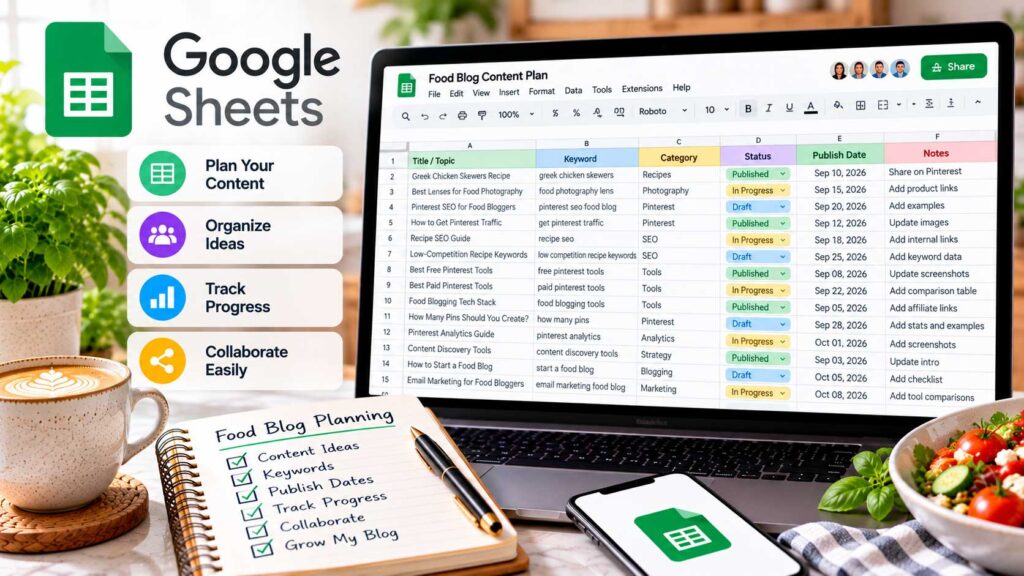
13. Google Sheets – Best Free Content Planner
Once you’ve created Pinterest graphics for dozens of recipes, keeping track of everything can become surprisingly difficult.
Which Pins have already been published? Which recipes still need graphics? Where did you save that Canva design from last month?
Google Sheets gives you a simple way to keep those details in one place. You can organize recipe URLs, keywords, designs, publishing dates, and performance notes without purchasing another marketing platform.
Although it isn’t specifically designed for Pinterest, its flexibility makes it an excellent alternative to paid content planning software.
Why Google Sheets Is Useful for Food Bloggers
Imagine your food blog contains 250 recipes. Some already have several Pinterest graphics, while others haven’t been promoted at all.
Without an organized system, it’s easy to overlook older recipes or accidentally create duplicate graphics.
Google Sheets helps you track which articles need Pinterest content, what keywords you’re targeting, and when each Pin is scheduled to publish.
You can also maintain records of previously published Pins to identify opportunities for new designs.
Key Google Sheets Features for Pinterest Marketing
Content Calendars: Organize upcoming Pins, publication dates, destination boards, and recipe URLs.
Dropdown Menus: Track each Pin’s status using options such as Design Needed, Ready to Schedule, Scheduled, or Published.
Conditional Formatting: Highlight overdue tasks, unpublished graphics, or recipes that need attention.
Filters and Sorting: Quickly find seasonal recipes, specific categories, or Pins awaiting publication.
Performance Tracking: Use formulas, charts, and imported analytics data to monitor Pinterest results.
Real-Time Collaboration: Share your content calendar with assistants, photographers, or other contributors.
You can customize your spreadsheet around your existing workflow rather than adapting to a complicated marketing platform.
How to Create a Pinterest Content Calendar in Google Sheets
Start by creating a spreadsheet called Food Blog Pinterest Content Calendar.
Add columns for the information you’ll need when designing and publishing Pins.
| Field | What to Track |
|---|---|
| Recipe Title | Name of the recipe |
| Recipe URL | Direct link to the article |
| Pinterest Keyword | Main keyword being targeted |
| Pin Title | Headline used on the Pin |
| Design Link | Canva or image file location |
| Pinterest Board | Board where the Pin will appear |
| Scheduled Date | Planned publication date |
| Status | Design Needed, Scheduled, or Published |
| Published Pin URL | Link to the finished Pinterest Pin |
For example, if you’re promoting homemade Greek chicken souvlaki, you can record its recipe URL, target keyword, Canva design, and scheduled publication date.
Once the Pin goes live, update its status and add the published Pinterest URL.
For larger food blogs, consider organizing your spreadsheet into separate tabs for your Recipe Library, Publishing Calendar, Pinterest Performance, and Seasonal Planning.
This keeps everything organized without turning one worksheet into an overwhelming collection of information.
Track Pinterest Performance With Google Sheets
Google Sheets is also useful for comparing Pinterest performance over time.
You can export data from Pinterest Analytics and import the CSV file into a spreadsheet.
Track impressions, saves, outbound clicks, and reporting periods for your published Pins.
You can also calculate outbound click rates automatically.
For example, if impressions are in column D and outbound clicks are in column F, enter this formula in column G:
=IFERROR(F2/D2,0)
Format the result as a percentage.
A Pin with 10,000 impressions and 150 outbound clicks would have an outbound click rate of 1.5%.
Keep separate records for each Pin and reporting period so you can compare results accurately.
For seasonal recipes, these records can help you identify which content performed well during previous holidays and deserves renewed promotion.
Google Sheets Advantages and Limitations
Google Sheets is free, flexible, and easy to customize.
It’s particularly useful for managing large recipe collections, organizing Pinterest workflows, and maintaining performance records.
However, Google Sheets doesn’t publish Pins automatically. You’ll still need Pinterest’s native scheduler or another publishing platform.
It also doesn’t automatically synchronize with Pinterest Analytics without additional integrations.
The biggest potential drawback is creating a spreadsheet that’s too complicated to maintain.
Start with a simple content calendar and add performance tracking or automation only when you need it.
Is Google Sheets Worth Using?
Google Sheets is our top recommendation for food bloggers who want a free and flexible Pinterest content planning system.
It helps you stay organized, identify recipes that need promotional graphics, and track publishing activity without adding another subscription.
For beginners, a simple calendar is enough. Established food bloggers can expand it with seasonal planning, analytics exports, and performance dashboards.
Best For: Pinterest content calendars, recipe keyword tracking, publishing schedules, and performance reporting.
Pricing: Completely free with a personal Google Account. Optional Google Workspace plans offer additional business features.
Overall Recommendation: Best Free Pinterest Content Planning and Tracking Tool for Food Bloggers.
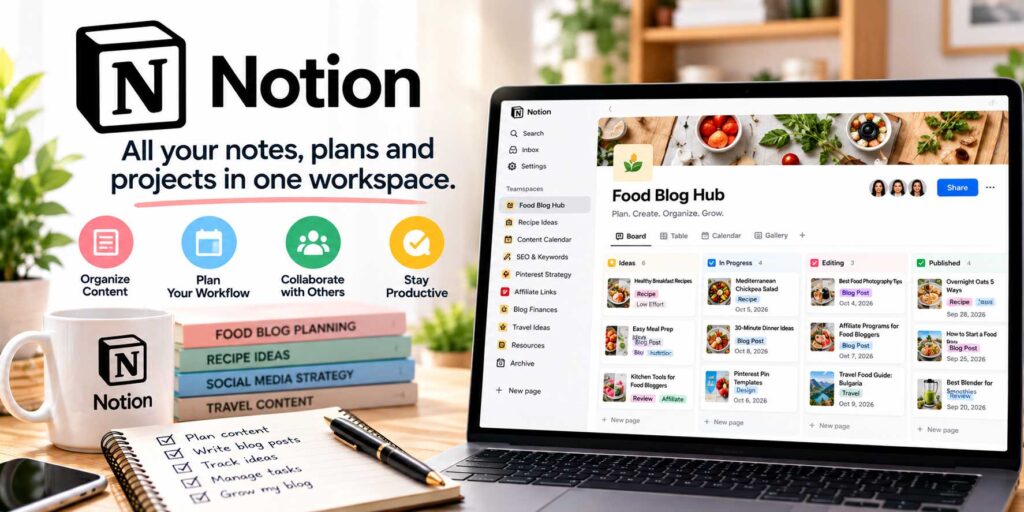
14. Notion – Best Pinterest Content Organization and Workflow Management Tool for Food Bloggers
Notion is a flexible productivity platform that helps food bloggers organize recipe development, Pinterest content planning, and editorial workflows in one workspace.
Unlike Google Sheets, which excels at spreadsheets and performance tracking, Notion combines databases, calendars, task boards, notes, and visual galleries.
This makes it particularly useful for bloggers managing large recipe collections, multiple projects, or several contributors.
Why Notion Is Useful for Food Bloggers
Imagine your website contains 200 recipes, with dozens of Pinterest graphics waiting to be created or scheduled.
Some recipes need updated photographs, others require keyword research, and several are ready for promotion.
Notion lets you organize these activities without maintaining separate documents for every stage.
For example, you could create a page for your homemade Greek chicken souvlaki recipe containing its URL, Pinterest keywords, design links, publication dates, and promotional notes.
You can also assign tasks and track progress as each Pinterest graphic moves toward publication.
Key Notion Features for Pinterest Marketing
Customizable Databases: Organize recipe URLs, Pinterest keywords, designs, and publishing details in one searchable system.
Visual Content Calendars: Plan upcoming Pinterest promotions and seasonal campaigns using calendar views.
Kanban Boards: Track graphic production through stages such as Ideas, Designing, Ready to Schedule, Scheduled, and Published.
Gallery Views: Preview Pinterest designs visually and identify graphics that need improvement.
Reusable Templates: Create consistent task structures for keyword research, graphic design, quality checks, and scheduling.
Connected Databases: Link individual Pinterest graphics to their corresponding recipe articles without repeatedly entering the same information.
Team Collaboration: Assign responsibilities, share notes, and coordinate work with photographers, designers, or assistants.
These features make Notion more than a basic Pinterest calendar. It can become a central workspace for managing your food blog’s content production.
How to Organize Pinterest Content in Notion
Start by creating a page called Food Blog Pinterest Marketing Dashboard.
Add a database containing the information needed to manage your Pins.
| Database Property | Purpose |
|---|---|
| Pin Title | Identify the graphic |
| Recipe URL | Link to the original article |
| Pinterest Keyword | Record the target search term |
| Pin Design | Link to the finished graphic |
| Pinterest Board | Identify the destination board |
| Scheduled Date | Plan publication |
| Status | Track production progress |
| Published Pin URL | Link to the live Pin |
Once your database is ready, create different views of the same information.
Use Calendar View for scheduling, Board View for tracking production, and Gallery View for reviewing graphics.
For larger food blogs, consider maintaining two connected databases: one for published recipes and another for individual Pinterest Pins.
For example, your homemade tzatziki recipe might have three different Pinterest graphics, each with its own headline, photograph, and publication date.
Connecting those records keeps everything organized without duplicating the recipe details.
Notion Pricing in 2026
Notion offers a permanent free plan alongside paid subscriptions.
| Notion Plan | Monthly Billing | Annual Billing* | Best For |
|---|---|---|---|
| Free | $0 | $0 | Individual food bloggers |
| Plus | $12/member | $10/member | Bloggers working with contributors |
| Business | $24/member | $20/member | Teams needing advanced features |
| Enterprise | Custom | Custom | Larger organizations |
Annual prices are monthly equivalents, billed annually. Prices are in USD and may change.
Notion Free includes databases, calendars, boards, and other essential planning features. Individual users can create unlimited pages and blocks, although file uploads are limited to 5 MB per file.
Plus provides additional collaboration features, larger file uploads, and longer page history.
Business adds advanced permissions, broader AI capabilities, and more sophisticated team-management tools.
For most individual food bloggers, the free plan is sufficient for Pinterest content planning.
Notion Advantages and Limitations
Notion’s biggest advantage is flexibility.
You can organize recipe development, Pinterest graphics, seasonal campaigns, and editorial tasks without switching between multiple planning applications.
Its visual boards and connected databases are especially useful for larger content libraries.
However, Notion requires some initial setup, and building an overly complicated dashboard can create unnecessary work.
It also doesn’t natively design or publish Pinterest Pins. You’ll still need Canva, Adobe Express, Pinterest’s scheduler, or another compatible publishing platform.
For detailed performance calculations, Google Sheets may also be more convenient.
Is Notion Worth Using?
Notion is an excellent choice for food bloggers who want to organize Pinterest marketing alongside their broader editorial workflow.
Its databases, calendars, galleries, and task boards make managing recipe production and promotional content more efficient.
For beginners with a small recipe collection, Google Sheets may be simpler.
However, if you’re managing hundreds of recipes, seasonal campaigns, or multiple contributors, Notion’s flexible workspace can be particularly valuable.
Best For: Pinterest content organization, recipe libraries, editorial calendars, and team workflows.
Pricing: Free plan available; Plus starts at $12/member/month or $10/member/month with annual billing.
Overall Recommendation: Best Flexible Pinterest Content Organization and Editorial Workflow Tool for Food Bloggers.
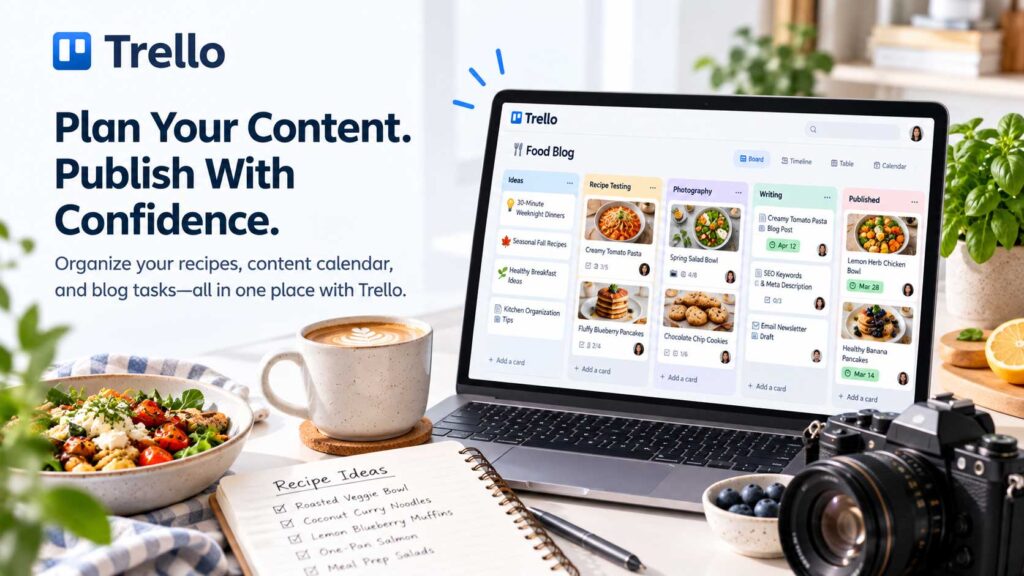
15. Trello – Best for Visual Task Management
Trello is a visual project management platform that helps food bloggers organize Pinterest content creation using boards, lists, and cards.
Unlike Google Sheets or Notion, Trello focuses on keeping tasks simple and easy to follow.
You can organize Pinterest keyword research, graphic design, content reviews, and scheduling without building a complicated management system.
Its free plan is also generous enough for most individual food bloggers.
Why Trello Is Useful for Food Bloggers
Imagine your food blog contains 200 recipes, with dozens waiting for new Pinterest graphics.
Some need keyword research, others require design work, and several are ready to schedule.
Trello allows you to organize these tasks into visual lists and move each Pin through your production workflow.
For example, a card for your homemade Greek chicken souvlaki recipe might begin in Keyword Research, move to Design in Progress, and eventually reach Published.
This makes it easier to see what needs attention without searching through multiple documents.
Key Trello Features for Pinterest Marketing
Visual Boards and Cards: Organize Pinterest tasks into stages and move them between lists as work progresses.
Checklists: Create reusable quality-control lists covering photographs, keywords, Pin titles, descriptions, boards, and destination URLs.
Card Templates: Save your standard Pinterest production process so every new graphic follows the same workflow.
Labels and Due Dates: Organize recipes by category, identify seasonal campaigns, and set deadlines for graphic creation.
Team Collaboration: Assign tasks, share design files, and review Pinterest graphics with assistants or contributors.
Built-In Automation: Automatically perform certain administrative actions, such as assigning cards or updating labels when tasks move between stages.
These features help streamline Pinterest production without requiring advanced project management experience.
How to Create a Pinterest Workflow in Trello
Start by creating a Trello board called Food Blog Pinterest Marketing.
Add lists representing your main production stages.
| Trello List | Purpose |
|---|---|
| Ideas | Recipes that need Pinterest promotion |
| Keyword Research | Research relevant searches |
| Design in Progress | Create Pinterest graphics |
| Ready for Review | Check designs and descriptions |
| Ready to Schedule | Approved graphics |
| Scheduled | Pins awaiting publication |
| Published | Completed Pinterest posts |
Now imagine you’ve published a traditional Bulgarian banitsa recipe.
Create a card containing the recipe URL, target Pinterest keyword, and a link to your original food photographs.
Once you’ve created the graphic in Canva or Adobe Express, attach the design to your Trello card.
Review the headline, description, and destination link before moving the card to Ready to Schedule.
After scheduling through Pinterest or another publishing platform, update the card’s status.
This creates an organized record of your promotional work.
Trello Pricing in 2026
Trello offers a permanent free plan alongside paid subscriptions.
| Trello Plan | Monthly Billing | Annual Billing* | Best For |
|---|---|---|---|
| Free | $0 | $0 | Individual food bloggers |
| Standard | $6/user | $5/user | Growing blogs and small teams |
| Premium | $12.50/user | $10/user | Advanced project management |
| Enterprise | Custom | From $17.50/user | Larger organizations |
Annual prices are monthly equivalents, billed annually. Enterprise pricing varies by organization size. Prices are in USD and may change.
Trello Free includes up to ten open boards per Workspace, unlimited cards, basic checklists, due dates, and 250 automation runs per month.
Standard adds unlimited boards, Custom Fields, advanced checklists, and increased automation allowances.
Premium includes advanced Calendar, Timeline, Table, and Dashboard views, along with additional administrative features.
For most individual food bloggers, Trello Free provides everything necessary to organize Pinterest content production.
Trello Advantages and Limitations
Trello is easy to learn, visually organized, and useful for managing Pinterest tasks across large recipe collections.
Its free plan and collaboration features are particularly appealing to bloggers working with assistants.
However, Trello doesn’t create or publish Pinterest Pins automatically.
You’ll still need a graphic design tool and Pinterest scheduler.
It also doesn’t provide dedicated Pinterest keyword research or performance analytics.
For detailed data tracking, Google Sheets may be more practical. For broader editorial management, Notion offers more flexibility.
Is Trello Worth Using?
Trello is an excellent free option for food bloggers who want a simple way to manage Pinterest content production.
Its boards, checklists, deadlines, and templates make it easy to organize the process from keyword research to publication.
However, if you already have an effective workflow in Google Sheets or Notion, adding another planning platform may be unnecessary.
Choose Trello when visual task management is your main priority.
Best For: Pinterest task management, graphic production workflows, seasonal campaigns, and collaboration.
Pricing: Free plan available; Standard starts at $6/user/month or $5/user/month with annual billing.
Overall Recommendation: Best Simple Pinterest Workflow and Task Management Tool for Food Bloggers.
If you need help organizing more than Pinterest promotions, explore our guide to the best productivity tools for food bloggers. It covers additional ways to manage content calendars, deadlines, and everyday blogging tasks.
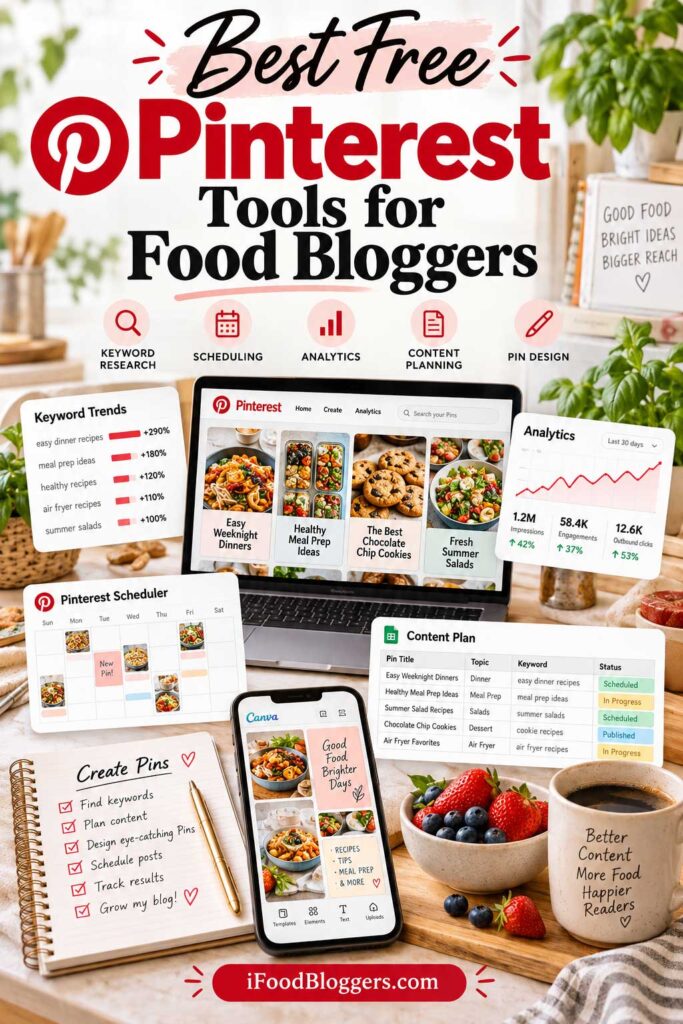
Best Free Pinterest Tools for Food Bloggers (2026)
You don’t need expensive software to start promoting your recipes on Pinterest.
Some of the best Pinterest tools for food bloggers are completely free, covering everything from graphic design and keyword research to scheduling, content planning, and performance tracking.
The key is choosing a few tools that work well together rather than signing up for every platform available.
Best Free Pinterest Tools at a Glance
These ten tools offer useful free features for food bloggers at different stages.
| Free Pinterest Tool | Best For |
|---|---|
| Canva Free | Creating Pinterest graphics and reusable templates |
| Adobe Express Free | Pinterest design and built-in scheduling |
| Pinterest Trends | Keyword research and seasonal search trends |
| Pinterest Native Scheduler | Scheduling Pins directly through Pinterest |
| Pinterest Analytics | Tracking impressions, saves, and outbound clicks |
| Google Analytics 4 | Measuring Pinterest website traffic |
| Google Sheets | Content calendars and performance tracking |
| Buffer Free | Scheduling Pinterest and other social posts |
| Notion Free | Editorial organization and content workflows |
| Trello Free | Managing Pinterest production tasks |
All ten offer free functionality, although certain features, publishing limits, and collaboration options depend on the plan.
You don’t need all ten tools. Several overlap, and using too many can make your Pinterest workflow unnecessarily complicated.
The Best Completely Free Pinterest Tool Stack
For most beginner food bloggers, we recommend starting with six tools.
| Pinterest Marketing Task | Recommended Free Tool |
|---|---|
| Create Pinterest graphics | Canva Free |
| Research keywords and seasonal trends | Pinterest Trends |
| Schedule Pins | Pinterest Native Scheduler |
| Track Pin performance | Pinterest Analytics |
| Measure website traffic | Google Analytics 4 |
| Organize content and publishing dates | Google Sheets |
| Total Monthly Software Cost | $0 |
This combination covers the essentials without requiring additional subscriptions.
Canva helps you create attractive graphics using your original recipe photographs. Pinterest Trends provides keyword and seasonal research, while Pinterest’s native scheduler handles publication.
Pinterest Analytics shows which Pins attract attention and outbound clicks. GA4 helps you understand which recipes receive visitors, and Google Sheets keeps everything organized.
If you prefer one application for designing and scheduling Pins, Adobe Express Free is a useful alternative.
Buffer Free is worth considering if you also manage Instagram or Facebook, while Notion and Trello can help organize more complicated editorial workflows.
How to Build a Free Pinterest Marketing Workflow
Imagine you’ve published a homemade Greek chicken souvlaki recipe and want to promote it on Pinterest.
Start by researching relevant searches in Pinterest Trends. Look for phrases that accurately describe your recipe, such as “Greek chicken souvlaki” or “Greek chicken skewers.”
Next, open Canva Free and create a vertical Pinterest graphic using an original photograph. A 1000 × 1500 pixel design is a practical starting point.
Add a descriptive headline, such as “Easy Greek Chicken Souvlaki Recipe,” and keep the text readable on mobile devices.
Record the recipe URL, target keyword, Pin title, and planned publication date in Google Sheets.
Then upload your graphic to Pinterest, select a relevant board, add your description and direct recipe URL, and schedule publication.
After the Pin has accumulated useful performance data, review its outbound clicks in Pinterest Analytics and investigate the resulting website traffic in GA4.
This creates a repeatable process you can use for new recipes and older articles that deserve additional promotion.
When Should Food Bloggers Upgrade to Paid Pinterest Tools?
Free software can support your Pinterest marketing for a long time.
However, paid tools may become useful when your recipe collection grows or your publishing workflow becomes difficult to manage manually.
For example, Tailwind or Pin Generator may help when you’re regularly creating and scheduling large batches of Pinterest graphics.
PinClicks may be worth considering when you need more detailed keyword research, competitor analysis, or ranking information.
And Buffer Essentials or Metricool Starter can provide additional scheduling flexibility when you’re managing multiple social networks.
Before subscribing, identify the specific problem you want to solve.
Will the software save meaningful time? Does it provide research or reporting features you actually need? Will you use those features regularly?
Don’t upgrade simply because a paid tool promises to make Pinterest marketing easier.
Our Recommendation: Start Free and Upgrade Strategically
For most beginner food bloggers, free tools provide everything needed to establish a practical Pinterest marketing workflow.
Start with Canva, Pinterest Trends, Pinterest’s native scheduler, Pinterest Analytics, Google Analytics 4, and Google Sheets.
Focus on publishing helpful recipes, creating attractive graphics with original photography, researching relevant keywords, and monitoring which Pins bring visitors to your website.
As your content library grows, consider paid software when it solves a genuine workflow limitation.
The goal isn’t to use every Pinterest tool. It’s to build a simple, sustainable system that helps more people discover your recipes.
Best Paid Pinterest Tools for Food Bloggers: Which Are Worth the Money?
Free Pinterest tools can take your food blog a long way. However, as your recipe collection grows, paid software may help you save time, improve your workflow, or research new opportunities more efficiently.
The important thing is choosing a tool that solves a specific problem.
You might need faster graphic creation, more flexible scheduling, advanced keyword research, or a better way to manage hundreds of existing recipes.
Here are the paid Pinterest tools we recommend considering in 2026.
Best Paid Pinterest Tools Compared
| Pinterest Tool | Best For | Starting Paid Price |
|---|---|---|
| Canva Pro | Professional Pinterest graphic design | $18/month or $144/year |
| Tailwind | Pinterest scheduling and automation | $29.99/month |
| PinClicks | Advanced keyword and competitor research | $29/month |
| Metricool | Managing multiple social networks | $25/month |
| Buffer Essentials | Affordable Pinterest scheduling | $6/month per channel |
| Adobe Express Premium | Design and social media publishing | $9.99/month |
| Pin Generator | Bulk Pinterest graphic creation | $29.99/month |
Prices reflect the providers’ published U.S. plans in October 2026. Annual discounts, promotional offers, credits, and account limits may affect the final cost.
These tools serve different purposes, so there’s little reason to subscribe to all seven.
Which Paid Pinterest Tool Should You Choose?
The right subscription depends on what’s slowing you down.
If graphic design takes too much time, start by comparing Canva Pro and Adobe Express Premium. For affordable scheduling, Buffer Essentials is a practical option, while Tailwind offers more specialized Pinterest automation.
PinClicks is worth considering when you need advanced keyword and competitor research. Metricool makes more sense when you’re managing several social platforms, and Pin Generator is particularly useful for websites with large recipe archives.
You don’t need to purchase several tools at once. Choose the one that solves your most important problem, test it with real content, and expand your setup only when there’s a clear reason to do so.
When Should Food Bloggers Start Paying for Pinterest Tools?
For a new food blog with 20–30 recipes, free tools are usually enough.
Your priorities should be publishing useful recipes, developing original food photography, researching relevant keywords, and learning which Pins attract website visitors.
Once your website reaches 100–300 recipes, a paid tool may become worthwhile if repetitive tasks are consuming several hours each month.
For an established food blog with hundreds of recipes, bulk creation software or advanced Pinterest research tools may provide greater value.
However, the number of recipes alone doesn’t determine whether a subscription is worthwhile. Your publishing volume, current traffic, available time, and actual workflow problems matter more.
How to Decide Whether a Paid Tool Is Worth It
Before subscribing, consider how much time the tool could realistically save.
For example, imagine a Pinterest platform costs $30 per month.
If it saves you three hours of repetitive work, you’re paying approximately $10 per hour saved. That may be reasonable if you can use those hours to improve recipes, create new content, or work on other important tasks.
But if it saves only 15 minutes each month, the subscription is considerably harder to justify.
Also, consider testing monthly billing before committing to an annual plan.
A discounted yearly subscription isn’t a bargain if you stop using the platform after a few weeks.
Our Recommendation: Start With One Paid Tool
For most food bloggers, one carefully chosen paid tool is more valuable than several overlapping subscriptions.
Canva Pro is a strong option when design is your biggest challenge. Buffer Essentials offers affordable scheduling, while Tailwind provides more specialized Pinterest workflows.
PinClicks is worth investigating for advanced keyword research, Metricool for multi-platform management, and Pin Generator for large recipe archives.
If your existing free tools already meet your needs, there’s no urgency to upgrade.
Invest in software when it helps you work more efficiently, not simply because another blogger recommends it.
Your most valuable Pinterest marketing assets will always be your original photography, useful recipes, relevant keywords, and a consistent content strategy.
Best Pinterest Tool Stacks for Food Bloggers: From Free to $100 per Month
Choosing the right Pinterest tools doesn’t mean subscribing to every platform available.
For most food bloggers, an effective Pinterest marketing setup needs to cover five essential activities: keyword research, graphic design, scheduling, content organization, and performance tracking.
The good news is that you can handle all five without spending money on software.
As your recipe collection grows, however, a few carefully selected paid tools may help you work more efficiently.
Here’s how we’d build a Pinterest marketing toolkit at four different budget levels.
Pinterest Marketing Tool Stacks Compared
| Monthly Budget | Recommended Tools | Best For |
|---|---|---|
| $0 | Canva Free, Pinterest Trends, Pinterest Native Scheduler, Pinterest Analytics, GA4, Google Sheets | Beginners |
| Under $20 | Canva Free + Buffer Essentials, or Canva Pro with annual billing | Small, growing blogs |
| $20–$50 | Tailwind, PinClicks, or Metricool + free supporting tools | Growing recipe websites |
| $50–$100 | Tailwind + PinClicks, or Pin Generator + PinClicks | Established food blogs |
These are example combinations based on October 2026 pricing. Annual subscriptions, promotional offers, and account limits may affect actual costs.
The $0 Pinterest Tool Stack: Best for Beginners
If you’re launching a food blog, start with free software.
Our recommended combination is Canva Free, Pinterest Trends, Pinterest’s Native Scheduler, Pinterest Analytics, Google Analytics 4, and Google Sheets.
Together, these tools let you research relevant searches, create Pinterest graphics, organize publishing dates, schedule Pins, and monitor website traffic.
Imagine you’ve just published 25 recipes.
Choose five articles with appealing original photographs, research their keywords, and create one or two distinct Pinterest graphics for each.
Schedule the Pins using Pinterest’s free tools and track their results over time.
This gives you an opportunity to develop a reliable marketing routine before investing in automation.
Recommended monthly cost: $0.
The Under-$20 Pinterest Tool Stack: Best for Small Food Blogs
Once you’ve established a publishing routine, your first paid upgrade should solve a specific problem.
If scheduling is taking too much time, Canva Free + Buffer Essentials is an affordable combination.
Buffer Essentials starts at $6 per month for one Pinterest channel, giving you more scheduling flexibility without requiring expensive automation software.
If graphic design is your biggest challenge, consider Canva Pro instead.
Its annual subscription costs $144, equivalent to $12 per month, although that amount is paid upfront.
Combining annually billed Canva Pro with monthly Buffer Essentials works out to approximately $18 per month.
However, Canva also offers publishing features, so check whether you genuinely need both subscriptions.
Adobe Express Free is another alternative worth considering because it combines graphic design and Pinterest scheduling without a paid subscription.
Recommended monthly cost: $6–$18, depending on your choices and billing terms.
The $20–$50 Pinterest Tool Stack: Best for Growing Recipe Websites
When you’re managing 100–300 recipes, publishing and content research may require more time.
At this stage, we’d recommend choosing one primary paid platform.
Tailwind ($29.99/month) is worth considering if you want specialized Pinterest scheduling, content creation, and automation.
PinClicks ($29/month) is more useful when your biggest challenge is keyword research, competitor analysis, and tracking Pinterest search visibility.
Metricool Starter ($25/month) is a practical option if you’re actively managing Pinterest alongside Instagram, Facebook, and other social media accounts.
You can combine any of these platforms with Canva Free, Pinterest Trends, Pinterest Analytics, and GA4.
There’s no need to purchase all three.
Choose the platform that addresses your most time-consuming activity.
Recommended monthly cost: Approximately $25–$30 for one paid tool.
The $50–$100 Pinterest Tool Stack: Best for Established Food Blogs
Established food blogs with hundreds of recipes may benefit from combining two specialized platforms.
Here are several useful options.
| Tool Combination | Standard Monthly Cost | Best For |
|---|---|---|
| Tailwind + PinClicks | $58.99 | Pinterest automation and keyword research |
| Pin Generator + PinClicks | $58.99 | Bulk Pin creation and research |
| Metricool + PinClicks | $54.00 | Multi-platform scheduling and Pinterest research |
| Tailwind + PinClicks + Canva Pro* | $70.99 | Advanced research, scheduling, and design |
The last combination uses Canva Pro’s annual price expressed as a $12 monthly equivalent; the annual subscription is paid upfront.
For a food blog with 500 published recipes, Pin Generator + PinClicks may be particularly useful.
Pin Generator can help create graphics from existing recipe URLs, while PinClicks provides additional keyword and competitor research.
Alternatively, Tailwind and PinClicks can combine specialized scheduling with research.
However, more automation doesn’t automatically mean more website traffic.
Every Pin still needs accurate food photography, a useful headline, relevant keywords, and a destination page that delivers what the graphic promises.
Avoid Paying for Overlapping Tools
Some platforms provide similar features.
Canva Pro and Adobe Express Premium both offer advanced design tools. Buffer, Metricool, Later, and Tailwind all provide scheduling capabilities.
Likewise, Google Sheets, Notion, and Trello can each help organize your Pinterest workflow.
You usually don’t need multiple subscriptions that perform essentially the same task.
Before upgrading, review what your existing software already includes.
Review Your Pinterest Tool Stack After 30 Days
Once you’ve selected your tools, evaluate whether they’re making your work easier.
Consider how much time you’re saving, whether you’re publishing more consistently, and how easily you can organize your recipe graphics and content calendar.
Then review Pinterest outbound clicks and GA4 website sessions.
Remember that 30 days may be enough to evaluate workflow improvements, but not necessarily enough to determine long-term traffic results.
If a paid subscription genuinely saves time or provides valuable research, it may be worth keeping.
If you’re barely using it, reconsider the expense.
Our Recommendation: Keep Your Pinterest Marketing Simple
For beginners, start with free tools.
For growing food blogs, consider one paid subscription that solves your biggest workflow problem.
For established recipe websites, evaluate specialized combinations only when your publishing volume and marketing needs justify the expense.
The best Pinterest tool stack isn’t the most expensive one. It’s the smallest combination that helps you consistently create, publish, and improve Pinterest content without wasting time or money.
Common Pinterest Tool Mistakes Food Bloggers Should Avoid
Pinterest tools can save time, simplify content creation, and help you make better marketing decisions. However, even expensive software won’t automatically increase your website traffic.
Some of the biggest mistakes happen when food bloggers rely too heavily on automation, focus on the wrong metrics, or overlook the quality of the recipes they’re promoting.
Here are ten common problems worth avoiding.
1. Paying for Too Many Pinterest Tools
It’s easy to accumulate subscriptions when several platforms promise faster design, better scheduling, or more advanced analytics.
For example, Canva Pro, Adobe Express Premium, Tailwind, and Pin Generator all offer some form of graphic creation. Buffer, Metricool, Later, and Tailwind also have overlapping scheduling features.
Most individual food bloggers don’t need several paid applications performing similar tasks.
Before subscribing to another platform, check whether your existing tools already provide what you need. Start with one design tool and one scheduling solution, then add specialized software only when it solves a genuine problem.
2. Automating Pinterest Before Developing a Strategy
Bulk creation tools can produce dozens of Pinterest graphics quickly, but publishing more content doesn’t guarantee better results.
Imagine generating 100 Pins for recipes that haven’t been researched for Pinterest keywords or seasonal interest.
The software may save time, but the underlying strategy still needs work.
Start with a manageable number of well-designed Pins, monitor their performance, and learn which recipes attract visitors.
Once you’ve established a reliable workflow, automation can help you expand it.
3. Publishing Too Many Nearly Identical Pins
Some Pinterest automation platforms can generate dozens of graphics from a single recipe.
However, changing a background color or moving a headline doesn’t necessarily create a meaningful variation.
For example, if you’re promoting homemade Greek chicken gyros, consider using different original photographs showing the complete meal, the seasoned chicken, or the dish served with pita bread and tzatziki.
Each design should offer something visually distinct while accurately representing the recipe.
Avoid repeatedly publishing duplicate or nearly identical graphics, which can create a poor user experience and potentially trigger Pinterest’s spam protections.
4. Using AI Food Images That Don’t Match Your Recipes
AI-generated images can look impressive, but they can also mislead readers when they don’t resemble the finished dish.
Imagine promoting a homemade chocolate cake with an AI image showing several elaborate layers and decorations that aren’t part of your recipe.
Readers clicking the Pin may expect to recreate the cake shown in the photograph.
When your article features something entirely different, that disconnect can damage trust.
Use original photographs of the food you’ve actually prepared. AI can assist with layouts, design ideas, and other creative tasks without replacing accurate recipe photography.
5. Targeting Irrelevant Keywords or Stuffing Descriptions
Pinterest keyword research should help people discover recipes that match their interests.
It shouldn’t encourage you to target every popular search phrase.
For example, a traditional Greek moussaka made with minced meat shouldn’t target “vegetarian Mediterranean dinners” simply because that keyword appears popular.
Likewise, repeating variations of “best chicken recipe” throughout a Pin description doesn’t provide much useful information.
Instead, write a natural description explaining the actual dish, its main ingredients, and what readers can expect.
Relevant keywords are more useful than a long collection of unrelated search phrases.
6. Creating Pinterest Graphics That Are Difficult to Read
A Pinterest design may look beautiful on a large monitor but become difficult to understand on a phone.
Common problems include small text, overly decorative fonts, crowded layouts, and headlines that cover the food.
For most standard Pinterest graphics, a vertical 1000 × 1500 pixel design is a practical starting point.
Use a clear photograph and a descriptive headline, such as “Easy Mediterranean Chicken Bowls.”
Before publishing, preview your graphic at mobile size. Make sure the text is readable and the finished dish remains the main focus.
7. Ignoring Seasonal Pinterest Search Trends
Scheduling tools make publishing easier, but they don’t automatically determine when people are interested in particular recipes.
Christmas cookies, pumpkin desserts, summer salads, and holiday appetizers often have different seasonal patterns.
If you wait until Christmas week to begin promoting holiday baking recipes, you may miss earlier searches from people planning their menus.
Use Pinterest Trends to research historical interest and prepare relevant Pins ahead of seasonal demand.
Remember that not every recipe is seasonal. Evergreen content, such as homemade tzatziki or basic cooking tutorials, can remain useful throughout the year.
8. Focusing on Impressions Instead of Website Traffic
A Pinterest graphic receiving 50,000 impressions may look successful, but those impressions don’t necessarily translate into recipe readers.
Another Pin with considerably fewer impressions could generate more outbound clicks.
That’s why Pinterest Analytics and Google Analytics 4 are important.
Pinterest Analytics helps you monitor impressions, saves, and outbound clicks. GA4 helps you understand which recipes receive visitors from Pinterest.
Review your performance regularly, but avoid judging every Pin immediately after publication.
Some content gains attention gradually, particularly when seasonal interest increases.
Look for meaningful patterns across longer reporting periods rather than reacting to daily changes.
9. Forgetting to Check Links and Recipe Pages
A well-designed Pin won’t provide a good experience if it leads to the wrong page.
Imagine someone clicking a graphic promoting traditional Bulgarian banitsa, only to arrive at your homepage or a broken URL.
Even when the destination is correct, slow loading times, difficult navigation, or missing recipe instructions can frustrate visitors.
Before scheduling a Pin, verify its destination link and review the recipe on a mobile device.
Before directing more Pinterest visitors to your website, make sure the technical foundation is reliable. Our guide to common WordPress mistakes covers performance, security, broken functionality, and other problems that can affect a food blog’s user experience.
Make sure the photographs load properly, the recipe card is accessible, and the instructions are easy to follow.
This is especially important when using bulk publishing tools or changing WordPress permalinks.
10. Treating Pinterest Software as a Replacement for Content Quality
The most important part of Pinterest marketing is still the recipe itself.
Beautiful graphics and advanced automation won’t compensate for inaccurate ingredient measurements, untested instructions, or photographs that don’t match the finished dish.
The same applies to organization.
Keep a simple publishing calendar in Google Sheets, Notion, or Trello so you know which recipes you’ve promoted and which still need attention.
Before creating additional Pins for older articles, review their content and improve anything that needs updating.
Pinterest tools should help readers discover valuable recipes, not replace the work required to create them.
How to Avoid These Pinterest Marketing Mistakes
The simplest approach is to develop a workflow you can consistently maintain.
Research relevant keywords, choose accurate original photographs, create readable graphics, and check every destination URL before publishing.
Keep a record of your scheduled Pins and review their performance using Pinterest Analytics and GA4.
Most importantly, don’t assume that more software, more automation, or more Pins will automatically produce better traffic.
Choose tools that save time and improve your work while keeping your recipes, readers, and long-term content quality at the center of your Pinterest strategy.
Frequently Asked Questions About Pinterest Tools for Food Bloggers
Choosing the right Pinterest marketing tools can raise plenty of questions, especially when you’re comparing free software, paid subscriptions, and automated publishing platforms.
Here are answers to some of the most common questions food bloggers have about creating Pinterest graphics, scheduling Pins, researching keywords, and growing website traffic.
What Are the Best Pinterest Tools for Food Bloggers?
The best Pinterest tools for food bloggers include Canva for graphic design, Pinterest Trends for keyword research, Tailwind for specialized scheduling, and Pinterest Analytics for performance tracking.
Google Analytics 4 is also essential for understanding how much website traffic Pinterest generates.
For beginners, combining free design, research, scheduling, and analytics tools is usually enough.
What Is the Best Free Pinterest Tool for Food Bloggers?
Canva Free is one of our favorite free tools for creating Pinterest graphics because it offers customizable templates, photo editing, and an easy-to-use design interface.
However, Pinterest Trends is better for keyword research, while Pinterest Analytics helps measure performance.
There’s no single free tool that handles every part of Pinterest marketing equally well.
Do Food Bloggers Need Paid Pinterest Tools?
No. You can create graphics, research keywords, schedule Pins, and track performance without purchasing a subscription.
Paid platforms such as Tailwind, Buffer, PinClicks, and Pin Generator become more useful when you need advanced research, larger scheduling queues, or bulk content creation.
Start with free software and upgrade when you’ve identified a specific problem worth solving.
Is Canva or Adobe Express Better for Pinterest?
Both platforms are excellent for creating Pinterest graphics.
Canva is particularly appealing for its extensive template library, reusable designs, and beginner-friendly editing tools.
Adobe Express offers strong design capabilities and built-in social media scheduling, including free scheduling features.
Try both free versions and choose the one that fits your workflow. Most individual bloggers don’t need paid subscriptions to both.
What Is the Best Pinterest Keyword Research Tool?
Pinterest Trends is our preferred free option for researching seasonal search interest and comparing relevant keywords.
For more advanced research, PinClicks provides additional keyword discovery, competitor analysis, and Pinterest ranking information.
Pinterest Trends is sufficient for most beginners, while PinClicks may be useful for established food blogs developing a more detailed Pinterest SEO strategy.
Can You Schedule Pinterest Pins for Free?
Yes. Pinterest provides free scheduling for business accounts.
You can currently schedule up to 10 Pins at a time, with publication dates up to 30 days in advance.
Buffer Free and Adobe Express Free also offer scheduling features.
For food bloggers publishing a few quality Pins each week, these options may be enough without paying for a scheduling platform.
How Many Pinterest Pins Should Food Bloggers Create Per Recipe?
There’s no fixed number that works for every recipe.
As a starting experiment, consider creating two or three genuinely different graphics for selected articles.
For example, a Greek chicken souvlaki recipe could feature the finished skewers, a serving with pita bread and tzatziki, or another original photograph.
Avoid publishing large numbers of nearly identical Pins. Focus on useful visual differences rather than quantity alone.
How Often Should Food Bloggers Post on Pinterest?
Publishing a few high-quality Pins each week can be a manageable starting point for beginners.
Established food bloggers with larger recipe collections may publish more frequently.
However, there’s no universal posting frequency that guarantees Pinterest traffic.
Choose a schedule you can maintain, publish relevant original content, and adjust your approach based on actual performance.
Can AI and Automation Tools Create Pinterest Pins?
Yes. Platforms such as Pin Generator and Tailwind can help automate parts of graphic creation, writing, and scheduling.
However, automated content still requires editorial review.
Check that photographs accurately represent your recipes and that generated descriptions don’t contain incorrect ingredients, preparation times, or dietary claims.
For food bloggers, AI works best as a production assistant rather than a replacement for original food photography and accurate recipe content.
Which Pinterest Metrics Matter Most for Food Bloggers?
If your main goal is growing website traffic, outbound clicks are among the most important Pinterest metrics.
Impressions and saves are useful for understanding visibility and audience interest, but they don’t necessarily translate into website visits.
Use Pinterest Analytics to measure Pin performance and Google Analytics 4 to examine Pinterest-attributed sessions and recipe landing pages.
Do You Need a Pinterest Business Account for a Food Blog?
A free Pinterest business account is strongly recommended if you’re using Pinterest to promote your recipes.
It provides access to Pinterest Analytics, native scheduling, and other publishing features.
You should also consider claiming your website so Pinterest can associate content from your domain with your account.
You don’t need to purchase Pinterest advertising to use these organic marketing features.
How Long Does It Take to Get Pinterest Traffic?
There’s no guaranteed timeline.
Some Pins attract interest soon after publication, while others gradually gain visibility or perform better during particular seasons.
For example, a pumpkin bread Pin may receive more attention as autumn approaches.
Rather than expecting immediate results, maintain a consistent publishing routine and evaluate performance over meaningful periods.
Can Pinterest Tools Help Food Bloggers Make Money?
Pinterest tools can indirectly support blogging income by helping more people discover your recipes.
Website visitors may contribute to advertising revenue, subscribe to your newsletter, purchase digital products, or explore relevant affiliate recommendations.
However, Pinterest software doesn’t guarantee traffic or earnings.
Focus on useful recipes, original photography, relevant keywords, and a positive website experience before investing heavily in paid automation.
Final Thoughts: Choosing the Best Pinterest Tools for Your Food Blog
Pinterest can be a valuable traffic source for food bloggers, but success takes more than creating attractive graphics and scheduling Pins.
You need to understand what your audience is searching for, create content worth discovering, and track which recipes actually bring visitors to your website.
Fortunately, some of the best Pinterest tools for food bloggers are completely free.
If you’re just getting started, I recommend combining Canva Free, Pinterest Trends, Pinterest’s native scheduler, Pinterest Analytics, Google Analytics 4, and Google Sheets. Together, these tools provide everything you need to build an organized Pinterest marketing workflow without monthly software expenses.
As your recipe collection grows, paid platforms such as Tailwind, Buffer, PinClicks, or Pin Generator may help you save time and manage more content.
But don’t feel pressured to upgrade simply because your blog is getting bigger.
More tools don’t automatically mean more Pinterest traffic.
It’s easy to spend more time comparing software than improving the content you’re trying to promote. A new tool might make your workflow faster, but it won’t turn an unhelpful recipe into something readers want to make.
A beautifully designed Pin won’t accomplish much if the recipe isn’t helpful, the keywords are irrelevant, or the destination page disappoints readers.
Focus on original food photography, tested recipes, clear headlines, and a consistent publishing routine. Then use Pinterest Analytics and GA4 to understand what’s working.
When a particular task becomes time-consuming, choose a tool that solves that problem.
Ultimately, the best Pinterest tools are the ones that help you work more efficiently without distracting you from creating great content.
Start simple, improve your strategy as you learn, and keep your focus on what matters most: helping more people discover, cook, and enjoy your recipes.
Read Next: More Pinterest and Food Blogging Guides
Choosing the right Pinterest tools is a great starting point, but knowing how to use them effectively is what makes the difference.
These additional iFoodBloggers guides will help you improve your Pinterest strategy, create better Pins, and attract more visitors to your recipes.
- Pinterest for Food Bloggers – Learn how to build a Pinterest strategy for your recipe website.
- Pinterest SEO for Food Bloggers – Discover how to optimize your Pins, boards, and descriptions for Pinterest search.
- How to Get Pinterest Traffic to a Food Blog – Explore practical ways to turn Pinterest visibility into recipe website visits.
- How Many Pins Should Food Bloggers Create? – Find a sustainable publishing frequency without producing repetitive content.
- How to Get More Traffic to Your Food Blog – Learn how to grow your audience through Pinterest, Google Search, SEO, and other traffic sources.
Start with the guide that addresses your biggest challenge, and build your Pinterest strategy one step at a time.