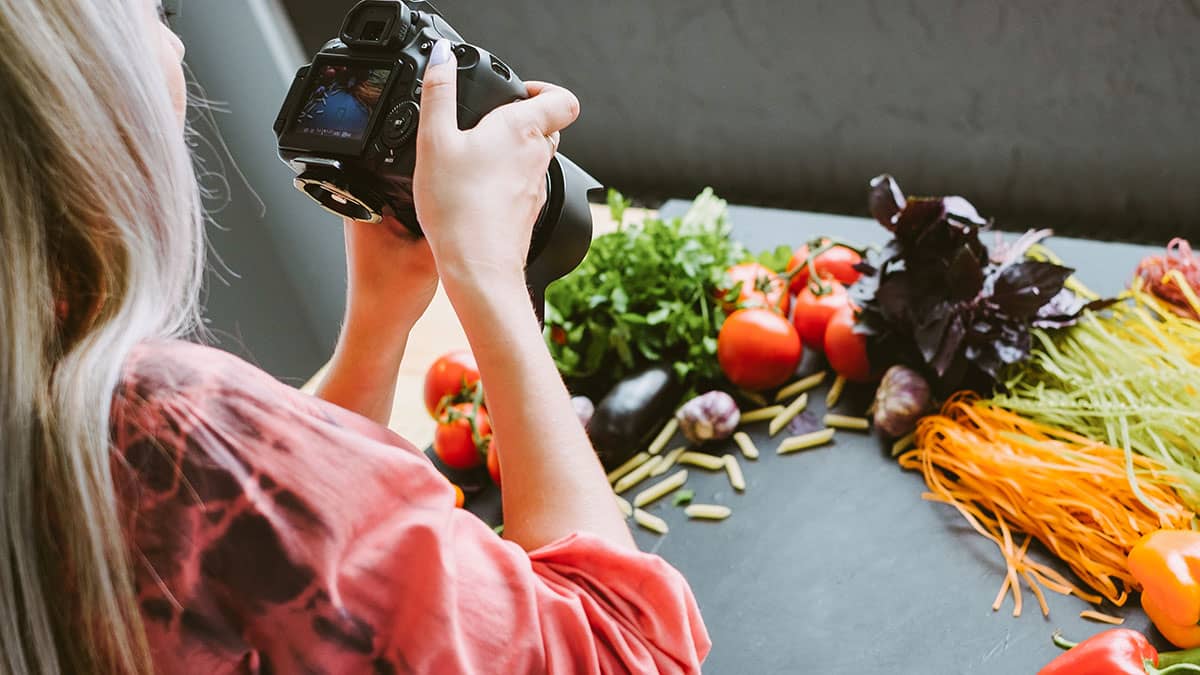
Starting a food blog is much easier when you have the right tools to help with the work behind the scenes. From writing and optimizing recipes to editing food photos, creating Pinterest pins, building an email list, and tracking traffic, the right blogging tools can save you hours every week.
The good news is that you do not need an expensive collection of software to get started. Many of the best tools for food bloggers offer free plans or useful free versions, and you can always upgrade later when your blog grows and your needs become more advanced.
In this guide, we’ll cover more than 25 useful tools for food bloggers, including options for SEO, recipe publishing, photography, email marketing, social media, analytics, productivity, website performance, and monetization.
You definitely do not need every tool on this list. Start with the ones that solve a problem you have right now, keep your setup simple, and add new tools only when they make your blogging workflow easier or more effective.
What Tools Do Food Bloggers Actually Need?
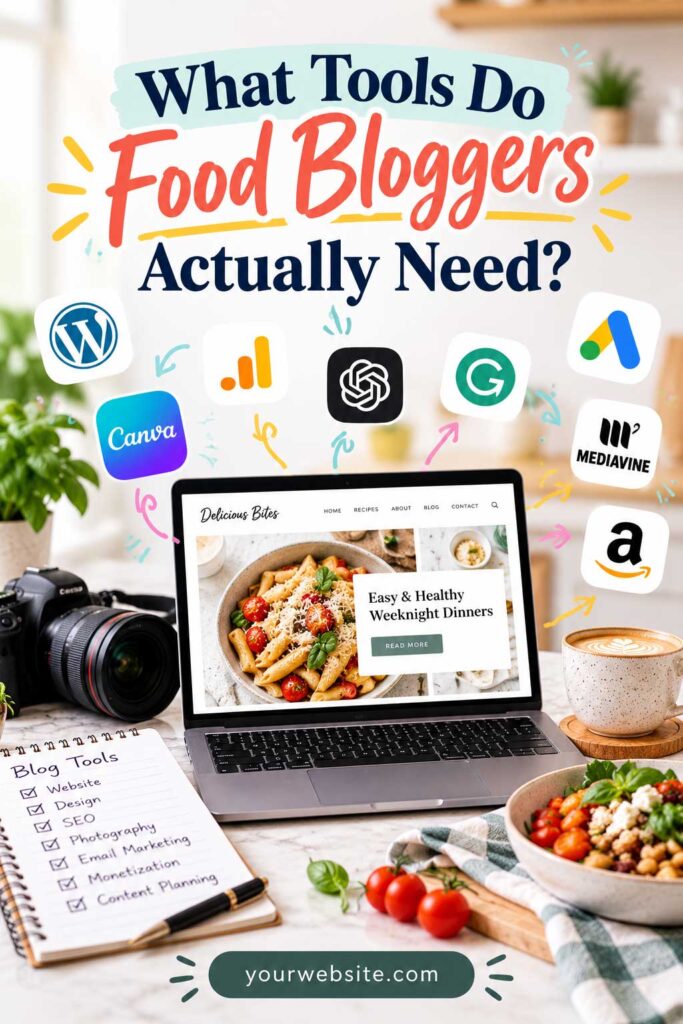
Most food bloggers only need a small core set of tools when they are getting started.
At minimum, you will usually want:
- A blogging platform such as WordPress
- A recipe plugin if you publish recipes
- An SEO tool
- Google Search Console and analytics
- A design tool for Pinterest and social graphics
- A basic image optimization tool
- An email marketing platform
- A simple system for planning and organizing content
As your blog grows, you can add more advanced tools for keyword research, photography, social scheduling, monetization, automation, and team collaboration.
The goal is not to use as many tools as possible. It is to build a simple toolkit that saves time and helps you create better content.
Affiliate Disclosure: Some links in this article may be affiliate links. If you make a purchase or sign up through one of these links, iFoodBloggers may earn a commission at no extra cost to you.
Quick Comparison: Best Tools for Food Bloggers
Before we look at each tool in more detail, here is a quick comparison of some of the most useful tools for starting, managing, and growing a food blog.
| Tool | Best For | Free Option? |
|---|---|---|
| WordPress | Building and managing a food blog | Yes |
| WP Recipe Maker | Recipe cards and recipe SEO | Yes |
| Rank Math | On-page SEO | Yes |
| Google Search Console | Monitoring Google search performance | Yes |
| Google Analytics 4 | Website traffic analytics | Yes |
| Google Trends | Finding trending and seasonal topics | Yes |
| Google Keyword Planner | Keyword research | Yes |
| Ahrefs Webmaster Tools | SEO audits and backlink data | Yes |
| Canva | Pinterest pins, graphics, and social content | Yes |
| Adobe Lightroom | Editing food photography | Limited |
| TinyPNG | Compressing website images | Yes |
| Cloudflare | Website speed and security | Yes |
| Mailchimp | Email marketing | Yes |
| MailerLite | Newsletters and email automation | Yes |
| Kit | Email marketing for creators | Yes |
| Visual discovery and traffic | Yes | |
| Tailwind | Pinterest scheduling | Limited |
| Buffer | Social media scheduling | Yes |
| Google Drive | File storage and organization | Yes |
| Google Docs | Writing and collaboration | Yes |
| Google Sheets | Content planning and tracking | Yes |
| Notion | Editorial planning and organization | Yes |
| Grammarly | Writing and proofreading | Yes |
| ChatGPT | Research, ideas, and content workflows | Yes |
| PayPal | Receiving payments | Free to open |
| Stripe | Processing online payments | Free to open |
| Amazon Associates | Affiliate monetization | Free to apply |
| Google AdSense | Display advertising | Free to apply |
You do not need to use all of these tools at once. A new food blogger can start with a small core toolkit and add more specialized tools as traffic, content production, and revenue grow.
1. WordPress — Best Overall Platform for Food Bloggers

WordPress remains one of the best platforms for building a serious food blog because it gives you control over your content, design, SEO, and monetization.
Compared with many hosted website builders, WordPress gives you more control over hosting, plugins, themes, SEO, and monetization.
That flexibility is especially useful for food bloggers. Recipe websites often need structured recipe cards, nutritional information, image galleries, Pinterest optimization, email signup forms, caching, schema markup, and advertising integrations. WordPress makes it possible to add those features as your site grows instead of rebuilding everything later.
Another major advantage is its large ecosystem of themes and plugins. You can start with a relatively simple setup and add more advanced functionality only when you need it.
Why WordPress Works Well for Food Bloggers
| Feature | Why It Matters |
|---|---|
| Recipe publishing | Supports dedicated recipe plugins and structured recipe content |
| SEO control | Gives you control over titles, metadata, schema, internal links, and indexing |
| Design flexibility | Thousands of themes, page builders, and customization options are available |
| Monetization | Supports ads, affiliate links, sponsored content, memberships, and digital products |
| Email growth | Integrates with most major email marketing platforms |
| Scalability | Can grow from a small recipe blog into a large content website |
WordPress itself is free and open-source, but a self-hosted WordPress website still requires a domain name and web hosting.
Free or Paid?
| Cost | Details |
|---|---|
| WordPress software | Free |
| Domain name | Paid |
| Web hosting | Paid |
| Themes and plugins | Free and paid options available |
For food bloggers who want long-term control over their website and room to expand their content, traffic, and monetization, self-hosted WordPress is one of the most flexible options available.
2. WP Recipe Maker — Best Recipe Plugin for Food Bloggers
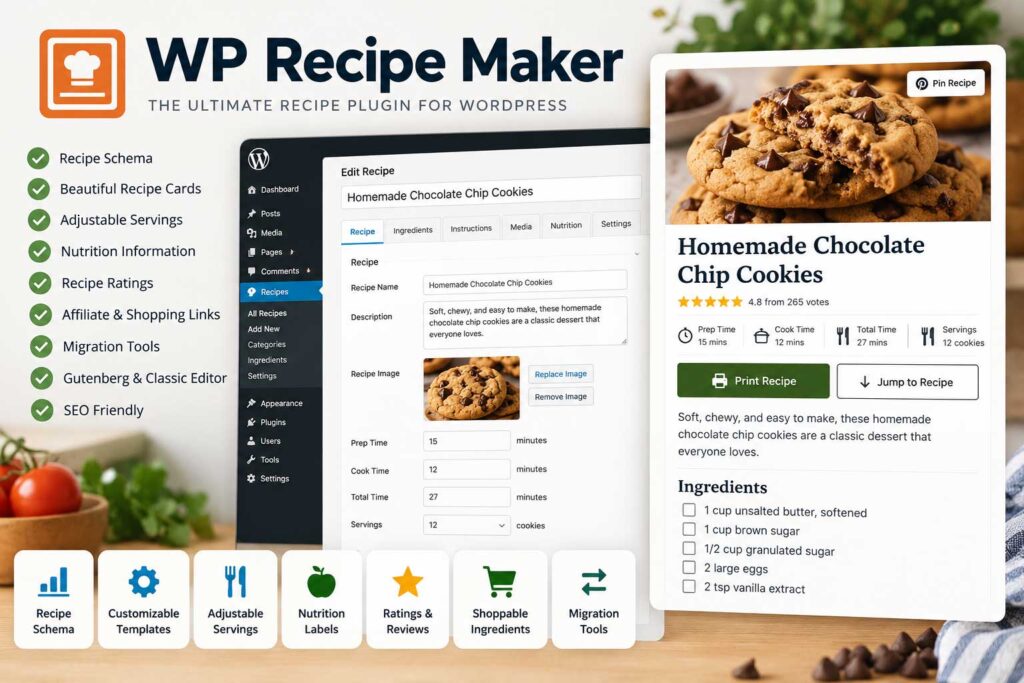
If you publish recipes, WP Recipe Maker is one of the most useful tools you can add to a WordPress food blog.
The plugin helps you create structured, easy-to-read recipe cards with ingredients, instructions, serving sizes, preparation times, nutrition details, notes, and other information readers expect from a modern recipe website.
One of its biggest advantages is SEO. Recipe plugins can add structured data that helps search engines understand your recipes and may make them eligible for enhanced search features such as recipe rich results.
WP Recipe Maker also gives you more control over how recipes are presented. Instead of manually formatting every recipe from scratch, you can use a consistent recipe card across your entire site.
Why Food Bloggers Use WP Recipe Maker
| Feature | Why It Matters |
|---|---|
| Recipe cards | Keeps ingredients and instructions organized and easy to follow |
| Recipe schema | Helps search engines better understand your recipe content |
| Cooking times | Lets you display prep, cook, and total time clearly |
| Serving information | Makes it easier for readers to understand recipe yield |
| Nutrition details | Adds useful nutritional information when configured |
| Printing | Gives readers a cleaner way to print recipes |
| Consistent formatting | Keeps recipe posts visually uniform across the site |
| Images and notes | Lets you add extra guidance and supporting recipe details |
The free version includes enough functionality for many newer food blogs, while premium plans add more advanced features, customization options, integrations, and additional recipe tools.
Free or Paid?
| Plan | Details |
|---|---|
| Free version | Available |
| Premium version | Available with additional features |
For food bloggers who publish recipes regularly, using a dedicated recipe-card plugin is much easier than manually formatting every recipe and helps keep the entire site more consistent.
3. Rank Math — Best SEO Plugin for Food Bloggers
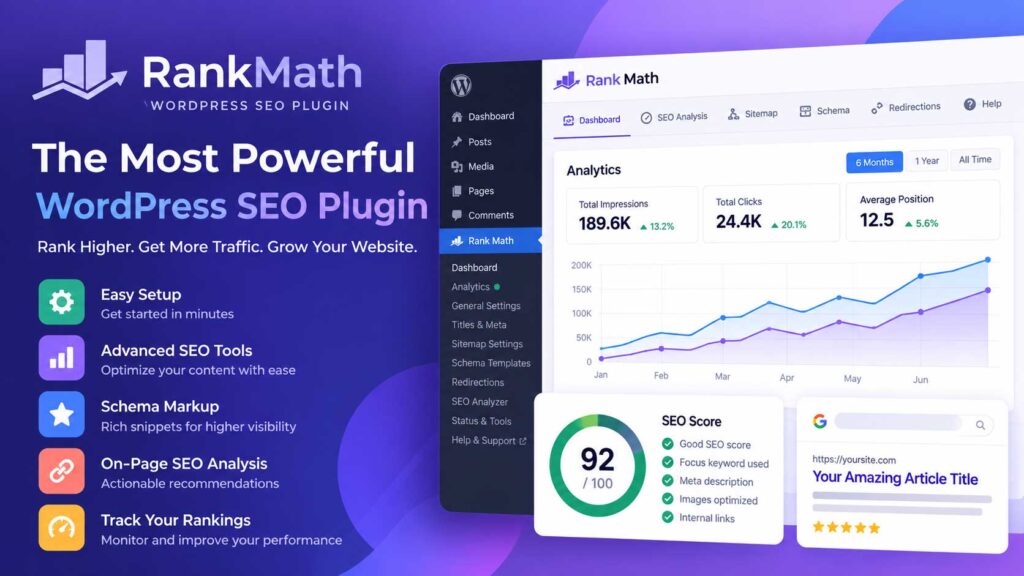
Rank Math is a popular WordPress SEO plugin that helps food bloggers optimize posts, recipes, category pages, and other content for search engines.
It provides on-page SEO recommendations while you edit, making it easier to review important elements such as your SEO title, meta description, focus keyword, internal links, image alt text, and overall content structure.
For food bloggers, this can be especially useful because one website may eventually contain hundreds of recipes, ingredient guides, tutorials, and category archives. A good SEO plugin helps keep those pages organized and gives you more control over how they are presented to search engines.
Why Rank Math Is Useful for Food Bloggers
| Feature | Why It Matters |
|---|---|
| SEO titles and meta descriptions | Gives you control over how pages are presented in search results |
| Focus keywords | Helps you review on-page optimization for individual posts |
| XML sitemaps | Makes it easier for search engines to discover your content |
| Schema support | Adds structured data for different types of content |
| Redirect manager | Helps manage changed or removed URLs |
| 404 monitoring | Makes it easier to spot broken or missing pages |
| Indexing controls | Lets you decide which pages should or should not appear in search |
| Social metadata | Gives you more control over how content appears when shared |
| Internal linking tools | Helps you strengthen connections between related content |
The free version includes a broad set of SEO features and is enough for many food bloggers, especially when starting out. Paid plans add more advanced tracking, reporting, schema options, and other SEO features.
Free or Paid?
| Plan | Details |
|---|---|
| Free version | Available |
| Premium version | Available with additional SEO features |
Rank Math will not automatically make a food blog rank higher, but it can make technical and on-page SEO much easier to manage and help you avoid common optimization mistakes.
4. Google Search Console — Best Free Tool for Tracking Google Rankings
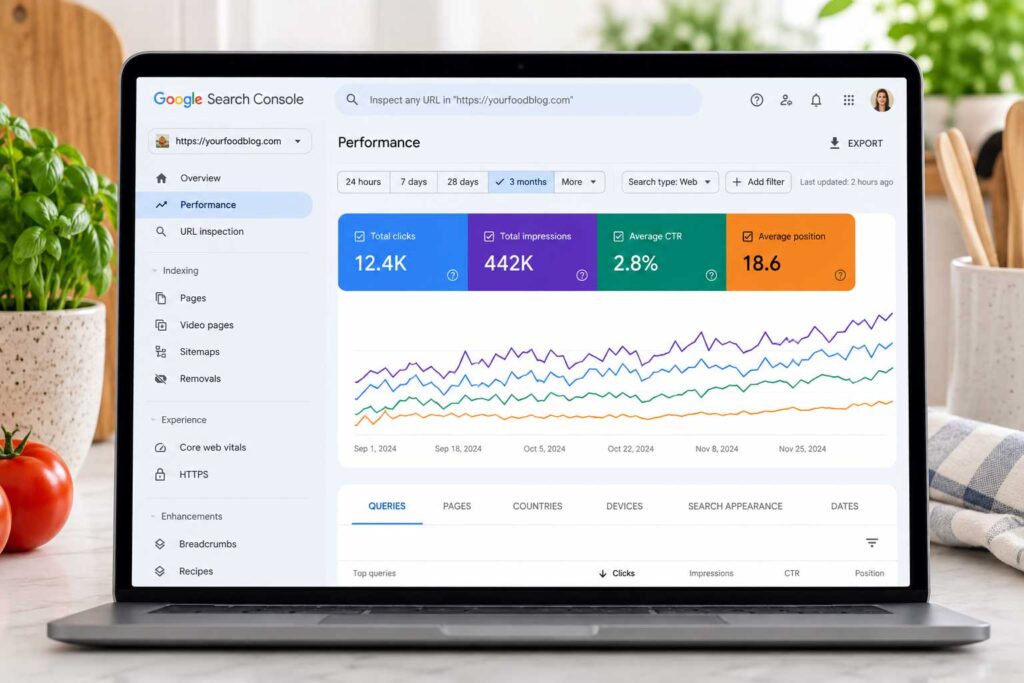
Google Search Console is one of the most important free tools for food bloggers because it shows how your website performs in Google Search.
Instead of guessing which recipes or articles are getting visibility, Search Console lets you see the actual search queries people use to find your site, which pages receive clicks, and where your content appears in search results.
This data is especially useful when deciding which older posts to update, which topics deserve more content, and where you may already be close to stronger rankings.
Why Google Search Console Is Useful for Food Bloggers
| Feature | Why It Matters |
|---|---|
| Search queries | Shows the keywords people use to find your content |
| Clicks and impressions | Helps you measure visibility and traffic from Google |
| Average position | Gives you an idea of where pages appear in search results |
| Indexing reports | Helps identify pages Google can or cannot index |
| Sitemap submission | Makes it easier to submit and monitor your XML sitemap |
| URL inspection | Lets you check individual pages and request indexing |
| Core Web Vitals | Highlights important page experience and performance issues |
| Performance trends | Helps you spot pages that are gaining or losing visibility |
For example, you may find that a recipe is receiving a lot of impressions but relatively few clicks, or that it is ranking just outside the first page for several relevant searches. That can point to opportunities to improve the title, strengthen the content, add better internal links, or update the recipe with more useful information.
Free or Paid?
Google Search Console is completely free.
Every food blog that depends on organic search should have Search Console connected from the beginning. It gives you search performance data directly from Google and can become one of your most useful tools for deciding what to improve next.
5. Google Analytics 4 — Best Tool for Understanding Food Blog Traffic
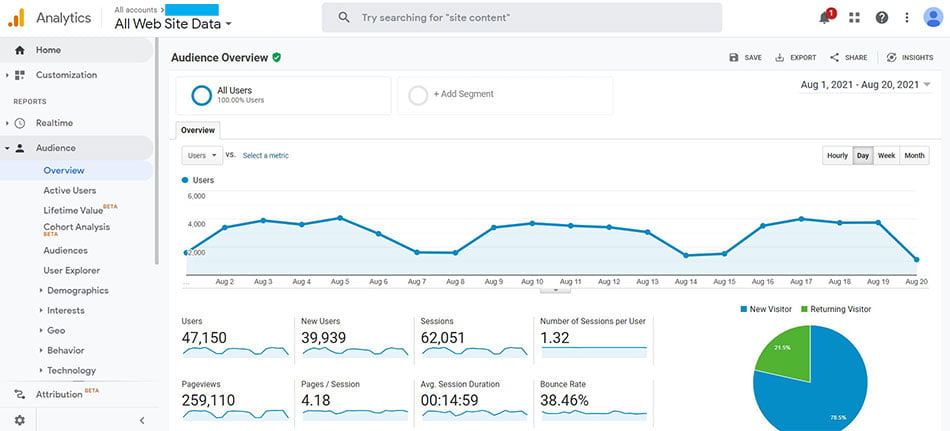
Google Analytics 4, commonly called GA4, helps food bloggers understand how visitors find and use their websites.
While Google Search Console focuses mainly on performance in Google Search, GA4 gives you a broader view of traffic from search engines, Pinterest, Facebook, email newsletters, referral websites, and direct visits.
For a growing food blog, this data can help you understand which recipes attract the most visitors, which traffic sources are working, and how readers interact with your content.
Why Google Analytics 4 Is Useful for Food Bloggers
| Feature | Why It Matters |
|---|---|
| Traffic sources | Shows whether visitors come from Google, Pinterest, social media, email, referrals, or direct traffic |
| Top pages | Helps identify your most popular recipes and articles |
| Sessions and users | Gives you a clearer picture of overall website activity |
| Engagement data | Helps you understand how visitors interact with individual pages |
| Event tracking | Lets you measure important actions visitors take on your site |
| Traffic comparisons | Makes it easier to compare channels and different time periods |
| Returning visitors | Helps you see whether readers are coming back |
| Conversion tracking | Lets you measure important goals you configure for your website |
GA4 can also help guide your content strategy. If a certain group of recipes consistently attracts more traffic or stronger engagement, that may be a sign that the topic deserves additional recipes, supporting articles, or internal links.
Free or Paid?
Google Analytics 4 is free for most food bloggers and small publishers.
GA4 can feel overwhelming when you first open it, so there is no need to monitor every available metric. For most food bloggers, starting with traffic sources, sessions, top pages, engagement, and key conversions is more than enough.
6. Google Trends — Best Free Tool for Finding Trending Food Topics
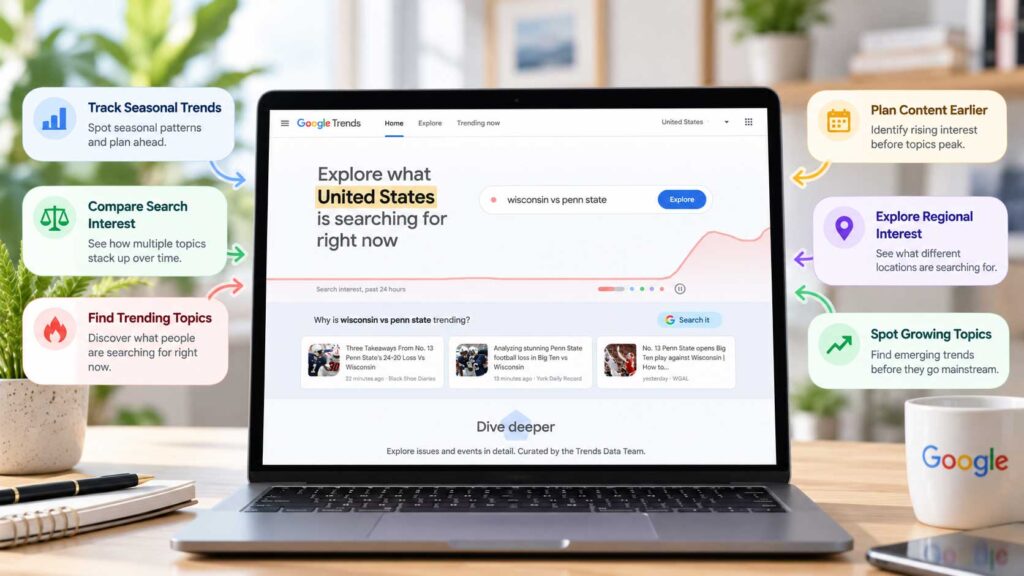
Google Trends is a free research tool that shows how search interest changes over time.
For food bloggers, that is especially useful because many recipe topics are highly seasonal. Searches for pumpkin recipes, grilling ideas, holiday desserts, soups, smoothies, and other foods can rise and fall significantly throughout the year.
Instead of relying only on intuition, Google Trends can help you see when interest in a topic typically starts growing and whether a search term is becoming more or less popular.
Why Google Trends Is Useful for Food Bloggers
| Feature | Why It Matters |
|---|---|
| Search interest over time | Helps you understand whether a topic is seasonal, stable, or declining |
| Keyword comparisons | Lets you compare several recipe or content ideas side by side |
| Regional interest | Shows where a topic is more popular geographically |
| Related searches | Can uncover additional keyword and content ideas |
| Rising topics | Helps identify searches that are gaining momentum |
| Seasonal planning | Makes it easier to publish or update content before demand peaks |
For example, if you are planning summer content, you can compare searches for pasta salad, fruit salad, grilled chicken, and homemade lemonade to see which topics gain interest as warmer weather approaches.
Google Trends can also help with editorial planning. If a topic usually peaks in November, publishing or refreshing that content several weeks earlier gives it more time to be discovered and indexed before interest reaches its highest point.
Free or Paid?
Google Trends is completely free.
It does not provide exact keyword search volumes, so it works best alongside another keyword research tool. Its real strength is showing when interest changes and how different topics compare, rather than telling you exactly how many searches a keyword receives.
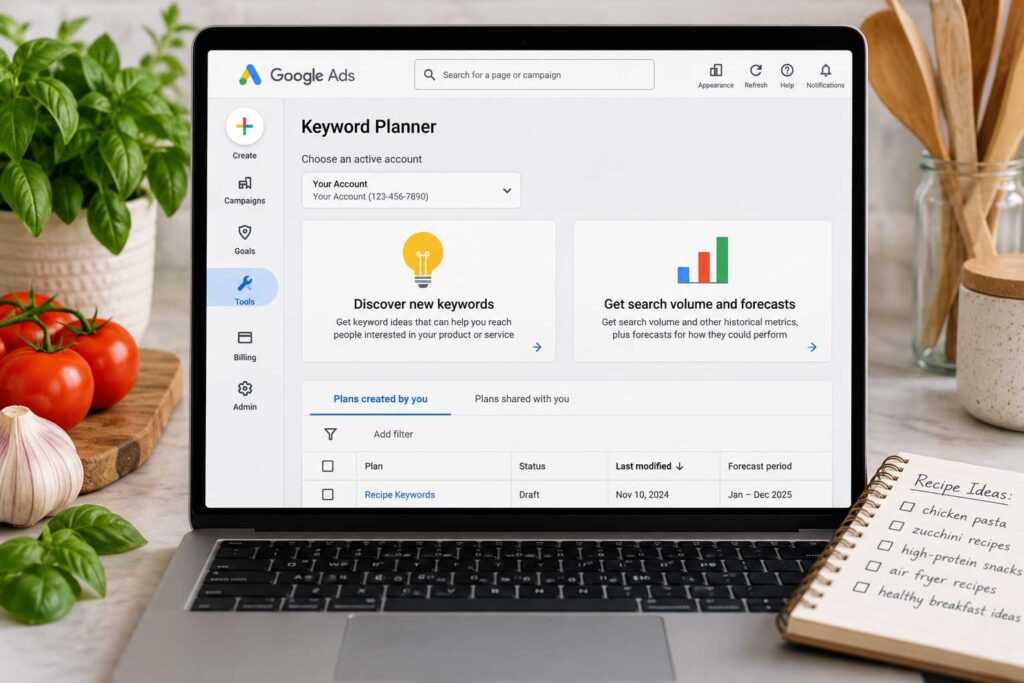
7. Google Keyword Planner — Best Free Tool for Basic Keyword Research
Google Keyword Planner can help food bloggers discover keyword ideas around recipes, ingredients, cooking methods, and other food-related topics.
The tool is primarily built for Google Ads, but it can still be useful for SEO research. You can enter a broad keyword or website and use the suggestions to uncover related searches you may not have considered.
For example, starting with a term such as “chicken recipes” can reveal more specific ideas around cooking methods, ingredients, meal types, and variations people are actively searching for.
Why Google Keyword Planner Is Useful for Food Bloggers
| Feature | Why It Matters |
|---|---|
| Keyword suggestions | Helps uncover related recipe and content ideas |
| Search-volume ranges | Gives you a rough sense of how often people search for a topic |
| Keyword comparisons | Makes it easier to compare different terms before choosing a target |
| Seasonal research | Helps identify topics that may perform better at certain times of year |
| Advertiser competition | Gives additional context about commercial interest in a keyword |
| Topic expansion | Helps turn broad ideas into more specific recipe and article opportunities |
A practical way to use Keyword Planner is to start broad and then look for more focused variations that better match search intent.
Instead of targeting only a highly competitive phrase such as “pasta recipes,” you may uncover opportunities around quick pasta dinners, specific sauces, cooking methods, or dietary preferences.
Free or Paid?
Google Keyword Planner is free to access with a Google Ads account.
Its search-volume data is often shown in broad ranges, so it should not be treated as a precise SEO measurement tool. It works best for generating ideas and comparing topics alongside Google Search Console, Google Trends, or a dedicated SEO platform.
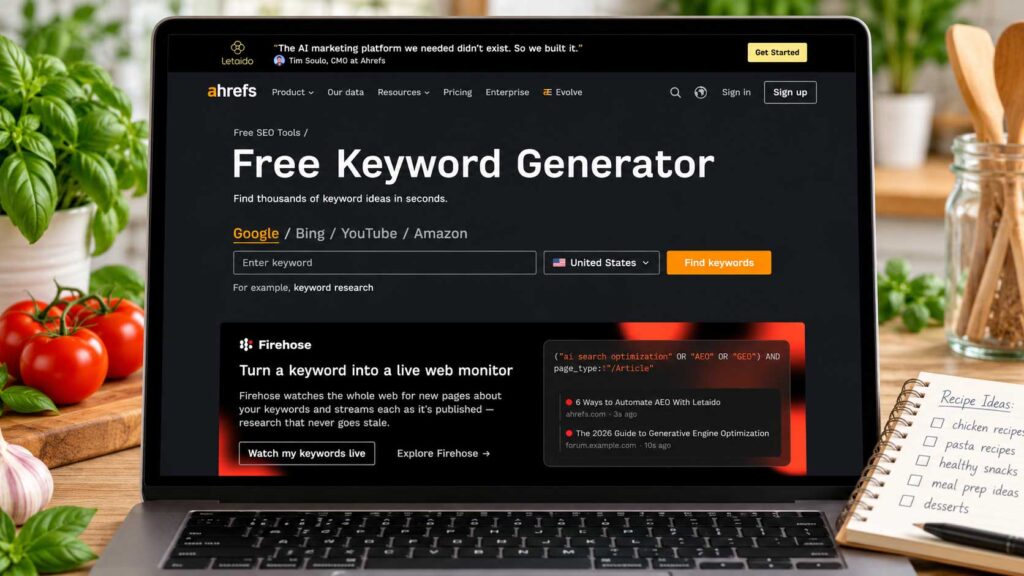
8. Ahrefs Webmaster Tools — Best Free SEO Audit Tool for Food Bloggers
Ahrefs Webmaster Tools is a useful option for food bloggers who want to check their website for SEO problems without paying for a full professional SEO subscription.
It can crawl your site and highlight technical issues that may affect search visibility, including broken links, redirect problems, crawl errors, missing metadata, and other site-health concerns.
For a food blog with dozens or hundreds of recipes, this can be especially helpful because technical problems are easy to miss when most of your time is spent creating and publishing content.
Why Ahrefs Webmaster Tools Is Useful for Food Bloggers
| Feature | Why It Matters |
|---|---|
| Site audits | Helps uncover technical SEO problems across your website |
| Broken link reports | Makes it easier to find internal and external links that no longer work |
| Crawl issues | Highlights pages that may be difficult for search engines to access |
| Metadata checks | Helps identify missing or problematic titles and descriptions |
| Redirect reports | Makes it easier to spot unnecessary or broken redirects |
| Backlink data | Shows which websites are linking to your content |
| Top linked pages | Helps you see which recipes or articles attract backlinks |
| Internal link opportunities | Can reveal pages that need stronger connections to related content |
One of the biggest advantages is that it lets you look beyond individual posts. Instead of checking recipes one by one, you can identify patterns affecting the entire site.
For example, you might discover that several older recipe pages link to URLs that no longer exist or that a group of posts is missing important SEO elements. Fixing those issues can improve both site maintenance and the reader experience.
Free or Paid?
| Plan | Details |
|---|---|
| Ahrefs Webmaster Tools | Free for verified websites |
| Full Ahrefs plans | Paid, with additional keyword, competitor, and SEO research tools |
For newer food bloggers, the free webmaster tools can provide plenty of useful information before there is any need to invest in a larger SEO platform.
.
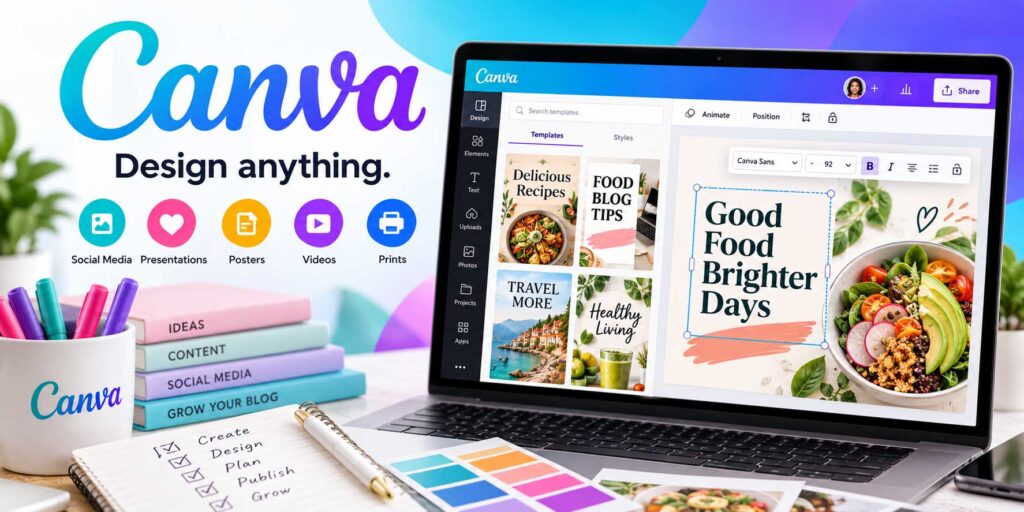
9. Canva — Best Design Tool for Food Bloggers and Pinterest Graphics
Canva is one of the most useful design tools for food bloggers who want professional-looking graphics without having to learn complicated design software.
It can be used to create Pinterest pins, social media graphics, recipe ebooks, lead magnets, media kits, blog banners, printable recipe collections, and other visual content.
For food bloggers, Pinterest alone makes Canva especially valuable. Instead of designing every pin from scratch, you can create a set of reusable templates and simply swap out the photo, headline, and branding for each new recipe.
Why Canva Is Useful for Food Bloggers
| Feature | Why It Matters |
|---|---|
| Pinterest templates | Makes it faster to create multiple pin designs for the same recipe |
| Social media graphics | Helps you promote content across Instagram, Facebook, and other platforms |
| Brand templates | Keeps colors, fonts, and visual style more consistent |
| Ebook and printable design | Useful for recipe collections, meal plans, and lead magnets |
| Media kits | Makes it easier to create professional sponsorship materials |
| Featured images | Helps create branded blog graphics and category visuals |
| Stock assets | Provides access to photos, graphics, icons, and design elements |
| Resize tools | Makes it easier to adapt one design for multiple platforms |
Canva is especially useful when you create reusable templates for the types of content you publish most often. A few well-designed Pinterest, Instagram, and lead-magnet templates can save a significant amount of time over the course of a year.
Free or Paid?
| Plan | Details |
|---|---|
| Canva Free | Includes core design tools, templates, and basic assets |
| Canva Pro | Adds more templates, premium assets, brand tools, resizing, and other advanced features |
The free version is enough for many new food bloggers. Canva Pro becomes more useful once you are creating a larger volume of graphics and want faster workflows, stronger branding controls, and access to more premium assets.

10. Adobe Lightroom — Best Photo Editing Tool for Food Bloggers
Adobe Lightroom is a powerful photo editing tool for food bloggers who want their recipe photos to look brighter, cleaner, and more consistent.
Even strong photos straight from a camera or phone often benefit from small adjustments to exposure, white balance, contrast, highlights, shadows, and color. Lightroom gives you detailed control over those edits while helping you maintain a recognizable visual style across your blog and social channels.
Why Lightroom Is Useful for Food Bloggers
| Feature | Why It Matters |
|---|---|
| Exposure controls | Helps brighten or darken images without re-shooting them |
| White balance | Corrects color casts so food looks more natural |
| Color adjustments | Makes ingredients and finished dishes look more accurate and appealing |
| Highlight and shadow recovery | Helps bring back detail in bright or dark areas |
| Cropping and straightening | Improves composition and presentation |
| Presets | Lets you save a consistent editing style and reuse it |
| Batch editing | Speeds up the process when one recipe produces many photos |
| Photo organization | Helps manage larger image libraries as your blog grows |
Presets can be especially useful for food bloggers. Once you develop an editing style that works well with your lighting and photography, you can save those adjustments and apply them to future images as a starting point.
That can save a lot of time when a single recipe shoot produces dozens of photos.
Free or Paid?
| Option | Details |
|---|---|
| Mobile app | Some free editing features are available |
| Premium features | Require a paid Adobe plan or subscription |
You do not need to heavily edit every food photo. The goal is usually to make the image look natural, appetizing, and consistent with the rest of your site rather than overly processed.
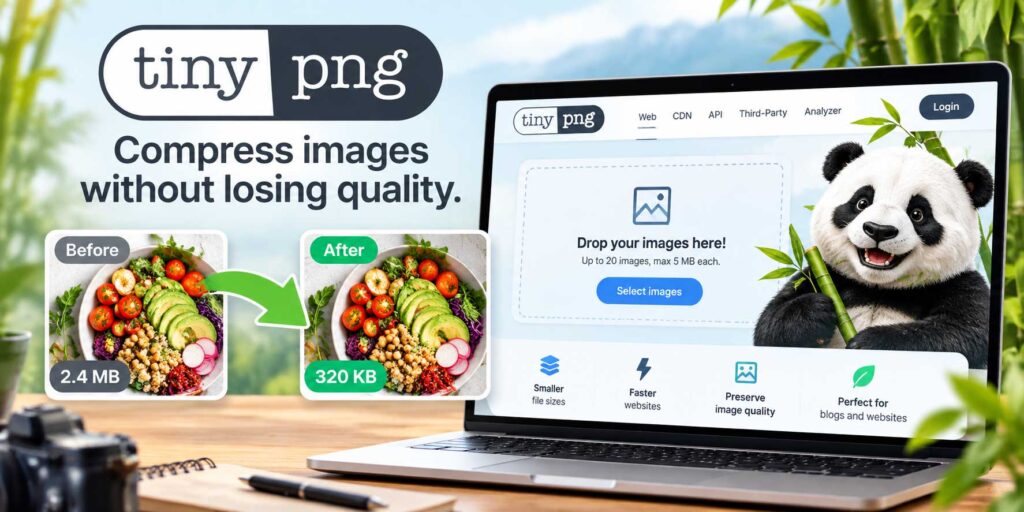
11. TinyPNG — Best Free Tool for Compressing Food Blog Images
Food blogs are image-heavy, which means oversized photo files can quickly slow down a website. TinyPNG is a simple optimization tool that helps reduce image file sizes before you upload them to WordPress.
Smaller image files can improve loading speed without creating a noticeable drop in visual quality. That matters because recipe posts often include several large photos, step-by-step images, and Pinterest graphics on the same page.
Why TinyPNG Is Useful for Food Bloggers
| Feature | Why It Matters |
|---|---|
| Image compression | Reduces file size before images are uploaded |
| JPEG, PNG, and WebP support | Covers the most common image formats used on food blogs |
| Smaller page weight | Helps reduce the total amount of data a page has to load |
| Faster loading | Can improve the experience for visitors on slower connections |
| Lower storage use | Helps reduce the amount of server space used by large image libraries |
| Simple workflow | Makes image optimization easy without advanced technical knowledge |
A good workflow is to export your edited food photos at the dimensions you actually need, compress them, and then upload the optimized versions to WordPress.
That is usually much better than uploading full-size camera files and relying entirely on WordPress or your hosting setup to handle optimization afterward.
Free or Paid?
| Option | Details |
|---|---|
| Free use | Available with usage limits |
| Paid options | Available for higher-volume compression and additional features |
Image compression is only one part of website performance, but for photography-heavy food blogs, it is one of the easiest improvements to make.
12. Cloudflare — Best Tool for Website Speed and Security
Cloudflare can help improve website performance, security, and reliability by sitting between your site and its visitors.
For food bloggers, that can be useful because recipe websites often contain large images, advertising scripts, plugins, analytics tools, and other elements that can put extra pressure on your hosting server.
Cloudflare can help deliver cached content more efficiently while also filtering some suspicious or malicious traffic before it reaches your website.
Why Cloudflare Is Useful for Food Bloggers
| Feature | Why It Matters |
|---|---|
| Content delivery network | Helps serve website content from locations closer to visitors |
| Caching | Can reduce the amount of work your hosting server has to do |
| Traffic filtering | Helps block or challenge suspicious requests |
| DDoS protection | Adds protection against certain types of traffic attacks |
| DNS management | Gives you centralized control over domain DNS settings |
| SSL and HTTPS tools | Helps manage secure connections to your website |
| Performance features | Provides additional options for improving content delivery |
| Traffic spike support | Can help reduce server strain when a post suddenly receives more visitors |
This can be especially useful if one of your recipes suddenly receives a large amount of traffic from Google, Pinterest, or social media. A properly configured CDN and caching setup can help your website handle that traffic more efficiently.
Cloudflare is not a replacement for quality hosting, properly sized images, caching, or a well-optimized WordPress setup. It works best as an additional layer alongside those improvements.
Free or Paid?
| Plan | Details |
|---|---|
| Free plan | Includes core CDN, DNS, security, and performance features |
| Paid plans | Add more advanced security, performance, and management options |
For many small and growing food blogs, Cloudflare’s free plan provides enough functionality to make it worth considering before paying for more advanced performance services.
13. Mailchimp — Best Beginner-Friendly Email Marketing Tool for Food Bloggers
MailChimp is a popular email marketing platform that food bloggers can use to collect subscribers, send newsletters, promote new recipes, and build a direct relationship with readers.
Email is valuable because it gives you a way to bring people back to your website without depending entirely on Google, Pinterest, or social media algorithms.
For example, you can send a weekly newsletter featuring new recipes, seasonal cooking ideas, meal plans, or your most popular posts.
Why Mailchimp Is Useful for Food Bloggers
| Feature | Why It Matters |
|---|---|
| Signup forms | Helps turn website visitors into email subscribers |
| Newsletters | Makes it easy to promote new recipes and seasonal content |
| Email automation | Lets you create welcome emails and simple automated sequences |
| Subscriber management | Helps organize and maintain your email list |
| Segmentation | Allows you to send more relevant emails to different groups |
| Email templates | Makes it easier to create branded campaigns |
| Reporting | Helps track opens, clicks, and campaign performance |
| Website integrations | Connects with many common blogging and ecommerce tools |
Mailchimp can work well for beginners because you can start with a relatively simple setup and add more advanced automations later.
A good first step is to create a welcome email for new subscribers and then send a regular newsletter featuring your newest or best-performing content.
Free or Paid?
| Plan | Details |
|---|---|
| Free plan | Available with limits |
| Paid plans | Add higher contact limits, automation features, and other marketing tools |
As your email list grows, compare pricing, automation features, and subscriber limits with other platforms before upgrading. The best email service is the one that fits your audience size, workflow, and long-term monetization strategy.
14. MailerLite — Best Affordable Email Marketing Tool for Food Bloggers
MailerLite is a strong email marketing platform for food bloggers who want a simple interface, useful automation features, and relatively affordable plans as their list grows.
You can use it to collect subscribers, send newsletters, create welcome sequences, build landing pages, and organize readers into groups based on their interests.
That can be especially useful for food blogs covering different topics. For example, you might separate subscribers interested in quick dinners, baking, healthy recipes, or meal planning and send each group more relevant content.
Why MailerLite Is Useful for Food Bloggers
| Feature | Why It Matters |
|---|---|
| Signup forms | Helps turn readers into email subscribers |
| Newsletters | Makes it easy to promote new recipes and seasonal content |
| Automation | Lets you create welcome sequences and simple email funnels |
| Landing pages | Useful for lead magnets, recipe ebooks, and special offers |
| Subscriber groups | Helps organize readers by interests or behavior |
| Lead magnet delivery | Makes it easier to send free downloads automatically |
| Campaign reporting | Shows how your emails are performing |
| Targeted campaigns | Helps you send more relevant content to different audience segments |
A food blogger could, for example, offer a free weekly meal plan or recipe ebook in exchange for an email signup and automatically deliver it through MailerLite.
From there, new subscribers can enter a short welcome sequence that introduces your best recipes and encourages them to return to your website.
Free or Paid?
| Plan | Details |
|---|---|
| Free plan | Available with subscriber and feature limits |
| Paid plans | Add higher limits, more automation features, and additional tools |
MailerLite is worth comparing with Mailchimp and Kit before choosing an email platform, especially because pricing and automation features become more important as your subscriber list grows.
15. Kit — Best Email Marketing Tool for Creator-Focused Food Bloggers
Kit, formerly known as ConvertKit, is an email marketing platform built with creators, bloggers, and online businesses in mind.
For food bloggers, it can be especially useful if you want to go beyond a basic newsletter. Kit is designed around subscriber tagging, automated email sequences, lead magnets, landing pages, and creator-focused workflows.
That makes it a strong option if you plan to grow your food blog into a larger business with digital products, courses, memberships, or multiple email funnels.
Why Kit Is Useful for Food Bloggers
| Feature | Why It Matters |
|---|---|
| Signup forms | Helps turn website visitors into email subscribers |
| Landing pages | Useful for promoting lead magnets and special offers |
| Subscriber tags | Makes it easier to organize readers by interests or actions |
| Segmentation | Helps you send more relevant emails to different groups |
| Email automation | Lets you build welcome sequences and longer-term funnels |
| Lead magnet delivery | Makes it easy to send recipe ebooks, meal plans, and other downloads |
| Broadcast emails | Useful for newsletters, new recipes, and announcements |
| Creator tools | Supports workflows built around digital products and audience growth |
For example, a food blogger could create separate signup offers for a dessert ebook, a weekly meal plan, and a healthy-recipe guide. Subscribers can then be tagged based on what they downloaded, making it easier to send content that matches their interests.
That level of organization becomes increasingly useful as your audience grows.
Free or Paid?
| Plan | Details |
|---|---|
| Free plan | Available with limits |
| Paid plans | Add more advanced automation, segmentation, and creator features |
Kit may be more than a brand-new food blogger needs at the beginning, but it becomes more valuable when email marketing plays a larger role in your traffic, audience growth, and monetization strategy.
16. Pinterest — Best Visual Discovery Platform for Food Blog Traffic
Pinterest can be one of the most useful traffic sources for food bloggers because recipes fit naturally into a visual discovery platform.
Unlike many traditional social networks, Pinterest is strongly search-driven. People use it to look for dinner ideas, desserts, meal prep inspiration, holiday recipes, healthy meals, baking ideas, and seasonal food content.
That makes it especially useful for recipes and evergreen articles that can continue attracting attention long after they are first published.
Why Pinterest Is Useful for Food Bloggers
| Feature | Why It Matters |
|---|---|
| Visual search | Makes recipes easier to discover through images and keywords |
| Evergreen traffic | Pins can continue sending visitors long after publication |
| Seasonal promotion | Works well for holiday recipes and seasonal food content |
| Multiple pin designs | Lets you promote the same article with different images and headlines |
| Keyword targeting | Helps your content appear for relevant recipe searches |
| Themed boards | Makes it easier to organize content around categories and topics |
| Lead magnet promotion | Can help grow your email list alongside website traffic |
| Content repurposing | Gives you another use for existing food photography and graphics |
For example, one Christmas cookie recipe can support several different pins using different photos, headlines, and keyword angles. That gives the same article multiple opportunities to be discovered.
Pinterest also works particularly well with strong food photography, so clear, appetizing images and easy-to-read pin designs can make a noticeable difference.
Free or Paid?
| Option | Details |
|---|---|
| Pinterest business account | Free |
| Pinterest advertising | Optional paid feature |
Pinterest is best treated as a visual search and discovery platform rather than a traditional social network. Consistent publishing, relevant keywords, strong images, and useful landing pages usually matter more than simply chasing follower counts.
17. Tailwind — Best Pinterest Scheduling Tool for Food Bloggers
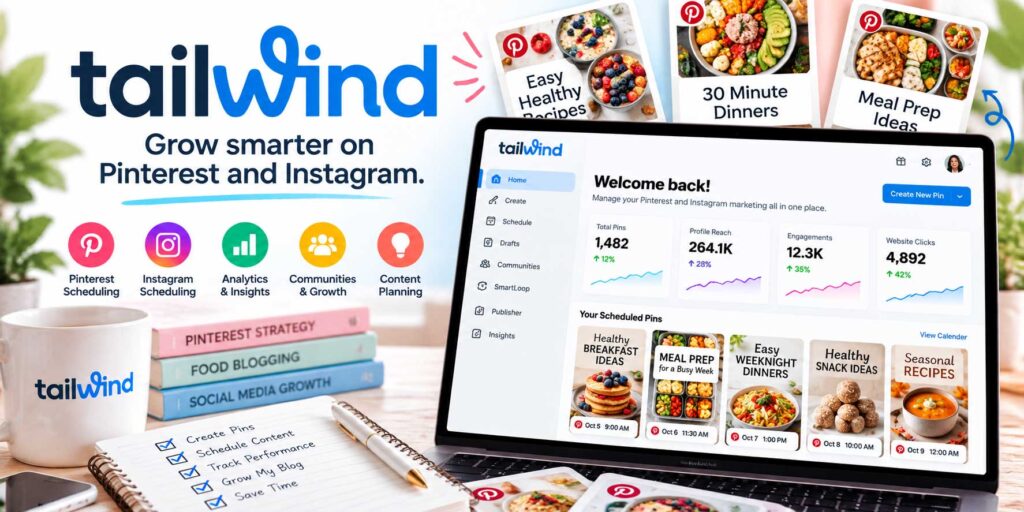
Tailwind is a scheduling and marketing tool that can help food bloggers plan and publish Pinterest content more efficiently.
Instead of manually posting every pin, you can prepare content in batches, schedule it ahead of time, and keep your Pinterest activity more consistent while you focus on recipes, photography, SEO, and other parts of your blog.
For food bloggers publishing multiple recipes each month, this can save a significant amount of time.
Why Tailwind Is Useful for Food Bloggers
| Feature | Why It Matters |
|---|---|
| Pinterest scheduling | Lets you prepare and publish pins in advance |
| Batch planning | Makes it easier to organize several pins at once |
| Seasonal campaigns | Helps you schedule holiday and seasonal content ahead of demand |
| Content repurposing | Gives older recipes another chance to attract traffic |
| Consistent publishing | Helps maintain a steadier Pinterest workflow |
| Visual content tools | Supports the creation and scheduling of pin graphics |
| Performance data | Helps you review which content is getting attention |
| Content calendar | Makes it easier to plan Pinterest activity around upcoming topics |
A useful workflow is to create several Pinterest graphics for each new recipe, upload them together, and schedule them across different dates instead of publishing everything manually.
This can be especially helpful during busy periods such as Thanksgiving, Christmas, summer grilling season, or back-to-school meal planning.
Free or Paid?
| Option | Details |
|---|---|
| Free access | Limited features may be available |
| Paid plans | Add more scheduling capacity and additional marketing features |
You do not necessarily need a Pinterest scheduling tool when you are just starting out. Once you are creating a larger volume of pins, however, Tailwind can make the workflow much easier to organize and manage.
18. Buffer — Best Social Media Scheduling Tool for Food Bloggers
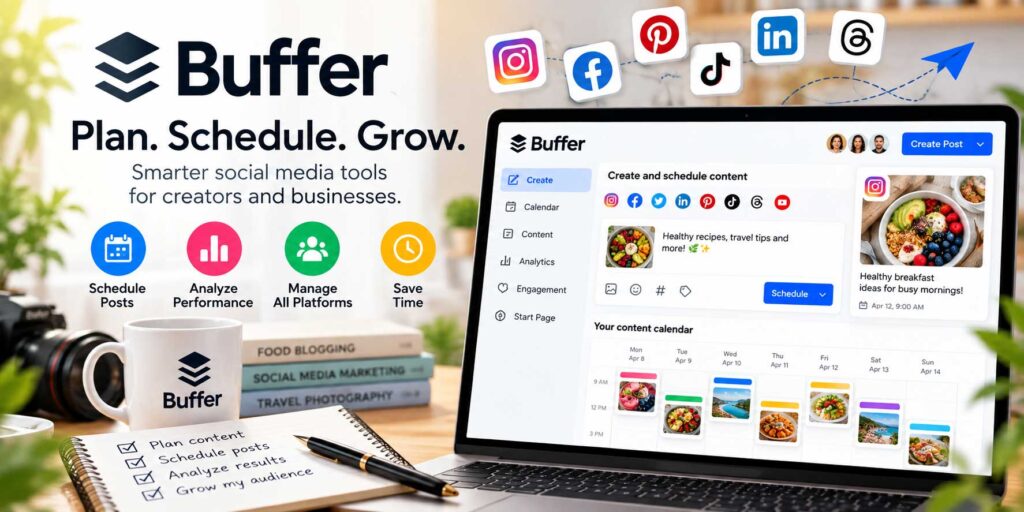
Buffer is a social media management tool that helps food bloggers plan, schedule, and publish content across several platforms from one place.
Instead of manually promoting every new recipe on each account, you can prepare social content in batches and schedule it ahead of time. This can be useful if you are managing Instagram, Facebook, TikTok, LinkedIn, or other channels alongside your blog.
For busy food bloggers, the main advantage is consistency. You can prepare a simple publishing schedule and keep your social accounts active without interrupting your day every time something needs to be posted.
Why Buffer Is Useful for Food Bloggers
| Feature | Why It Matters |
|---|---|
| Post scheduling | Lets you prepare social content in advance |
| Multi-platform management | Makes it easier to manage several social accounts from one dashboard |
| Content calendar | Helps organize upcoming promotional posts |
| Recipe promotion | Gives new and older recipes more opportunities to reach readers |
| Content repurposing | Makes it easier to reuse photos, captions, and blog ideas across platforms |
| Performance insights | Helps you review which posts receive the most engagement |
| Batch creation | Saves time by letting you prepare several posts during one work session |
| Seasonal planning | Helps organize holiday and seasonal campaigns ahead of time |
For example, when you publish a new recipe, you can prepare several social posts using different photos, captions, and angles, then schedule them across the following days or weeks.
This helps you get more value from each recipe without constantly creating promotional content from scratch.
Free or Paid?
| Plan | Details |
|---|---|
| Free plan | Available with limits on channels and features |
| Paid plans | Add more channels, scheduling capacity, analytics, and other tools |
Buffer becomes especially useful once social media starts taking up too much of your daily workflow. Scheduling content ahead of time gives you more room to focus on recipes, photography, SEO, and other parts of growing your food blog.
19. Google Drive — Best Free Cloud Storage Tool for Food Bloggers
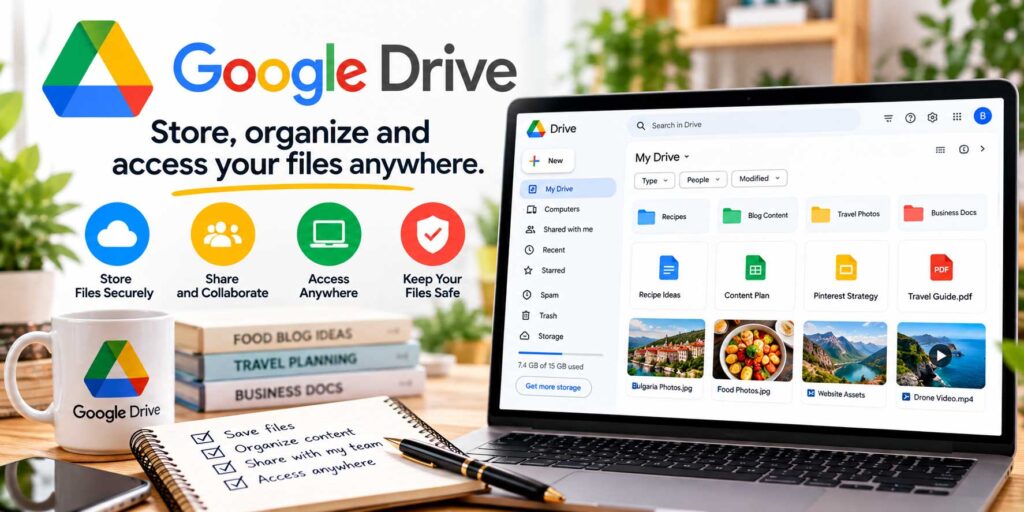
Google Drive gives you one place to store and organize the files that pile up as a food blog grows.
Recipe drafts, photos, media kits, keyword research, contracts, Pinterest graphics, and business documents can all live in the same cloud-based system, with access from your computer, phone, or tablet.
Because files are stored in the cloud, you can access them from your computer, phone, or tablet without relying on a single device.
Why Google Drive Is Useful for Food Bloggers
| Feature | Why It Matters |
|---|---|
| Cloud storage | Keeps important blogging files accessible from multiple devices |
| Folder organization | Makes it easier to separate recipes, photos, graphics, and business documents |
| File sharing | Lets you share documents with writers, editors, photographers, or designers |
| Collaboration | Works closely with Google Docs and Google Sheets for team projects |
| Backup storage | Gives you another place to keep important blogging resources |
| Mobile access | Lets you open and manage files while away from your main computer |
| Brand asset storage | Useful for logos, media kits, templates, and sponsorship materials |
| Content organization | Helps keep drafts, research, and marketing files in one system |
A simple folder structure can make a big difference once your blog starts growing. You might create separate folders for recipes, photography, Pinterest graphics, email marketing, affiliate content, sponsorships, and business documents.
Free or Paid?
| Option | Details |
|---|---|
| Free storage | Included with a Google account |
| Additional storage | Available through paid Google One plans |
Google Drive becomes even more useful when combined with Google Docs and Google Sheets, which can handle much of the writing, planning, and tracking involved in running a food blog.
20. Google Docs — Best Free Writing and Collaboration Tool for Food Bloggers
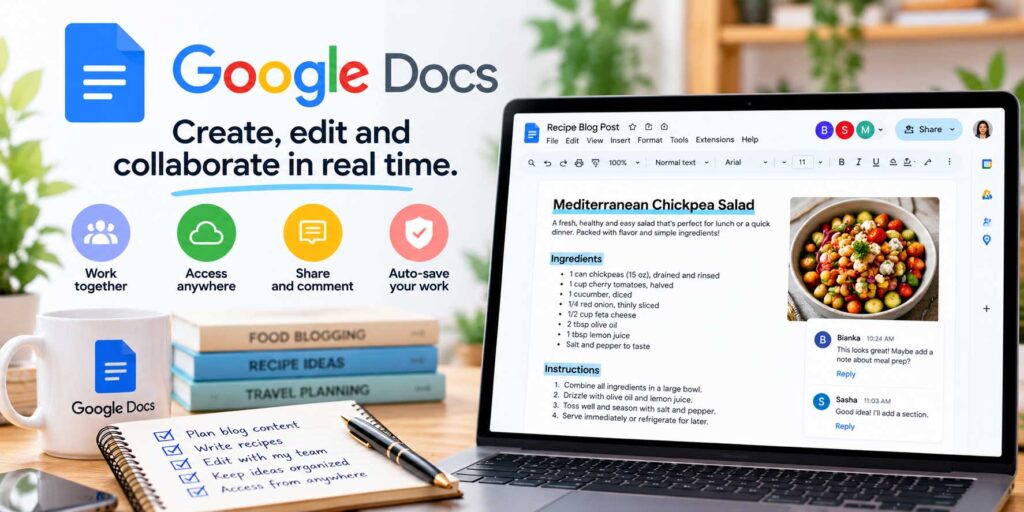
Google Docs is one of the easiest tools for drafting recipes, writing blog posts, creating outlines, and collaborating before content is published in WordPress.
Because documents are saved automatically in the cloud, you can start writing on one device and continue later from another. You can also share drafts with editors, writers, photographers, or clients without emailing different file versions back and forth.
Why Google Docs Is Useful for Food Bloggers
| Feature | Why It Matters |
|---|---|
| Cloud-based writing | Lets you work from different devices without manually transferring files |
| Real-time collaboration | Makes it easy to work with writers, editors, or other team members |
| Comments and suggestions | Helps organize feedback without changing the original copy immediately |
| Version history | Lets you review earlier edits and restore previous versions |
| Reusable templates | Useful for recipe posts, sponsored content, newsletters, and article outlines |
| Auto-save | Reduces the risk of losing work while drafting |
| Easy sharing | Makes it simple to send drafts to collaborators or clients |
| Google Drive integration | Keeps documents organized alongside other blogging files |
Google Docs is also useful for creating repeatable content workflows. For example, you can build a standard recipe-post template with sections for the introduction, ingredients, substitutions, instructions, expert tips, storage, FAQs, internal links, and SEO notes.
That makes it much easier to keep your content structure consistent as your blog grows.
Free or Paid?
| Option | Details |
|---|---|
| Google Docs | Free with a Google account |
| Google Workspace | Paid plans add additional business and collaboration features |
Google Docs is especially useful when several people contribute to a food blog, but even solo bloggers can use it as an organized drafting space before moving finished content into WordPress.
21. Google Sheets — Best Tool for Editorial Calendars and Blog Tracking
Google Sheets is one of the simplest ways to organize the business side of a food blog.
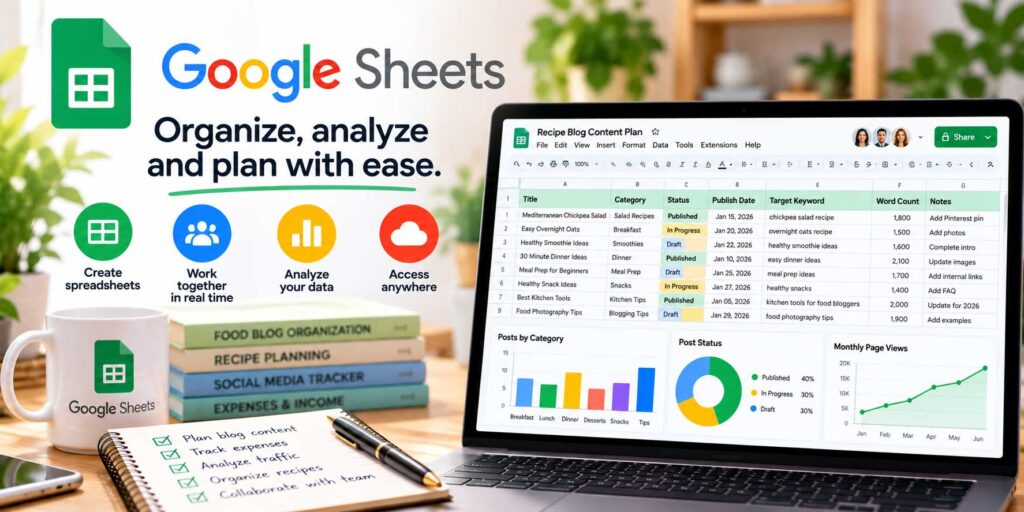
While Google Docs works well for writing, Sheets is better for tracking larger amounts of information such as content ideas, publishing dates, keywords, affiliate links, traffic, sponsorships, and editorial schedules.
For food bloggers managing dozens or hundreds of recipes, a well-organized spreadsheet can make content planning much easier.
Why Google Sheets Is Useful for Food Bloggers
| Feature | Why It Matters |
|---|---|
| Editorial calendars | Helps organize upcoming recipes, articles, and publishing dates |
| Keyword tracking | Keeps target keywords and search intent in one place |
| Content inventory | Makes it easier to see what has been published and what still needs work |
| Internal link tracking | Helps identify pages that need stronger connections to related content |
| Affiliate tracking | Useful for organizing product links, programs, and monetization opportunities |
| Sponsorship management | Keeps brand partnerships and campaign details organized |
| Traffic and revenue tracking | Makes it easier to compare content performance over time |
| Social planning | Can be used to organize Pinterest and other promotional schedules |
For example, you could create a master content spreadsheet with columns for the recipe title, primary keyword, category, publication date, update date, internal links, Pinterest pins, affiliate opportunities, and current traffic.
That gives you a clear overview of what is live, what needs updating, and where future content opportunities may exist.
Free or Paid?
| Option | Details |
|---|---|
| Google Sheets | Free with a Google account |
| Google Workspace | Paid plans add additional business and collaboration features |
Google Sheets may not look as sophisticated as dedicated project-management software, but its flexibility makes it one of the most useful tools for organizing a growing food blog.
22. Notion — Best All-in-One Planning Tool for Food Bloggers
Once recipe ideas, keyword research, publishing schedules, sponsorships, and social plans start living in different documents, keeping track of everything can become difficult.
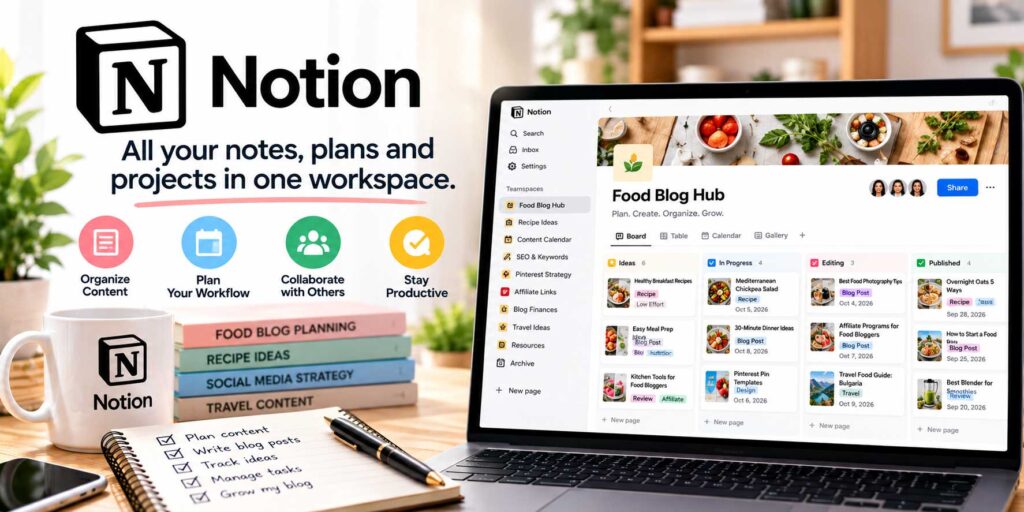
Notion gives you a flexible place to bring those pieces together. You can build a simple editorial calendar or a much larger content-management system depending on how complicated your workflow becomes.
You can build dashboards, databases, checklists, and content systems around the way you prefer to work.
Why Notion Is Useful for Food Bloggers
| Feature | Why It Matters |
|---|---|
| Editorial calendars | Helps plan upcoming recipes, updates, and publishing dates |
| Content databases | Keeps ideas, drafts, keywords, and publishing status organized |
| Reusable templates | Saves time when creating similar recipe or article workflows |
| Project boards | Makes it easier to track content from idea to published |
| Research storage | Gives you one place for keyword notes, competitor ideas, and content research |
| Sponsorship tracking | Helps organize brand partnerships and campaign tasks |
| Affiliate organization | Useful for storing program details, product ideas, and monetization notes |
| SOPs and checklists | Makes repeatable blogging processes easier to document |
For example, you could create a content database with fields for the article title, target keyword, category, status, publication date, Pinterest graphics, internal links, and monetization opportunities.
You can then view the same information as a table, calendar, or project board depending on what you need.
Free or Paid?
| Plan | Details |
|---|---|
| Free plan | Available for individual use with core planning features |
| Paid plans | Add more collaboration, storage, and business features |
Notion is most useful when you keep the system simple. A clean content dashboard can save a lot of time, while an overly complicated setup can quickly become another project to manage.
23. Grammarly — Best Writing and Proofreading Tool for Food Bloggers
Even experienced writers miss small errors when they have been staring at the same recipe or article for hours.
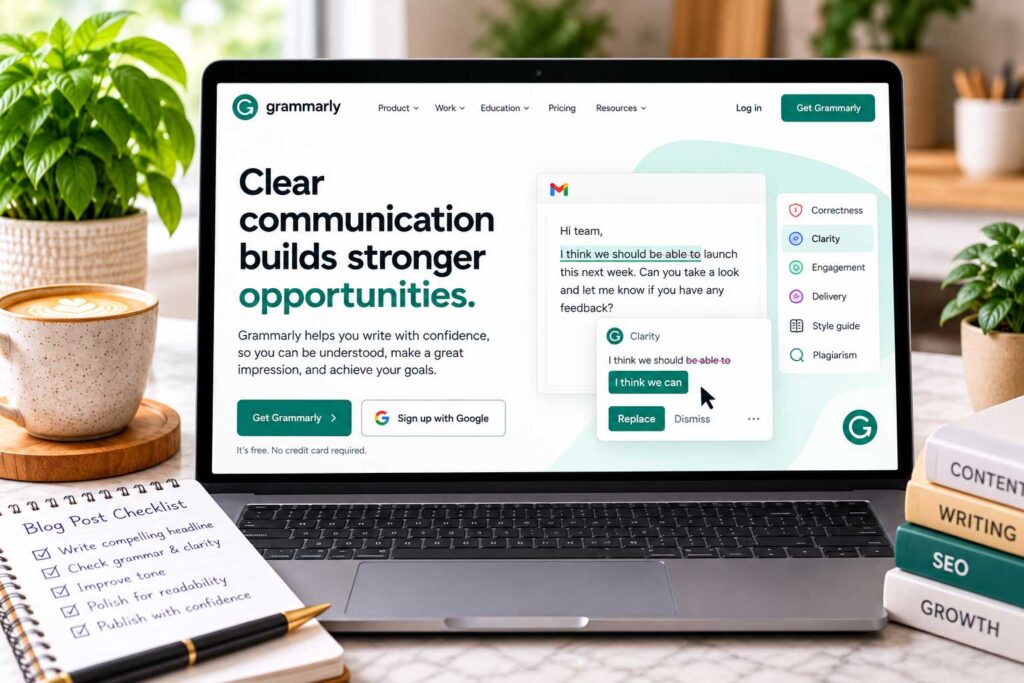
Grammarly gives food bloggers an extra proofreading pass for grammar, spelling, punctuation, and clarity before content goes live. It can also be useful for newsletters, recipe instructions, brand outreach, and social captions.
For food bloggers who publish frequently, even a quick proofreading pass can help catch distracting mistakes and make the finished content easier to read.
Why Grammarly Is Useful for Food Bloggers
| Feature | Why It Matters |
|---|---|
| Grammar and spelling checks | Helps catch common writing mistakes before publication |
| Clarity suggestions | Can identify sentences that are difficult or awkward to read |
| Punctuation checks | Helps clean up smaller errors that are easy to overlook |
| Readability suggestions | Can make longer articles easier to follow |
| Repetition detection | Helps identify unnecessarily repeated words or phrases |
| Recipe proofreading | Useful for reviewing instructions that readers need to follow accurately |
| Email editing | Helps polish newsletters, outreach, and brand communication |
| Browser and writing integrations | Makes it easier to review content while working in different tools |
One particularly useful application is proofreading recipe instructions. A small wording mistake can cause real confusion when someone is trying to follow a recipe step by step.
Automated suggestions should not be accepted blindly, though. Food content should still sound natural and reflect your own voice, especially when sharing personal experience, describing a dish, or explaining cooking techniques.
Free or Paid?
| Plan | Details |
|---|---|
| Free version | Includes basic writing and proofreading assistance |
| Paid plans | Add more advanced writing, rewriting, and editing features |
Grammarly works best as an additional editing layer rather than a replacement for careful proofreading. Always give the final article one human review before publishing it.
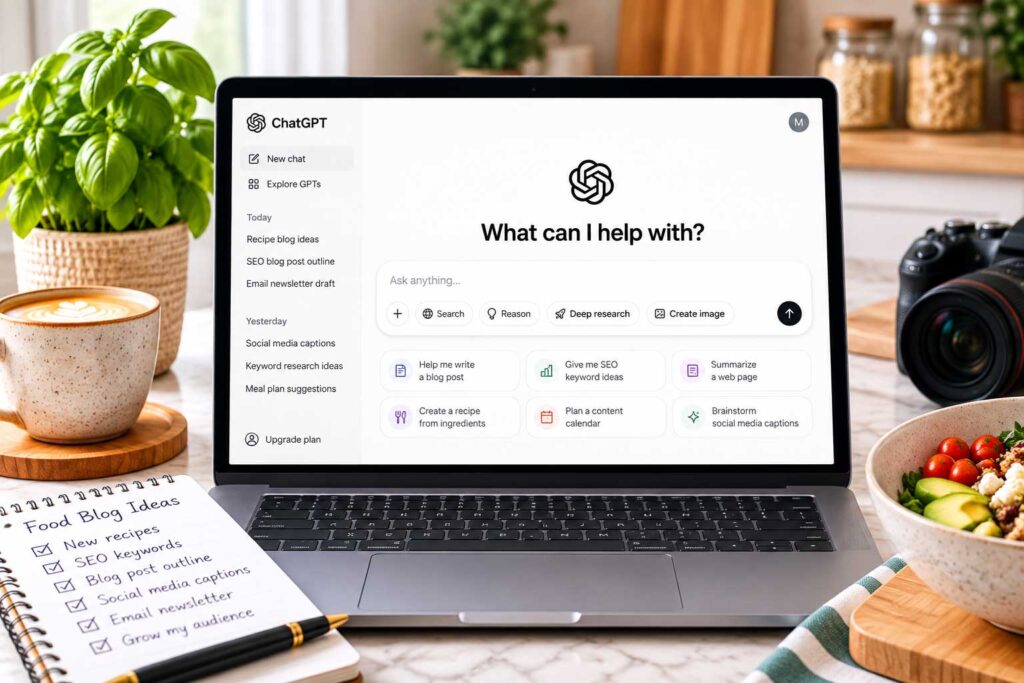
24. ChatGPT — Best AI Assistant for Food Blogging Workflows
ChatGPT can help food bloggers speed up many parts of the content creation process, from brainstorming recipe ideas and building outlines to organizing research, improving drafts, and planning promotional content.
Used well, it can act as a flexible assistant for repetitive or time-consuming tasks while leaving the final editorial decisions to you.
For food bloggers, the biggest advantage is not simply generating text. It is being able to use one tool for planning, editing, SEO support, social content, email ideas, research organization, and workflow management.
Why ChatGPT Is Useful for Food Bloggers
| Feature | Why It Matters |
|---|---|
| Idea generation | Helps brainstorm recipe, article, and seasonal content ideas |
| Outlines | Makes it easier to organize longer guides before writing |
| Editing support | Can improve awkward wording, headings, and introductions |
| SEO brainstorming | Useful for keyword clusters, FAQs, and internal-link ideas |
| Social content | Helps create Pinterest titles, captions, and promotional variations |
| Email ideas | Can assist with newsletter topics and campaign drafts |
| Workflow planning | Useful for checklists, templates, and repeatable processes |
| Data organization | Can help summarize or structure website and content data you provide |
For example, you could provide a list of existing recipes and ask for ideas for supporting articles, missing topic clusters, seasonal updates, or internal-link opportunities.
It can also help turn rough notes into a cleaner structure when you already know what you want to say but need help organizing it.
Use AI Carefully
AI-generated content should always be reviewed before publishing.
Pay particular attention to recipe measurements, ingredient substitutions, cooking temperatures, food-safety information, product claims, statistics, and links. Those details should be checked against reliable sources or your own testing.
If you publish a recipe, the final article should reflect a recipe you actually tested rather than relying entirely on generated instructions.
Free or Paid?
| Option | Details |
|---|---|
| Free access | Available with usage and feature limits |
| Paid plans | Add higher limits and additional capabilities |
ChatGPT works best as an assistant rather than an automatic publishing system. The strongest food content still combines useful tools with real testing, original photography, accurate information, and the blogger’s own experience.

25. PayPal — Best Tool for Receiving Blogging and Freelance Payments
PayPal is a widely used online payment platform that can be useful once your food blog starts earning money from sponsorships, freelance work, digital products, consulting, or other services.
Many brands, agencies, and small businesses already use PayPal, which can make it a convenient option when you need to send an invoice or receive a payment without sharing bank details directly.
Why PayPal Is Useful for Food Bloggers
| Feature | Why It Matters |
|---|---|
| Online payments | Makes it easy to receive money from brands, clients, and customers |
| Invoicing | Lets you send professional payment requests for sponsored or freelance work |
| International payments | Can be useful when working with companies or clients in other countries |
| Bank transfers | Allows available funds to be moved to a connected bank account |
| Business records | Helps keep a history of payments and transactions |
| Multiple use cases | Can support sponsorships, freelance work, consulting, and certain digital sales |
For example, if a brand hires you to create a sponsored recipe, photograph a product, or publish promotional content, PayPal can provide a simple way to invoice the company and receive payment.
Free or Paid?
| Cost | Details |
|---|---|
| Account setup | Free |
| Receiving payments | Transaction fees may apply |
| International payments | Additional fees or currency conversion charges may apply |
PayPal is useful to have available, but it does not need to be your only payment option. As your blogging business grows, offering more than one payment method can make it easier to work with different brands, clients, and customers.

26. Stripe — Best Payment Processing Tool for Selling Products and Services
Stripe is an online payment platform that can help food bloggers accept payments directly through their website.
It becomes especially useful if you plan to sell digital products, memberships, courses, meal plans, ebooks, consulting services, or other offers without relying entirely on third-party marketplaces.
Stripe integrates with many ecommerce platforms, membership tools, website builders, and WordPress plugins, which makes it a flexible option as a food blog grows into a larger online business.
Why Stripe Is Useful for Food Bloggers
| Feature | Why It Matters |
|---|---|
| Card payments | Lets customers pay with credit and debit cards |
| Digital product sales | Works well for ebooks, meal plans, printables, and downloads |
| Subscriptions | Can support recurring payments for memberships or premium content |
| Website integration | Connects with many ecommerce and checkout tools |
| Payment records | Makes it easier to track transactions and refunds |
| International payments | Can support customers in multiple countries and currencies |
| Automation | Works with many platforms that automate checkout, billing, and delivery |
For example, a food blogger could sell a downloadable meal-planning bundle, premium recipe collection, or paid membership and process customer payments through Stripe.
Unlike PayPal, which many people use as a standalone payment account, Stripe often works behind the scenes as the payment processor built directly into a website or checkout system.
Free or Paid?
| Cost | Details |
|---|---|
| Account setup | Free |
| Payment processing | Transaction fees apply |
| Additional services | Some advanced features may have separate fees |
Stripe is not essential when you are first starting a food blog, but it becomes much more useful once you begin selling products, memberships, or services directly to your audience.
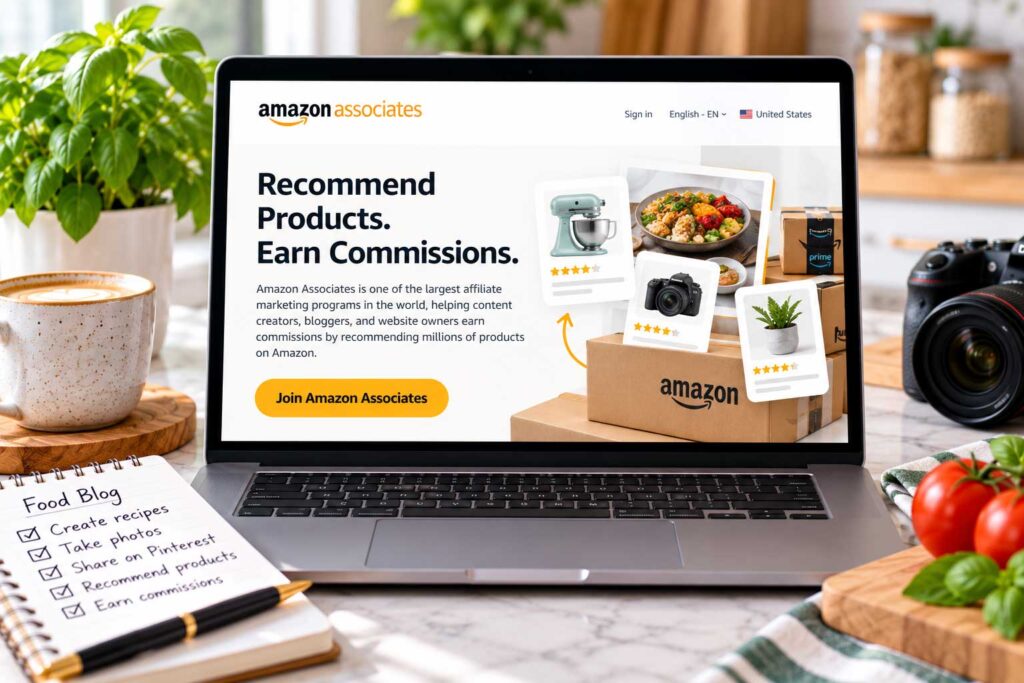
27. Amazon Associates — Best Affiliate Program for Food Bloggers
Amazon Associates is one of the easiest affiliate programs for food bloggers to understand because it gives you access to a huge range of products readers may already be shopping for.
For a food or recipe blog, that can include cookware, small kitchen appliances, baking tools, storage containers, serving dishes, cookbooks, and other products that naturally fit your content.
When a reader clicks a qualifying affiliate link and makes an eligible purchase, you may earn a commission.
Why Amazon Associates Is Useful for Food Bloggers
| Product Type | How It Fits Food Blog Content |
|---|---|
| Pots and pans | Useful in recipes that rely on specific cookware |
| Baking tools | Fits cakes, cookies, bread, and dessert content |
| Small appliances | Works well for blender, air fryer, slow cooker, or mixer recipes |
| Knives and cutting boards | Natural additions to kitchen guides and equipment sections |
| Measuring tools | Useful for baking and precision-focused recipes |
| Storage containers | Fits meal prep, leftovers, and kitchen organization content |
| Specialty tools | Useful when a recipe depends on a specific piece of equipment |
| Cookbooks | Can complement themed recipe collections or resource guides |
The best approach is to recommend products only when they genuinely help the reader.
For example, if a recipe works best with a cast-iron skillet, stand mixer, immersion blender, or specific baking pan, you can link to a relevant product within the article or in a clearly labeled equipment section.
Free or Paid?
| Option | Details |
|---|---|
| Application | Free to apply |
| Earnings | Commission rates vary by product category and current program terms |
Amazon Associates can be a useful starting point for affiliate monetization, but it does not have to be your only affiliate program. As your traffic grows, direct brand programs and other affiliate networks may offer better commissions for certain products.
Always disclose affiliate relationships clearly and follow the current Amazon Associates rules when using affiliate links.
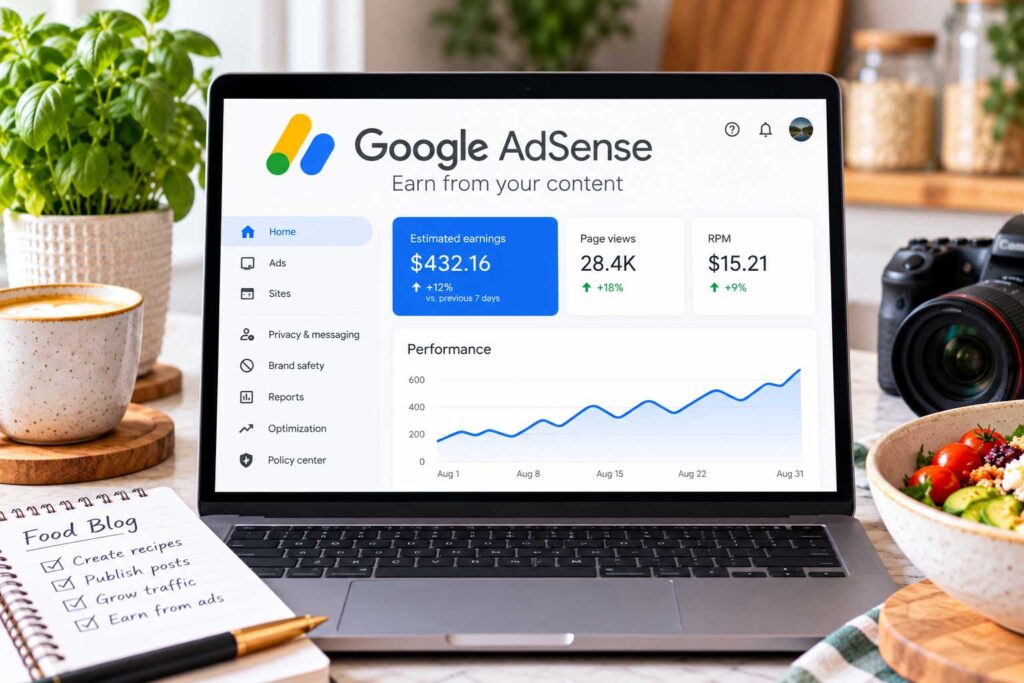
28. Google AdSense — Best Beginner Display Ad Network for Food Bloggers
Google AdSense is one of the most accessible ways for food bloggers to start earning money from display advertising.
Once your site is approved, AdSense can serve ads on eligible pages and share a portion of the advertising revenue with you. This makes it a relatively simple monetization option for bloggers who are not yet using a larger ad-management platform.
For food blogs, display advertising can work especially well once you begin building steady traffic across recipes, how-to guides, ingredient articles, and seasonal content.
Why Google AdSense Is Useful for Food Bloggers
| Feature | Why It Matters |
|---|---|
| Display advertising | Lets you monetize traffic without selling your own product |
| Auto ads | Can place ads automatically across eligible parts of your site |
| Manual placements | Gives you more control over where certain ads appear |
| Revenue reporting | Lets you monitor earnings and ad performance |
| Broad content compatibility | Works across recipes, guides, tutorials, and other informational content |
| Lower barrier to entry | Can be an option before qualifying for some larger ad platforms |
| Easy testing | Lets you see how display advertising fits into your site design and user experience |
One of the main advantages is accessibility. You do not need a massive food blog before applying, although approval still depends on meeting Google’s current content, policy, and eligibility requirements.
As your traffic grows, you may eventually compare AdSense with larger ad-management platforms that offer more advanced optimization, publisher support, or higher revenue potential.
Free or Paid?
| Option | Details |
|---|---|
| Application | Free to apply |
| Revenue model | You earn a share of eligible advertising revenue |
AdSense works best as one part of a broader monetization strategy. Over time, many food bloggers combine display ads with affiliate marketing, sponsored content, email marketing, and their own digital products.

29. Mediavine and Journey — Best Display Ad Options for Growing Food Blogs
Mediavine is a premium ad management platform used by many established publishers, while Journey by Mediavine is designed for smaller sites that are still building traffic and revenue.
That makes the two programs useful at different stages of a food blog’s growth.
As of 2026, Journey requires at least 1,000 sessions from Tier 1 countries within a 30-day period, including markets such as the United States, Canada, the United Kingdom, and Australia. Mediavine’s main program now uses a revenue-based qualification and requires at least $5,000 in annual ad revenue, along with additional content and traffic quality standards.
This is a major change from the older Mediavine requirement many bloggers may remember, which was based primarily on reaching 50,000 monthly sessions.
Journey vs. Mediavine
| Program | Current Entry Point | Good Fit For |
|---|---|---|
| Journey by Mediavine | 1,000 qualifying sessions in 30 days | Growing blogs beginning to build meaningful traffic |
| Mediavine | $5,000+ in annual ad revenue | Established publishers generating consistent ad revenue |
Journey can be especially interesting for newer food blogs because it provides access to Mediavine’s ad technology without requiring the traffic levels historically associated with premium ad networks.
Mediavine also now allows applicants to use Google Analytics data during the evaluation process, so publishers no longer need to run the Grow script for 30 days before applying. Grow is now optional for Journey publishers.
Why These Platforms Appeal to Food Bloggers
| Feature | Why It Matters |
|---|---|
| Display ad management | Helps monetize existing recipe and informational traffic |
| Automated optimization | Reduces some of the manual work involved in managing ads |
| Publisher-focused technology | Designed specifically for content-driven websites |
| Earlier entry through Journey | Allows smaller sites to begin monetizing sooner |
| Growth path | Journey publishers can move toward Mediavine as revenue increases |
| Reader experience focus | Ad technology is designed with site speed and usability in mind |
Approval is not based on traffic or revenue alone. Mediavine also reviews original content, traffic quality, Google AdSense or Ad Exchange standing, and the overall reader experience.
Free or Paid?
| Option | Details |
|---|---|
| Application | Free |
| Revenue model | Advertising revenue is shared between the publisher and Mediavine |
For food bloggers, Journey can serve as a practical step between basic display-ad monetization and Mediavine’s larger publisher programs as traffic and revenue grow.

30. Proton VPN — Best Optional Privacy Tool for Food Bloggers
Proton VPN is an optional privacy and security tool that can be useful if you regularly work on your food blog while traveling, using public Wi-Fi, or connecting from hotels, airports, cafés, and shared workspaces.
A VPN encrypts the connection between your device and the VPN service, which can add another layer of privacy when you are using networks you do not fully control.
For most food bloggers working from home on a secure connection, a VPN is not essential. It becomes more useful if you frequently manage WordPress, email, affiliate accounts, advertising dashboards, or payment platforms while away from home.
Why Proton VPN Can Be Useful for Food Bloggers
| Feature | Why It Matters |
|---|---|
| Encrypted connection | Adds privacy when using public or shared networks |
| Public Wi-Fi protection | Useful when working from cafés, airports, hotels, or coworking spaces |
| Multi-device support | Lets you protect several devices with the same service |
| Travel use | Makes it easier to work securely while away from home |
| Privacy tools | Adds another layer of protection alongside your normal security setup |
A VPN should not replace basic security practices. You should still use strong, unique passwords, two-factor authentication, updated software, secure hosting, and regular backups.
Free or Paid?
| Plan | Details |
|---|---|
| Free plan | Available with limited server and location options |
| Paid plans | Add more servers, locations, speed options, and additional features |
Proton VPN is not a must-have blogging tool in the same way as WordPress, Google Search Console, or an email platform. But if you frequently work on your blog while traveling or using public networks, it can be a useful extra layer of protection.
Which Food Blogging Tools Do You Actually Need?
You do not need all 30 tools on this list to run a successful food blog.
Using too many tools too early can make your workflow more complicated and increase your expenses before your blog is earning enough to justify them. A better approach is to start with a small core setup and add new tools only when they solve a specific problem.
Essential Tools for a New Food Blogger
| Tool Type | Good Starting Option |
|---|---|
| Blogging platform | WordPress |
| Recipe plugin | WP Recipe Maker |
| SEO plugin | Rank Math |
| Search performance | Google Search Console |
| Traffic analytics | Google Analytics 4 |
| Design | Canva |
| Planning and organization | Google Drive, Docs, and Sheets |
| Email marketing | Mailchimp or MailerLite |
| Visual discovery |
Most of these tools offer free plans or can be used at relatively low cost while your blog is still small.
Tools to Add as Your Food Blog Grows
| Need | Tool to Consider |
|---|---|
| Deeper SEO analysis | Ahrefs Webmaster Tools |
| Advanced photo editing | Adobe Lightroom |
| Pinterest scheduling | Tailwind |
| Larger content workflows | Notion |
| Research and workflow support | ChatGPT |
| Affiliate monetization | Amazon Associates |
| Display advertising | Google AdSense or Journey |
| Online payments | Stripe or PayPal |
The goal is not to collect as many blogging tools as possible. It is to build a toolkit that saves time, improves your content, and supports the way your food blog actually operates.
Free vs. Paid Blogging Tools
Free tools are usually enough when you are starting out.
Google Search Console, Google Analytics, Google Trends, Canva, Google Docs, Google Sheets, and many WordPress plugins can cover most of the basic needs of a new food blogger.
Paid tools become more valuable when they save enough time, improve your workflow, or help generate enough additional traffic or revenue to justify the expense.
Before paying for a new tool, ask yourself:
Will this save meaningful time, improve my content, increase revenue, or solve a problem I cannot easily handle with the tools I already use?
If the answer is no, there is probably no reason to add another subscription yet.
Best Free Tools for Food Bloggers
You can build and grow a food blog without paying for every tool from day one. Many of the most useful blogging platforms and services offer free plans that are more than enough for beginners.
Free Tools Worth Starting With
| Tool | What It Helps With |
|---|---|
| WordPress | Building and managing your website |
| WP Recipe Maker | Creating recipe cards |
| Rank Math | Basic on-page SEO |
| Google Search Console | Monitoring search performance |
| Google Analytics 4 | Tracking website traffic |
| Google Trends | Researching seasonal and trending topics |
| Google Keyword Planner | Finding keyword ideas |
| Ahrefs Webmaster Tools | Running technical SEO checks |
| Canva | Creating Pinterest pins and graphics |
| TinyPNG | Compressing images |
| Google Drive | Storing and organizing files |
| Google Docs | Writing and collaboration |
| Google Sheets | Planning and tracking content |
| Visual discovery and referral traffic | |
| Grammarly | Basic proofreading |
| ChatGPT | Brainstorming, planning, editing, and workflow support |
The biggest advantage of starting with free blogging tools is that you can keep operating costs low while figuring out which parts of your workflow actually need more advanced software.
For example, Canva’s free version may be perfectly adequate for your Pinterest graphics, while email marketing, photography, or SEO research eventually becomes an area where a paid upgrade saves enough time to justify the cost.
Instead of upgrading everything at once, invest gradually as your traffic, workload, and revenue increase.
A simple rule works well: start free, then upgrade when a tool clearly saves time, improves your results, or helps your blog earn more.
How to Choose the Best Tools for Your Food Blog
The best blogging tools are not necessarily the ones with the longest feature lists. They are the ones that fit your workflow, budget, and current stage of growth.
Before adding a new tool, start with the specific problem you are trying to solve.
If your site is difficult to organize, a planning tool may help. If large images are slowing down recipe pages, focus on photo optimization. If traffic is growing but revenue is not, it may be time to look more closely at monetization.
Start With the Problem, Not the Tool
| If You Need… | Focus On… |
|---|---|
| Better search visibility | SEO and keyword research tools |
| More Pinterest traffic | Design and scheduling tools |
| More returning visitors | Email marketing |
| Faster pages | Image optimization, caching, and hosting |
| Better organization | Editorial calendars and project-management tools |
| More revenue | Affiliate programs, display ads, or digital products |
This keeps your toolkit focused and reduces the chance of paying for software you rarely use.
Consider the Learning Curve
A powerful tool is not very useful if it takes weeks to learn and you only use a small portion of its features.
For newer bloggers, simpler tools are often the better choice. You can always move to something more advanced later when your workflow becomes more complex.
Check Integrations
Before signing up, check whether the tool works with the rest of your setup.
Useful integrations may include WordPress, your recipe plugin, email platform, ecommerce system, analytics tools, payment processor, or social media accounts.
Good integrations can reduce repetitive work and make your overall blogging workflow much smoother.
Think About Long-Term Cost
A tool that looks inexpensive while your site is small may become much more expensive as your audience grows.
| Pricing Factor | Why It Matters |
|---|---|
| Email subscribers | Email platforms often charge more as your list grows |
| Website traffic | Some tools use traffic-based pricing |
| Team members | Collaboration features may require higher-tier plans |
| Storage | Large photo libraries can increase storage needs |
| Social accounts | Scheduling platforms may charge by channel |
| AI usage | Higher usage limits may require paid plans |
| Automation | More advanced workflows are often locked behind higher tiers |
You do not always need the cheapest option, but you should understand how pricing may change as your food blog grows.
Avoid Using Too Many Similar Tools
You probably do not need three SEO plugins, four planning systems, or several email platforms.
Whenever possible, choose one strong tool for each major job and build a consistent workflow around it.
A smaller, well-organized toolkit is usually more useful than a complicated collection of software you constantly have to manage.
Recommended Food Blogging Tool Stack by Stage
You do not need the same setup when you are publishing your first few recipes as you do when you are managing hundreds of posts and earning consistent revenue.
A better approach is to build your tool stack gradually as your needs become more complex.
Beginner Food Blogger
| Need | Recommended Tool |
|---|---|
| Website platform | WordPress |
| Recipe cards | WP Recipe Maker |
| On-page SEO | Rank Math |
| Search performance | Google Search Console |
| Traffic analytics | Google Analytics 4 |
| Topic research | Google Trends |
| Graphics | Canva |
| Image compression | TinyPNG |
| File storage | Google Drive |
| Writing | Google Docs |
| Planning | Google Sheets |
| Visual discovery |
This setup covers the essentials for publishing recipes, tracking performance, creating graphics, organizing content, and beginning to build traffic without creating an unnecessarily expensive workflow.
Growing Food Blogger
| Need | Tool to Add |
|---|---|
| Technical SEO | Ahrefs Webmaster Tools |
| Photo editing | Adobe Lightroom |
| Email marketing | MailerLite, Mailchimp, or Kit |
| Pinterest scheduling | Tailwind |
| Social scheduling | Buffer |
| Content management | Notion |
| AI-assisted workflows | ChatGPT |
| Affiliate monetization | Amazon Associates |
| Display advertising | Google AdSense or Journey |
| Performance and security | Cloudflare |
At this stage, the focus usually shifts toward saving time, growing your email list, improving SEO, creating repeatable workflows, and earning more from the traffic you already have.
Established Food Blogger
| Need | What to Consider |
|---|---|
| SEO | Premium keyword and competitive research tools |
| Advanced automation and segmentation | |
| Recipes | Premium recipe plugin features |
| Photography | Professional editing and asset-management tools |
| Team management | Dedicated project-management systems |
| Advertising | Premium ad management |
| Affiliate marketing | More advanced affiliate tracking |
| Payments | Stripe and PayPal |
| Products | Ecommerce, membership, or digital-product platforms |
| Automation | More advanced AI and workflow automation |
The key is to upgrade only when the extra features genuinely save time, improve your workflow, or increase revenue.
A simple, well-organized tool stack will usually be more useful than an expensive collection of software you barely use.
Frequently Asked Questions About Food Blogging Tools
What tools do food bloggers use?
Food bloggers commonly use WordPress for publishing, a recipe plugin such as WP Recipe Maker, Google Search Console and Google Analytics for performance tracking, Canva for graphics, an email marketing platform, Pinterest for traffic, and tools such as Google Docs or Notion for planning and organization.
The exact setup depends on the size of the blog and how the blogger creates, promotes, and monetizes content.
What tools do you need to start a food blog?
At minimum, you need a blogging platform, hosting, a domain name, basic analytics, SEO tools, and a way to create and optimize images.
If you publish recipes, a dedicated recipe plugin is also useful. A simple beginner setup could include WordPress, WP Recipe Maker, Rank Math, Google Search Console, Google Analytics 4, Canva, and Google Drive.
What are the best free tools for food bloggers?
Some of the most useful free tools include Google Search Console, Google Analytics 4, Google Trends, Google Keyword Planner, Canva, TinyPNG, Google Docs, Google Sheets, Pinterest, Rank Math, and the free version of WP Recipe Maker.
Together, these cover many of the basic needs of a new food blog without requiring a large software budget.
Do food bloggers need SEO tools?
SEO tools are not required to publish a food blog, but they can make it easier to understand what people are searching for, improve existing content, monitor visibility, and identify technical issues.
Even without a paid SEO platform, free tools such as Google Search Console and Google Trends can provide useful insights.
What is the best tool for food blog keyword research?
There is no single best keyword research tool for every food blogger.
Google Keyword Planner and Google Trends are useful free options, while Google Search Console shows the actual queries already generating impressions and clicks for your site. More advanced SEO platforms can provide deeper keyword and competitor data when you need it.
What is the best tool for creating Pinterest pins?
Canva is one of the easiest tools for creating Pinterest graphics because it offers templates, drag-and-drop editing, reusable designs, and preset Pinterest dimensions.
Creating a few branded templates can also save time because you can reuse the same layouts for different recipes.
Do I need an email marketing tool for a food blog?
You can start a food blog without one, but building an email list early can be valuable.
An email list gives you a direct way to reach readers with new recipes, seasonal content, meal plans, and other updates without depending entirely on search engines or social media platforms.
Can AI tools help food bloggers?
Yes. AI tools can help with brainstorming, outlines, editing, content organization, keyword clustering, social media ideas, and repetitive administrative tasks.
However, recipes, cooking instructions, measurements, substitutions, food-safety information, and factual claims should always be reviewed carefully before publishing.
Should I pay for blogging tools when I am just starting?
Usually, you can begin with free or low-cost tools and upgrade later.
A paid tool becomes more worthwhile when it clearly saves time, improves your workflow, strengthens your content, or helps generate additional revenue.
For most new food bloggers, it makes more sense to spend carefully on essentials such as reliable hosting before paying for several overlapping software subscriptions.
Read More Food Blogging Guides
Want to keep improving your food blog? These guides can help you with the next steps:
- Best Blogging Platforms for Food Bloggers: Free & Paid Options — Compare the most popular platforms for starting and growing a food blog.
- Best Affiliate Programs for Food Bloggers — Explore affiliate programs that can help monetize your recipes and food content.
- Best Productivity Tools for Food Bloggers — Find tools and workflows that can help you save time and stay organized.
- Best Free Keyword Tools for Food Bloggers — Discover free keyword research tools for finding new recipe and content opportunities.
- 30 Ways to Get Traffic to Your Food Blog — Learn practical ways to attract more visitors from search, Pinterest, social media, and other channels.
Final Thoughts: Choosing the Best Tools for Food Bloggers
The right setup will look different for every food blogger. What matters is whether a tool actually makes something easier—publishing recipes, finding traffic opportunities, staying organized, building an audience, or earning from the work you are already doing.
Start with a small toolkit you understand well. As your blog grows, add new tools when you have a clear reason to use them rather than simply because they appear on someone else’s list.
A simple workflow you actually use will usually beat an expensive collection of software you barely open.
If a tool helps you publish better content, save time, understand your audience, improve your SEO, grow your email list, or earn more from your existing traffic, it may be worth adding to your workflow.
If it simply gives you another dashboard to check without making your work easier, you probably do not need it.
Start with the essentials, keep your workflow simple, and let your food blogging tools grow with your website instead of trying to build the perfect setup from day one.