
Starting a food blog sounds simple enough. Cook something delicious, take a few photographs, write down the recipe, and publish it.
But once you decide to build a website around your recipes, questions start piling up. Which blogging platform should you use? How much will everything cost? And how do you attract readers when so many established food blogs already exist?
The good news is that learning how to start a food blog doesn’t require professional cooking credentials, expensive camera equipment, or web design experience.
Maybe you want to preserve family recipes, share your favorite regional dishes, or turn your love of cooking into a business. Whatever your goal, the process begins with choosing a clear direction and learning how to publish recipes that readers can trust.
In this guide, you’ll learn how to start a food blog step by step, from choosing your niche and setting up WordPress to writing recipes, improving your photography, attracting visitors, and exploring ways to earn money.
We’ll also cover realistic startup costs, mistakes to avoid, and a practical 90-day plan for getting your new website off the ground.
Is It Worth Learning How to Start a Food Blog in 2026?
Yes, starting a food blog can still be worthwhile in 2026, but building a successful website takes more planning than it once did.
People continue to search for recipes, cooking techniques, meal ideas, and ways to make better use of ingredients they already have. A well-organized food blog can attract readers for years, especially when it offers reliable recipes and genuinely helpful advice.
The challenge is competition. Established recipe websites have large content libraries, recognizable brands, and years of search visibility. Google is also changing how it displays information, with AI-generated answers, videos, and recipe features competing for attention.
There’s still room for new food bloggers, especially those who share recipes they’ve tested themselves and bring something different to the table.
Affiliate Disclosure: This article may contain affiliate links. If you make a purchase through these links, we may earn a commission at no additional cost to you. Our recommendations are based on our editorial assessment. Read our Affiliate Disclosure for more information.
Why New Food Bloggers Still Have Opportunities
You don’t need to compete with every major recipe website to build an audience. Focusing on a particular type of cooking or group of readers can make your blog more distinctive.
For example, a general chicken soup recipe faces enormous competition. A traditional regional version with family cooking tips, ingredient substitutions, and original photographs may appeal to a more specific audience.
Promising food blogging niches include traditional regional cooking, budget-friendly family meals, vegetarian recipes, homemade bread, quick weeknight dinners, and beginner-friendly cooking.
What matters most isn’t finding a completely untouched topic. It’s giving readers a reason to trust your recipes and return to your website.
How Google and AI Search Affect Food Blogs
Search engine optimization (SEO) remains important, but depending entirely on Google traffic is risky.
AI-generated summaries, recipe carousels, and videos can influence how people discover cooking content. That’s why original photography, tested recipes, clear instructions, and practical cooking advice are valuable.
Your website also needs to work well on mobile devices, load efficiently, and use appropriate recipe structured data.
Our Recipe SEO Guide explains these fundamentals in more detail.
Building an audience through Pinterest, email newsletters, and other channels can also help reduce your dependence on search traffic.
Can Food Blogging Still Be Profitable?
Food bloggers can earn money through display advertising, affiliate marketing, sponsored partnerships, digital cookbooks, meal plans, and other products.
However, income isn’t guaranteed. Results depend on traffic, audience engagement, monetization methods, and the amount of work invested.
For most beginners, the priority should be creating useful content and developing a consistent audience before expecting meaningful revenue.
Set Realistic Expectations
A new food blog may receive very little traffic during its first several months. Even well-written recipes can take time to gain visibility, and some may never rank prominently in search results.
Rather than focusing only on visitor numbers, track the progress you can control: publishing tested recipes, improving your photography, learning SEO, and understanding which topics interest your readers.
The bottom line: Starting a food blog in 2026 is still worth considering if you enjoy cooking, have something useful to share, and are prepared to build your website over time.
You don’t need hundreds of recipes or expensive equipment to begin. You need a clear niche, a reliable website, and a practical content plan.
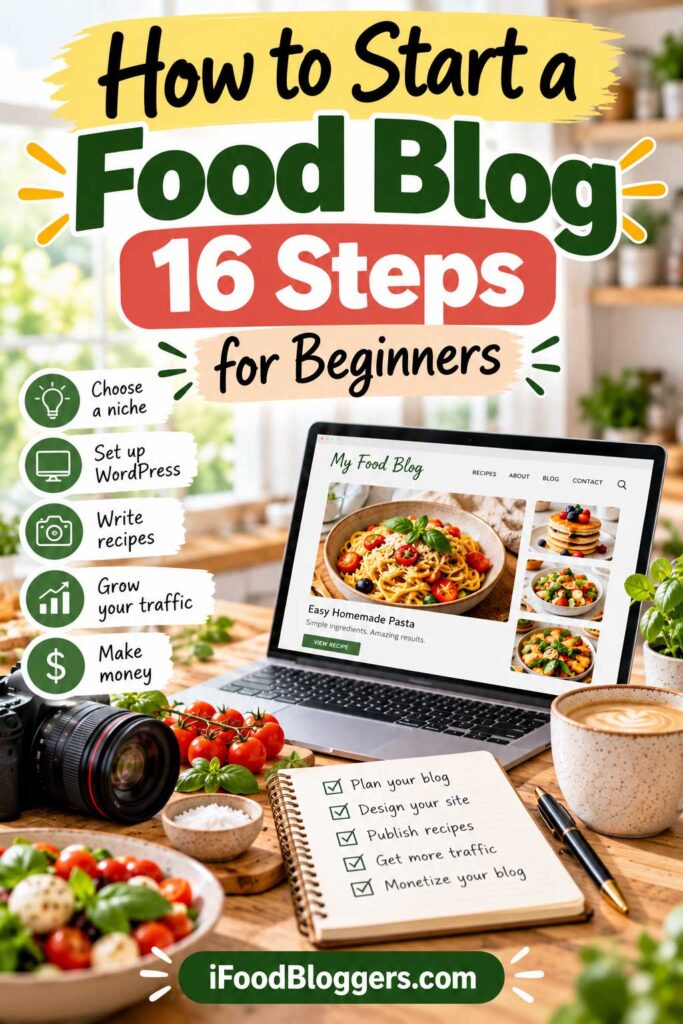
Step 1: Choose Your Food Blogging Niche
One of the first decisions when learning how to start a food blog is choosing what you’ll cook and who you’re hoping to reach.
Your niche is the main topic your blog focuses on. It could be traditional family recipes, Mediterranean cooking, budget-friendly meals, homemade desserts, or plant-based dishes.
Your blog doesn’t have to stay within one type of cooking forever. But beginning with a specific focus helps you decide what to publish and reach people who are genuinely interested in those dishes.
For example, a blog about traditional Balkan recipes has a more defined identity than a website covering every possible cuisine. Readers know what to expect, and you have a clearer direction when choosing new recipes.
How to Find the Right Food Blogging Niche
Start with the food you genuinely enjoy preparing. Perhaps you love baking bread, have a collection of family recipes, or regularly experiment with quick meals.
You don’t need professional cooking experience, but you should be comfortable testing recipes, explaining your methods, and sharing practical advice.
A good niche combines three things: your interests, useful knowledge, and an audience looking for that information.
Before choosing, consider whether you could create at least 30–50 useful recipes or articles around the topic. If you struggle to think of ten ideas, it may be too narrow.
Popular Food Blogging Niches to Consider
| Food Blogging Niche | Example Content | Target Audience |
|---|---|---|
| Traditional and regional cooking | Family recipes, regional specialties | Home cooks exploring different cuisines |
| Budget-friendly meals | Affordable dinners, pantry recipes | Families and students |
| Quick and easy recipes | 30-minute meals, one-pot dinners | Busy households |
| Baking and desserts | Bread, cakes, cookies, baking tutorials | Home bakers |
| Vegetarian and vegan cooking | Plant-based meals, vegetable dishes | Plant-based food enthusiasts |
| Beginner cooking | Basic techniques, simple recipes | New home cooks |
| Seasonal cooking | Seasonal produce, preserving, farmers market recipes | Seasonal food enthusiasts |
These niches can overlap. A Mediterranean food blog might feature quick dinners, vegetarian recipes, and traditional desserts without losing its identity.
Research Your Niche and Competition
Before committing to a topic, search Google for recipes and cooking questions related to your niche.
Look at the websites appearing in search results. What types of recipes do they publish? Are their instructions clear? Do they include original photographs, helpful tips, and ingredient substitutions?
You can also explore keyword ideas using Google Keyword Planner, Semrush, or Ahrefs.
Specific searches often provide a clearer starting point than broad topics. For example, competing for “bread recipe” may be difficult, while a detailed guide to a particular traditional bread could serve a more focused audience.
Don’t rely on search volume alone. Consider whether you can create something genuinely useful that answers readers’ questions.
For a more detailed approach, read our How to Find Low-Competition Recipe Keywords guide.
Consider Your Blog’s Long-Term Potential
If you hope to earn money from your food blog, think about whether your niche offers opportunities beyond publishing recipes.
A baking blog might recommend mixers, baking pans, and kitchen scales. A beginner cooking website could eventually sell ebooks, meal plans, or cooking courses.
However, don’t choose a topic simply because it appears profitable. Creating reliable recipes and building an audience will be much easier when you genuinely enjoy the subject.
Your First Action: Define Your Food Blog
Before moving forward, write one sentence describing your website.
For example:
“My food blog helps busy families prepare affordable Mediterranean meals using simple, everyday ingredients.”
Next, choose three to five categories that support your niche, such as Mediterranean Dinners, Salads and Side Dishes, Traditional Recipes, and Desserts.
You can expand your categories as your website grows. For now, the goal is to establish a clear direction and develop enough ideas for your first recipes.
With your niche selected, it’s time to choose a memorable food blog name and register your domain.
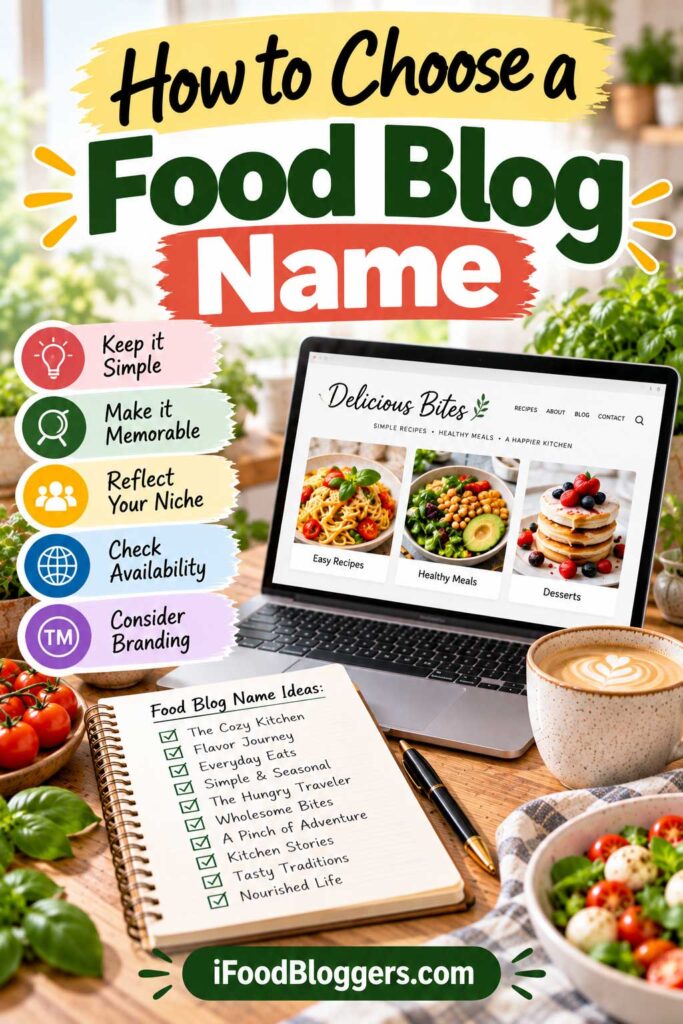
Step 2: Choose a Memorable Food Blog Name and Domain
Once you’ve chosen your food blogging niche, it’s time to pick a name and register your domain.
Your blog name is part of your brand. Readers will see it in Google search results, on Pinterest, across social media, and whenever they share your recipes. Ideally, it should be memorable, easy to spell, and flexible enough to grow with your website.
Your domain is the address people use to visit your blog. For example, a website called The Cozy Kitchen might use a domain such as thecozykitchen.com, assuming it’s available.
You don’t need a complicated or especially clever name. Something simple that reflects your cooking style or personality can work just as well.
How to Choose a Good Food Blog Name
Think about the recipes you plan to publish and the audience you want to attract.
A blog focused on traditional family cooking might benefit from a warm, personal name. A website featuring quick dinners could use something that suggests simplicity or convenience.
As you brainstorm, keep a few guidelines in mind:
- Make it easy to remember. Shorter names are generally easier to share.
- Avoid confusing spelling. Numbers, hyphens, and unusual spellings can make your domain harder to type.
- Leave room to grow. Don’t choose a name that’s too restrictive if you might expand into other recipes.
- Check social media usernames. Consistent branding makes your website easier to recognize.
- Look for trademark conflicts. Avoid names already associated with established businesses.
Words such as recipes, kitchen, cooking, or baking can help communicate your topic, but they’re not essential. A distinctive brand name can be equally effective.
Should You Choose a .com Domain?
For most food bloggers, a .com domain is a sensible first choice because it’s familiar and easy for readers to recognize.
Other extensions, including .net, .blog, and .recipes, can also work. However, consider whether visitors might accidentally type the .com version of your name.
You don’t need to include keywords in your domain to rank on Google. A memorable brand, helpful content, and a well-organized website matter much more.
If your preferred name is unavailable, try another variation rather than forcing numbers or awkward spelling into your domain.
Where to Register Your Food Blog Domain
You can purchase a domain through a dedicated registrar or register one when signing up for hosting.
Here are several popular options:
| Domain Registrar | Why Consider It |
|---|---|
| Namecheap | Easy domain management and a wide selection of extensions |
| Cloudflare Registrar | At-cost registration and renewal pricing for supported domains |
| Porkbun | Competitive pricing and straightforward management |
| GoDaddy | Established provider with additional website services |
Before purchasing, compare the introductory price with the annual renewal cost. A domain that looks inexpensive during the first year may cost considerably more later.
Also check whether domain privacy is included, whether you can manage DNS settings, and whether the registrar supports two-factor authentication.
Some hosting companies include a free domain for the first year. That can be convenient, but make sure you understand the renewal terms.
Check Your Domain Before Purchasing
Before registering your chosen name, search Google and social media to see whether another business or food blog already uses something similar.
For U.S.-focused websites, the USPTO trademark database can help identify potential trademark conflicts.
You can also use the Wayback Machine to check whether the domain previously hosted another website.
Once you’ve registered your domain, enable automatic renewal and secure your account with two-factor authentication.
One domain is enough to get started. You don’t need to purchase every extension or variation of your name.
With your domain registered, you’re ready for the next step: choosing reliable web hosting and setting up your food blog.
Step 3: Choose Reliable Web Hosting for Your Food Blog
Once you’ve registered your domain, you’ll need web hosting to make your food blog accessible online.
Think of your domain as your website’s address and hosting as the place where your recipes, photographs, and other website files are stored.
Choosing reliable hosting matters because food blogs often contain large images, recipe cards, and other features that can affect loading speed. A slow website can frustrate readers, especially when they’re following recipes on their phones.
If you’re figuring out how to start a food blog on a budget, there’s no need to spend heavily on hosting. An affordable WordPress plan is usually enough for a new website.
What Type of Hosting Should You Choose?
Most beginners can start with shared hosting or an entry-level managed WordPress plan.
Shared hosting is generally more affordable because multiple websites use the same server resources. Managed WordPress hosting may include additional maintenance, security, backup, and performance features.
As your blog grows, you can consider more advanced options such as VPS or cloud hosting. There’s usually no reason to pay for those services before you need them.
Popular Web Hosting Providers for Food Bloggers
Several hosting companies offer plans suitable for WordPress recipe websites.
| Hosting Provider | Best For | What to Consider |
|---|---|---|
| Hostinger | Budget-conscious beginners | Affordable introductory plans; check renewal pricing |
| SiteGround | Bloggers wanting managed WordPress features | Convenient tools and support, but potentially higher renewal costs |
| Cloudways | Growing websites needing flexible cloud resources | More configuration options and a steeper learning curve |
| Kinsta | Established blogs with larger budgets | Premium managed WordPress hosting at a higher cost |
For beginners working with a limited budget, Hostinger is one option worth comparing. It offers WordPress-compatible plans that may be suitable for a new recipe website without requiring a large initial investment.
SiteGround may appeal to bloggers who prefer additional managed WordPress features, while Cloudways and Kinsta are generally better suited to websites with more demanding requirements.
The right choice depends on your budget, technical comfort, and the features included in each plan.
For a more detailed comparison of features, pricing considerations, and hosting options, read our Best Hosting for Food Bloggers guide.
Domain Registration and WordPress Hosting Options
When starting a food blog, you’ll need a domain name and reliable hosting. Namecheap, SiteGround, and Bluehost are three established providers worth comparing. Namecheap is particularly useful for domain registration, while SiteGround and Bluehost offer WordPress hosting solutions.
Namecheap
Great Reliable Services

Namecheap is a leading domain name and web hosting provider, offering cheap domain names with the most reliable service.
Siteground
Ultra-Fast Support

Siteground Hosting is rated as #1 hosting by WordPress. It comes with one-click WordPress installation and outstanding support.

Choosing between these providers: Namecheap is particularly useful for domain registration, while SiteGround and Bluehost offer WordPress hosting plans. Compare the total first-year cost, renewal pricing, backup features, and customer support before purchasing.
What Features Matter Most?
Before purchasing hosting, check the features that will affect your website’s reliability and ongoing costs.
Speed and reliability: Your website should load efficiently and remain consistently available. This is especially important for recipe pages containing multiple photographs.
WordPress support: Look for straightforward WordPress installation and compatibility with current software requirements.
SSL certificate: Your website should use HTTPS to secure connections between visitors and your site. Many hosting providers include free SSL certificates.
Automatic backups: Regular backups make it easier to restore your website if an update fails or something goes wrong.
Customer support: Helpful technical support can save beginners considerable frustration, particularly during the initial setup.
Renewal pricing: Check what your hosting will cost after the introductory discount expires. Some providers offer low initial rates that increase substantially at renewal.
Don’t pay for unnecessary extras simply because they’re offered during checkout. Many basic security, caching, and website management features may already be included with your hosting plan.
How Much Does Food Blog Hosting Cost?
Entry-level shared hosting plans are often advertised at approximately $3–$10 per month with introductory discounts, although prices vary and longer prepaid commitments may be required.
Managed WordPress hosting can cost considerably more depending on the provider and included services.
Keep in mind that advertised monthly prices sometimes require paying for an entire year or longer in advance.
Compare the total cost over the first few years, including renewal rates, rather than choosing solely based on the promotional monthly price.
Start with hosting that fits your budget and handles your website reliably. You can always move to a more powerful plan if your blog eventually needs it.
Connect Your Domain to Your Hosting
After purchasing hosting, you’ll need to connect your domain to your hosting account.
If both services come from the same company, this may happen automatically. Otherwise, your hosting provider will supply the DNS settings or nameservers needed to connect them.
Once your domain is connected, enable HTTPS using the SSL certificate provided by your hosting company.
DNS changes can take some time to become visible, so don’t worry if your website isn’t immediately accessible.
Your next action: Make sure your domain points to your hosting account and HTTPS is working correctly. You’re now ready to install WordPress and begin building your food blog.
Step 4: Install WordPress and Choose a Food Blog Theme
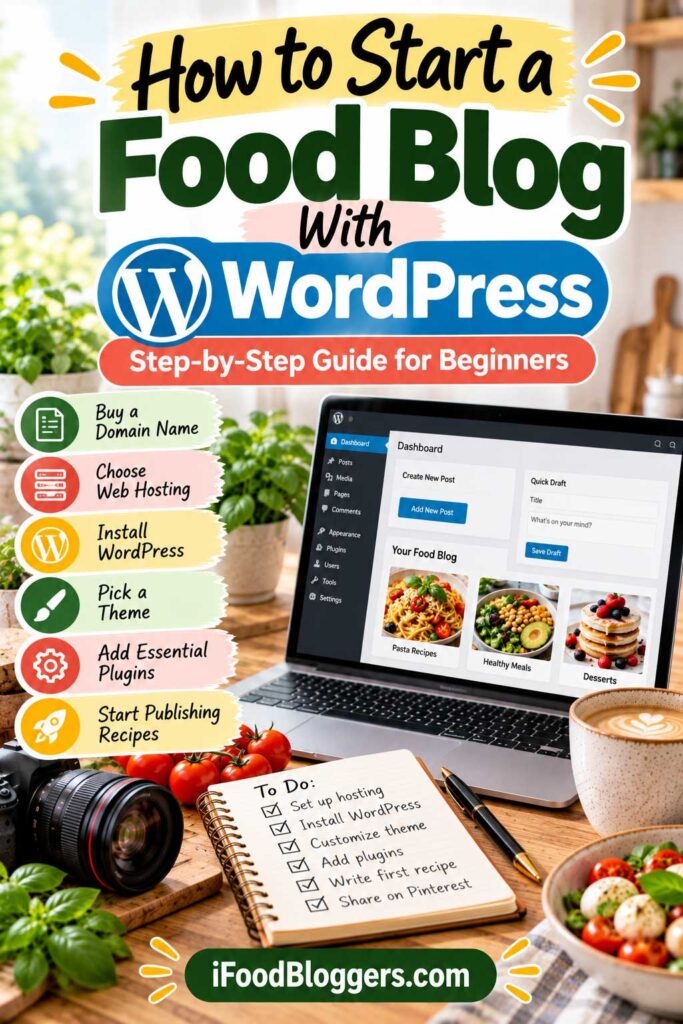
With your domain and hosting ready, it’s time to build your food blog.
For most beginners who want flexibility and room to grow, self-hosted WordPress is a practical choice. It lets you publish recipes, customize your website, install plugins, and eventually earn money through advertising, affiliate partnerships, or digital products.
You don’t need coding experience to get started. Most hosting providers offer guided WordPress installation, and many themes include layouts you can customize without touching code.
Don’t spend weeks adjusting fonts, colors, and layouts before publishing anything. A simple website that works well on phones is a perfectly good place to begin.
WordPress.org vs. WordPress.com
Although both use WordPress software, they work differently.
| Feature | WordPress.org | WordPress.com |
|---|---|---|
| Hosting | Choose your own provider | Hosting included |
| Customization | Extensive control over themes and plugins | Depends on your plan |
| Monetization | Flexible advertising and affiliate options | Subject to platform and plan requirements |
| Maintenance | Managed by you or your host | More platform-managed features |
| Best For | Bloggers wanting control and flexibility | Bloggers preferring an all-in-one service |
For food bloggers planning to grow a business, we generally recommend self-hosted WordPress using the software from WordPress.org.
It gives you greater control over your hosting, recipe plugins, website design, and monetization options.
WordPress.com can also work, but check its current plan limitations before choosing it.
You can explore other options in our Best Blogging Platforms guide.
How to Install WordPress
Most hosting companies offer a simple WordPress installation process.
After logging in to your hosting dashboard, look for an option such as Install WordPress, WordPress Manager, or Create Website.
You’ll generally need to:
- Select your domain and choose WordPress.
- Create an administrator account with a strong password.
- Enter your website name and basic settings.
- Complete the installation and open your WordPress dashboard.
Once installed, you can usually access your dashboard at yourdomain.com/wp-admin.
Before publishing, visit Settings → Permalinks and select a readable URL structure, such as Post name.
For example, a recipe URL might look like:
yourdomain.com/homemade-banana-bread/
A clear URL is easier for visitors to understand and share.
Choose a WordPress Theme for Your Food Blog
Your theme controls your website’s appearance, including fonts, colors, navigation, and page layouts.
A good food blog theme should be mobile-friendly, easy to navigate, and compatible with your preferred recipe plugin.
You don’t necessarily need a theme designed exclusively for food blogs. A lightweight, well-supported WordPress theme can work just as well.
Here are several options worth exploring:
| WordPress Theme | Best For | Main Advantage |
|---|---|---|
| Kadence | Beginners wanting flexible layouts | Customizable design with a free version |
| Astra | Bloggers looking for starter templates | Lightweight foundation and broad plugin compatibility |
| GeneratePress | Bloggers prioritizing performance | Clean design and performance-focused features |
| Foodie Pro | Food bloggers seeking recipe-focused layouts | Food blogging design options within the Feast ecosystem |
Before purchasing a premium theme, check its update history, support options, and compatibility with your plugins.
Many beginners can start with a free theme and upgrade later if they need additional features.
Customize Your Food Blog’s Design
Once your theme is active, focus on making your website easy to use.
Choose readable fonts, two or three complementary brand colors, and a simple logo or text-based site title.
Your homepage should help visitors understand what your blog offers. Include a short introduction, links to your main recipe categories, and a selection of recent or featured recipes.
Keep navigation straightforward. Categories such as Breakfast, Dinner, Desserts, and Traditional Recipes are easier to explore than a menu filled with dozens of links.
Make sure your website works well on mobile devices. Many readers will visit while shopping for ingredients or following a recipe in the kitchen.
Avoid unnecessary animations, large sliders, and excessive design elements that could slow down your pages.
You also don’t need a separate page builder unless your design requires one. The built-in WordPress block editor can handle many common blog layouts.
Check Your Website Before Publishing
Before adding recipes, open your website on desktop and mobile to make sure everything works correctly.
Check that your homepage loads, navigation links work, HTTPS is enabled, and your administrator account is secure.
It’s also worth confirming that your hosting backups are configured.
Avoid installing unnecessary plugins or making too many changes at once. Overlapping tools can cause compatibility issues and make troubleshooting more difficult.
Our guide to Common WordPress Mistakes covers additional problems beginners should avoid.
Your next action: Install WordPress, activate a reliable theme, configure your basic settings, and make sure your website works properly on mobile and desktop.
With your website’s foundation in place, you’re ready to add the essential plugins that will help you publish recipes and manage your food blog.
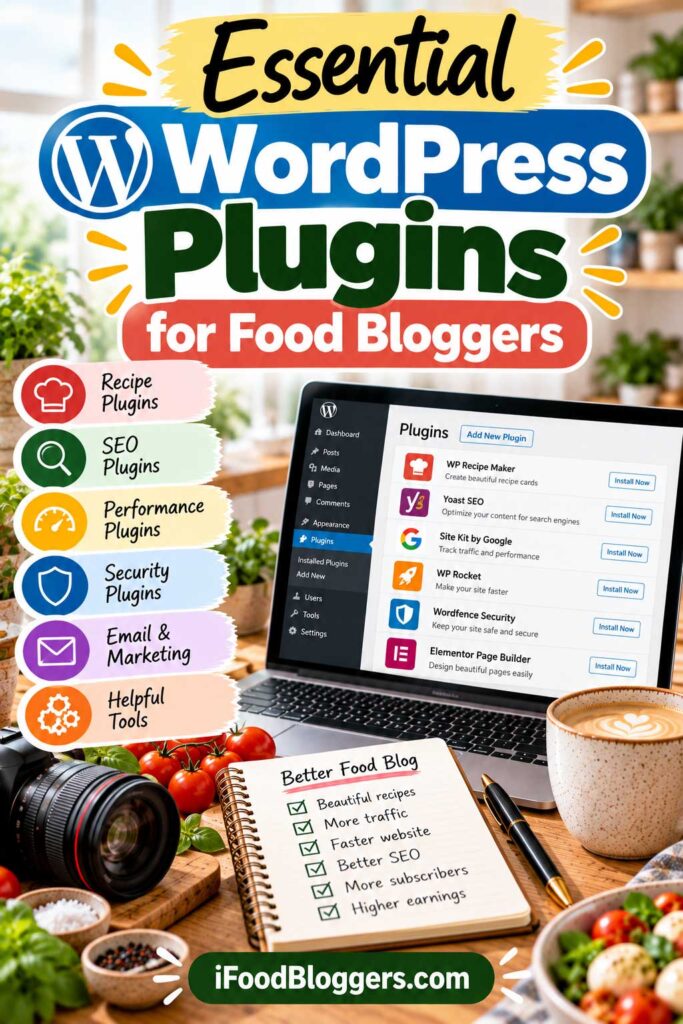
Step 5: Install Essential WordPress Plugins for Food Bloggers
With WordPress and your theme ready, the next step is adding a few plugins to help your food blog function properly.
Plugins extend WordPress with features such as recipe cards, SEO settings, image optimization, backups, and security.
However, you don’t need dozens of plugins to start a food blog. A small collection of reliable, well-maintained tools is usually enough. Adding unnecessary plugins can create conflicts, slow down your website, and make maintenance more complicated.
Choose a Recipe Plugin
A recipe plugin is one of the most important tools for a food blog. It lets you display ingredients, cooking instructions, preparation times, servings, and other details in an organized recipe card.
Many recipe plugins also generate structured data that helps search engines understand your recipes and may make eligible pages appear with additional information in Google search results.
Popular options include WP Recipe Maker, Tasty Recipes, and Create by Mediavine.
Tasty Recipes: WP Tasty offers Tasty Recipes, a WordPress plugin designed to display recipe cards with ingredients, instructions, cooking times, and other useful information.
The company also offers complementary products, including Tasty Pins for Pinterest-related image settings and Tasty Links for managing selected links.
If you’re comparing premium recipe plugins, consider how well each option fits your theme, editorial workflow, and budget.
Look for a plugin that’s easy to use, mobile-friendly, regularly updated, and compatible with your WordPress theme.
For a detailed comparison, explore our Best WordPress Recipe Plugins guide.
Install an SEO Plugin
An SEO plugin helps you manage titles, meta descriptions, XML sitemaps, and other settings that make your website easier for search engines to understand.
Popular choices include Rank Math, Yoast SEO, and All in One SEO.
For most beginners, a free version is sufficient.
Remember that an SEO plugin doesn’t guarantee higher rankings. Your recipes still need to be useful, original, and relevant to what readers are searching for.
Install only one primary SEO plugin to avoid conflicting settings.
Optimize Images and Website Speed
Food photography is an important part of recipe blogging, but large image files can slow down your website.
Image optimization tools such as ShortPixel, Imagify, and Smush can help reduce file sizes while maintaining reasonable image quality.
Caching tools, including LiteSpeed Cache and WP Rocket, may also improve loading performance.
Before installing these plugins, check which optimization features your hosting provider already includes. Avoid running multiple tools that perform the same tasks unless they’re configured to work together.
Set Up Security and Backups
Keeping your website secure is important from the beginning.
Use strong passwords, enable two-factor authentication where available, and keep WordPress, themes, and plugins updated.
A security plugin such as Wordfence can provide additional protection.
For backups, check whether your hosting plan already includes automatic backups. If not, UpdraftPlus is one option for scheduling backups and storing copies separately from your website.
Whatever backup method you choose, make sure you know how to restore your website if something goes wrong.
Should You Use Jetpack?
Jetpack offers several WordPress features, including website statistics, security-related tools, performance features, and optional backup services.
It can be convenient if you prefer using products from the same provider for multiple website tasks. However, available features and pricing depend on the Jetpack products and plans you choose.
Before installing it, check whether your hosting provider or existing plugins already handle backups, security, image delivery, and performance optimization. You may not need overlapping services.
Essential WordPress Plugins at a Glance
| Plugin Category | Popular Options | Main Purpose |
|---|---|---|
| Recipe cards | WP Recipe Maker, Tasty Recipes, Create | Organize recipes and support structured data |
| SEO | Rank Math, Yoast SEO, AIOSEO | Manage metadata and sitemaps |
| Image optimization | ShortPixel, Imagify, Smush | Reduce image file sizes |
| Caching | LiteSpeed Cache, WP Rocket | Improve website performance |
| Security | Wordfence | Add website protection features |
| Backups | UpdraftPlus | Create and manage backups |
You don’t need every plugin listed here. Choose one suitable tool per category when needed, and avoid duplicating features already included with your hosting.
Before installing a plugin, review its recent updates, compatibility, and support history. Remove plugins you no longer use, since even inactive plugins may require security updates.
For more recommendations, visit our Website Tools for Food Bloggers resource page.
Your next action: Install a reliable recipe plugin and one SEO plugin. Then confirm that your website has suitable image optimization, caching, backups, and security.
With these essentials in place, you’re ready to create the important pages that will make your food blog more useful, trustworthy, and professional.
Step 6: Create the Essential Pages Every Food Blog Needs
Before publishing your first recipes, create a few important pages that help visitors understand who you are, what your website offers, and how to contact you.
These pages may not attract as much traffic as your recipes, but they help establish credibility and make your food blog easier to navigate.
Some introduce you to readers, while others explain how your website handles personal information, advertising, and affiliate relationships.
You don’t need dozens of pages to launch a food blog. Start with the essentials and add others as your website grows.
Create an About Page
Your About page introduces the person behind the recipes.
Share why you started your food blog, what types of dishes you publish, and what visitors can expect to find.
You might mention your cooking background, family traditions, or connection to a particular cuisine. If you’re comfortable, include a photograph of yourself to make the introduction more personal.
You don’t need professional culinary credentials, but be clear about your experience and avoid claiming expertise you don’t have.
A friendly, specific introduction is more useful than a generic biography.
Add a Contact Page
A Contact page gives readers, potential collaborators, and businesses a way to reach you.
You can include a contact form, a dedicated email address, or both. If you plan to work with brands, mention that you’re open to relevant partnerships.
Avoid publishing private contact information unless there’s a business reason to do so.
Make sure your contact form works and that messages reach an inbox you check regularly.
Publish a Privacy Policy
A Privacy Policy explains how your website collects, uses, and handles personal information.
Even a small food blog may process visitor information through analytics, contact forms, email subscriptions, advertising tools, or cookies.
Your policy should accurately describe the services you use and explain applicable privacy rights.
WordPress provides a basic Privacy Policy template, but you’ll need to customize it for your website.
Privacy requirements depend on where you operate, where your visitors are located, and which technologies your website uses.
Include an Affiliate Disclosure
If you recommend products or services through affiliate links, readers should understand that you may earn commissions from qualifying purchases.
This applies to recommendations for kitchen equipment, cooking tools, hosting services, and other products.
In the United States, the Federal Trade Commission’s endorsement guidance explains disclosure requirements for affiliate relationships and endorsements.
A dedicated Affiliate Disclosure page is useful, but you should also place clear disclosures near relevant affiliate recommendations.
Use straightforward language that readers can easily understand.
Other Useful Food Blog Pages
Depending on your website’s features and business activities, consider adding the following pages:
| Page | Purpose |
|---|---|
| Terms and Conditions | Explains rules and limitations for using your website |
| Cookie Policy | Describes cookie use and related technologies |
| Disclaimer | Clarifies limitations of nutrition, food safety, or other website information |
| Editorial Policy | Explains how recipes are developed, tested, and updated |
| Recipe Index | Helps visitors browse recipes by category, ingredient, or meal type |
A Recipe Index is especially useful as your content library grows. You can begin with simple category pages and expand the functionality later.
Make Important Pages Easy to Find
Your About and Contact pages can appear in the main navigation, while legal policies and disclosures are commonly linked in the footer.
Make sure visitors can access these pages on both desktop and mobile devices.
For policy generators, consent management tools, and other resources, explore our Legal Tools for Food Bloggers page.
Remember that automated legal templates are only starting points. If you’re unsure which policies apply to your website, consult a qualified legal professional.
Your next action: Create your About and Contact pages, publish an accurate Privacy Policy, and add any disclosures required by your website’s features and monetization methods.
With these foundations in place, you’re ready to plan your first recipes and start building your food blog’s content library.
Step 7: Plan Your First 10–20 Food Blog Posts
Once you’ve learned how to start a food blog and set up your website, it’s tempting to publish every recipe you know. A little planning, however, can help you decide which dishes to share first.
Planning your first posts makes it easier to decide what to cook next, organize your recipe categories, and avoid writing several articles that cover almost the same dish.
Start with 10–20 recipe and cooking article ideas that fit your niche and answer questions your audience is likely to have. You don’t need expensive research tools or a complicated editorial calendar.
Start With Recipes You Know Well
Your first posts should feature dishes you’re comfortable preparing and explaining.
Recipes you’ve made many times are often easier to write about because you already understand the ingredients, cooking techniques, substitutions, and common mistakes.
For example, a Mediterranean food blog might begin with Greek lemon potatoes, homemade tzatziki, lentil soup, baked feta, and a few simple family dinners.
Start with familiar dishes and introduce more complicated recipes as you develop your writing and photography process.
Find Recipe Topics People Are Searching For
Your favorite dishes are a good starting point, but keyword research can help you discover what potential readers want to cook.
Google autocomplete, related searches, and keyword research tools such as Semrush or Ahrefs can provide ideas.
Look for specific searches that match your niche.
For example, instead of targeting a broad term such as “chicken recipe,” you might focus on “Greek baked chicken with lemon and potatoes.”
More specific topics can give your content a clearer purpose, although they aren’t automatically easier to rank for.
Before writing, review existing search results. Consider whether you can offer clearer instructions, original photographs, helpful substitutions, or cooking advice based on your own experience.
For more guidance, read our How to Find Low-Competition Recipe Keywords guide.
Organize Your First Posts Into Categories
Grouping recipes into a few clear categories makes your website easier to navigate and helps you plan future content.
For example, a Mediterranean food blog could organize its first 20 posts like this:
| Category | Example Recipe Ideas | Planned Posts |
|---|---|---|
| Main Dishes | Greek baked chicken, vegetable moussaka, stuffed peppers | 4 |
| Salads and Sides | Greek salad, lemon potatoes, tzatziki | 4 |
| Soups | Lentil soup, chickpea soup, vegetable soup | 3 |
| Appetizers | Baked feta, hummus, roasted eggplant dip | 3 |
| Desserts | Semolina cake, Greek yogurt dessert, honey cookies | 3 |
| Cooking Guides | Mediterranean pantry staples, olive oil basics, herb guide | 3 |
| Total | 20 |
You don’t need to publish everything before launching. The purpose is to create a manageable list of topics you can work through over time.
Avoid Competing With Your Own Articles
Publishing multiple posts that answer essentially the same question can create unnecessary overlap.
For example, “Easy Homemade Tzatziki,” “Best Greek Tzatziki Recipe,” and “Traditional Tzatziki Sauce” may be better combined into one comprehensive article if they describe nearly identical recipes.
Separate posts make more sense when the recipes serve different needs. A dairy-free tzatziki recipe, for instance, could justify its own article because it uses different ingredients.
Before creating a new post, check whether an existing article already covers the topic.
Create a Realistic Publishing Schedule
Consistency matters, but publishing more often doesn’t automatically lead to better results.
Every recipe takes time to test, photograph, write, and edit. If you’re working on your blog alongside a job or other responsibilities, starting with one recipe per week is perfectly reasonable. You can publish more often once you’re comfortable with the process.
Here’s an example of a manageable first-month schedule:
| Week | Publishing Goal |
|---|---|
| Week 1 | Publish your first tested recipe |
| Week 2 | Publish another recipe and improve your site navigation |
| Week 3 | Publish one or two additional recipes |
| Week 4 | Publish another recipe and review your earlier posts |
This schedule gives you a realistic starting point of four to five recipes during your first month. If you need more time, publishing three well-tested recipes is also a perfectly reasonable start.
Adjust the pace to fit your available time. Properly tested recipes with useful instructions are more valuable than a large collection of rushed articles.
Keep a Simple Content Calendar
A spreadsheet or free planning tool is enough to organize your first posts.
Track each article’s working title, primary keyword, category, publication status, and photography needs.
You can also record related posts to link together as your content library grows.
A content calendar doesn’t need to be complicated. It simply helps you stay organized and maintain a consistent workflow.
Your next action: Choose your first three recipes, research their topics, and schedule time to prepare and photograph them.
With your content plan in place, you’re ready to turn those ideas into helpful, search-friendly recipe posts.
Step 8: Write and Optimize Your First Recipe Post
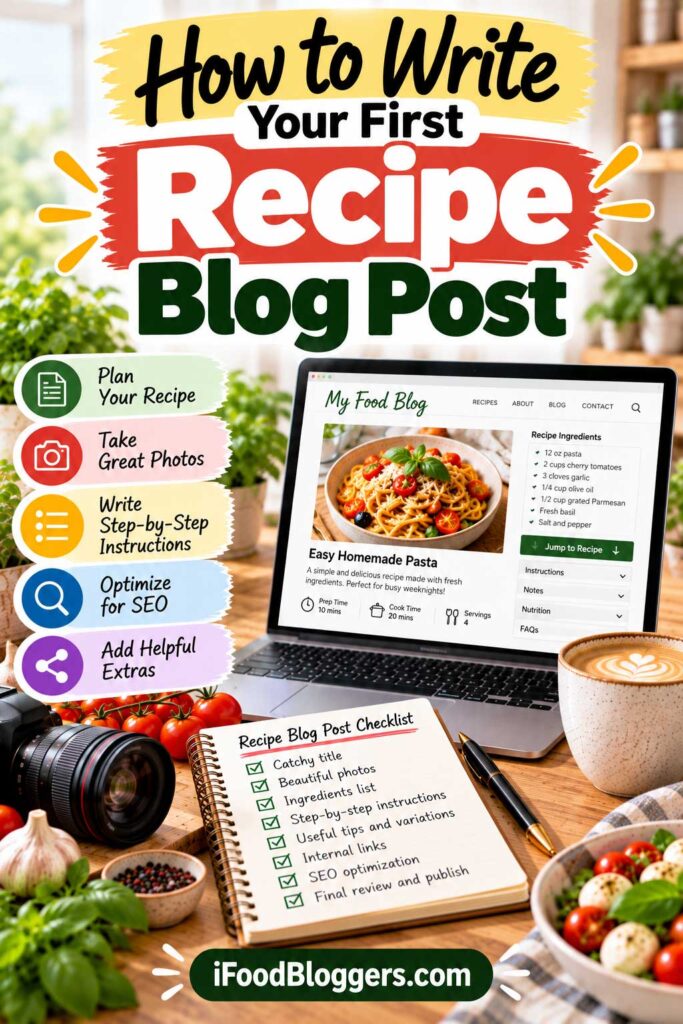
You’ve chosen your first recipes and researched what readers are looking for. Now it’s time to turn one of those ideas into a complete blog post.
A good recipe article should do more than explain what ingredients to use. It should help someone prepare the dish successfully, answer common questions, and make the cooking process easy to follow.
SEO is important, but a recipe that looks good in search results won’t help anyone if the instructions don’t work. Test the dish first, explain each important step, and make sure readers have everything they need to recreate it.
Start With a Clear, Descriptive Recipe Title
Your title should tell readers exactly what they’re going to make.
Instead of using a vague title such as “My Favorite Family Dinner,” choose something descriptive, like “Greek Baked Chicken with Lemon and Potatoes.”
A clear title helps visitors recognize whether the recipe matches what they’re searching for.
Include your primary keyword naturally when it accurately describes the dish. Avoid adding unnecessary phrases simply to fit more keywords into the title.
Write a Helpful Recipe Introduction
Your introduction should briefly explain what makes the recipe worth trying.
Mention its flavor, texture, cooking method, or the occasion it’s suited for.
For example, a Greek baked chicken recipe might begin:
This Greek baked chicken combines tender chicken, golden potatoes, fresh lemon, garlic, and oregano in one roasting pan. It’s a practical family dinner with simple ingredients and very little hands-on preparation.
You can add a personal detail if it helps explain the recipe, but avoid lengthy stories that delay the information readers came to find.
A few useful sentences are often enough.
Explain the Ingredients and Substitutions
An ingredient list tells readers what they need, but a short explanation of important ingredients can make the recipe easier to follow.
For example, you might explain why fresh lemon juice works well, which type of potato holds its shape during roasting, or whether dried oregano can replace fresh herbs.
Mention substitutions you’ve actually tested or can reliably recommend.
If you’re adapting a recipe from another cookbook or website, acknowledge your inspiration where appropriate and write your own instructions based on your actual cooking experience. Don’t copy another creator’s photographs or written instructions. Original testing, personal observations, and your own images help make your recipes more trustworthy and distinctive.
If an ingredient is essential to the recipe’s texture or flavor, explain why replacing it may change the results.
Avoid listing numerous untested alternatives just to make the article longer
Include Clear Step-by-Step Instructions
Your cooking instructions should be specific enough for someone who has never made the dish.
Describe preparation steps in a logical order and include important details such as oven temperature, cooking time, pan size, and signs of doneness.
Instead of writing “Bake until ready,” explain what readers should look for.
For example:
Roast the chicken until the thickest part reaches a safe internal temperature of 165°F (74°C), measured with a food thermometer, and the potatoes are tender.
Photographs of important preparation stages can help readers understand techniques that are difficult to explain with words alone.
Keep the instructions easy to scan, particularly for people following the recipe on their phones.
Add a Useful Recipe Card
A recipe card gives readers a convenient way to find the information they need while cooking.
Most recipe plugins let you include ingredients, instructions, preparation and cooking times, servings, and recipe notes.
Depending on the plugin, readers may also be able to print the recipe or adjust ingredient quantities.
Make sure the recipe card matches the instructions in your article. Conflicting temperatures, ingredient amounts, or cooking times can confuse readers.
If your plugin supports recipe structured data, complete the relevant fields accurately.
Structured data helps search engines interpret recipe information, although it doesn’t guarantee rich results or higher rankings.
Answer Common Cooking Questions
Think about what could go wrong when someone makes your recipe for the first time.
Could they prepare it ahead? How should leftovers be stored? Can they freeze it? What should they serve alongside it?
Answer questions that genuinely apply to the dish.
For example, a soup recipe might benefit from storage and reheating advice, while a bread recipe may need guidance on dough texture and proofing.
You don’t need an FAQ section in every post. Include additional explanations only when they help readers achieve better results.
Optimize Your Recipe for Search Engines
Once the recipe is complete, review a few basic SEO elements.
| SEO Element | What to Do |
|---|---|
| Page title | Clearly describe the recipe and include the main keyword naturally |
| URL | Use a short, descriptive slug such as /greek-baked-chicken/ |
| Meta description | Summarize the dish and give readers a reason to visit |
| Headings | Organize ingredients, instructions, tips, and storage information logically |
| Image alt text | Describe meaningful images accurately |
| Internal links | Link to relevant recipes and cooking guides |
| Recipe structured data | Complete supported fields accurately through your recipe plugin |
Avoid repeating your focus keyword unnaturally throughout the article.
Search engines increasingly evaluate content in context, so clear explanations and useful details matter more than forcing an exact phrase into every heading.
For a complete walkthrough, explore our Recipe SEO: How to Rank Recipes on Google guide.
Link to Related Recipes
Internal links help readers discover other dishes and make it easier to navigate your website.
For example, a Greek baked chicken recipe could link naturally to homemade tzatziki, Greek salad, or roasted vegetables.
Use descriptive anchor text that tells readers what they’ll find.
You can also add a short “More Recipes to Try” section near the end of your post.
Only link to articles that are genuinely relevant. You don’t need to add dozens of links to every recipe.
Review Your Recipe Before Publishing
Before clicking Publish, read through the article as though you’re preparing the dish for the first time.
Check ingredient measurements, cooking temperatures, preparation times, and the order of the instructions.
Make sure your photographs match the finished recipe and that the recipe card contains the correct information.
Preview the article on mobile to confirm that the text, images, and recipe card are easy to use.
If you notice something confusing, correct it before publishing rather than assuming readers will figure it out.
Your next action: Write one complete, tested recipe post with a descriptive title, helpful instructions, original photographs, and an accurate recipe card.
Once your first recipe is ready, the next step is improving your food photography so your dishes look appealing across your website, search results, and social media.
Step 9: Learn Food Photography Basics
Good food photography helps readers understand what a finished dish should look like and makes your recipes more appealing.
Photographs also play an important role in your website’s design, search visibility, Pinterest, and social media.
Fortunately, you don’t need an expensive camera or professional studio to start taking attractive food photographs. A modern smartphone, natural light, and a little practice can produce excellent results.
Start With Natural Light
Lighting is one of the most important parts of food photography.
For beginners, soft daylight from a nearby window is often the easiest option. Position your dish so the light enters from the side, highlighting textures and creating gentle shadows.
Avoid harsh direct sunlight, which can produce distracting highlights. A sheer curtain can soften strong light, while white foam board can reflect light into darker areas.
Try turning off overhead kitchen lights when using daylight to avoid mixing different color temperatures.
Choose the Best Camera Angle
Different foods photograph better from different perspectives.
| Camera Angle | Best For | Main Advantage |
|---|---|---|
| Overhead (90°) | Salads, pizzas, flatbreads | Shows ingredients and arrangement |
| Three-quarter (45°) | Pasta, bowls, plated dinners | Captures texture and depth |
| Eye level (0°) | Burgers, sandwiches, layered cakes | Emphasizes height and layers |
For example, an overhead shot can highlight the colorful ingredients in a Greek salad, while an eye-level photograph works well for a tall slice of cake.
Experiment with several angles before choosing your final images.
Keep Food Styling Simple
You don’t need elaborate decorations or expensive props.
Start with a clean plate, a neutral background, and a few ingredients that naturally belong to the recipe.
Fresh herbs, lemon wedges, or a drizzle of olive oil can add visual interest when appropriate.
Avoid overcrowding your photographs with unrelated objects. The food should remain the main subject.
Using similar lighting, backgrounds, and editing techniques can also help you develop a recognizable photography style over time.
Start With Basic Photography Equipment
If you’re new to food blogging, use the camera you already have before investing in expensive equipment.
Modern smartphones can capture high-quality recipe photographs when used with good lighting.
A tripod or phone stand can help you take sharper photographs and record cooking videos.
| Equipment | Priority | Main Benefit |
|---|---|---|
| Smartphone or camera | Essential | Captures recipe photographs |
| Natural window light | Essential | Provides soft illumination |
| Tripod or phone stand | Helpful | Keeps the camera steady |
| White foam board | Helpful | Softens shadows |
| Neutral backgrounds | Optional | Creates a consistent appearance |
| Dedicated camera lens | Optional | Offers additional creative control |
As your blog grows, you can invest in equipment that addresses specific photography needs.
Our Best Lenses for Food Photography guide explains lens types, focal lengths, and budget considerations.
You can also explore our Equipment for Food Bloggers page for additional recommendations.
Photograph Important Cooking Steps
A finished-dish photograph is useful, but preparation images can help readers follow unfamiliar techniques.
Consider photographing important stages such as mixing dough, shaping pastries, or checking the texture of a sauce.
You don’t need a photograph for every minor action. Focus on steps where visual guidance genuinely improves the instructions.
Keep lighting reasonably consistent so the photographs look like they belong to the same recipe.
Edit and Optimize Your Food Photos
Basic editing can improve exposure, white balance, contrast, and composition.
Tools such as Adobe Lightroom, Snapseed, or your phone’s built-in editor are suitable for beginners.
Adobe Lightroom: Lightroom is useful for adjusting exposure, white balance, color, and other photographic details. It can also help food bloggers develop a consistent editing style across their recipe photographs.
Adobe Photoshop: Photoshop offers more advanced image editing and retouching capabilities. It may be helpful when you need detailed corrections, image compositing, or more complex editing.
For beginners, Lightroom or a free photo editor is often enough. Photoshop becomes more useful when your editing needs grow beyond basic adjustments.
Avoid excessive filters or saturation that make the food look noticeably different from the finished dish.
Before uploading photographs to WordPress, resize and compress them to reduce unnecessary file weight.
Formats such as WebP can provide smaller file sizes, while JPEG remains widely supported.
Use descriptive filenames, such as greek-lemon-chicken-potatoes.webp, instead of generic camera filenames.
Add meaningful alt text when an image communicates useful information. For example:
Greek lemon chicken roasted with potatoes and oregano in a baking dish.
Alt text helps people using screen readers understand images, so descriptions should be accurate rather than filled with repeated keywords.
Your next action: Photograph one recipe using natural light. Capture a finished-dish image, a few important preparation steps, and photographs from different angles.
With your first recipe photographs ready, the next step is setting up website analytics to understand how visitors discover and use your food blog.
Step 10: Set Up Google Analytics and Google Search Console
Once your food blog is ready to publish recipes, set up two free tools: Google Analytics 4 (GA4) and Google Search Console.
Together, they help you understand how visitors discover your website, which recipes attract traffic, and whether Google can find and index your content.
You don’t need advanced analytics knowledge. A basic setup is enough to start tracking your progress.
Set Up Google Analytics 4
Google Analytics helps you understand what happens when people visit your website.
It shows information such as visitor activity, popular pages, and traffic sources, including search engines, social media, and direct visits.
To get started, create a Google Analytics account, add a GA4 property, and install its measurement tag.
WordPress users can connect Google services through Site Kit by Google without manually editing theme files.
Some hosting providers and plugins also include analytics integrations.
Use one properly configured tracking method to avoid recording duplicate events.
After installation, visit your website and check the GA4 Realtime report to confirm that data is being received.
Depending on applicable privacy laws and your tracking setup, you may also need a consent management solution.
Connect Your Website to Google Search Console
Google Search Console helps you monitor how your website performs in Google Search.
It shows which search queries generate impressions and clicks, which pages Google has indexed, and whether indexing problems need attention.
To begin, add your website as a property and verify ownership.
You can choose a Domain property, which requires DNS verification and covers subdomains and protocols, or a URL-prefix property for a specific website address.
Once verified, you’ll be able to review your website’s search performance as Google collects data.
Submit Your XML Sitemap
An XML sitemap helps search engines discover important pages on your website.
WordPress includes basic sitemap functionality, while many SEO plugins generate their own sitemaps.
Depending on your setup, your sitemap might be located at:
yourdomain.com/wp-sitemap.xml
Or:
yourdomain.com/sitemap_index.xml
Check which address your website actually uses, then submit it through the Sitemaps section in Google Search Console.
Submitting a sitemap helps with discovery but doesn’t guarantee indexing or rankings.
Also visit Settings → Reading in WordPress and confirm that the option discouraging search engines from indexing your website isn’t enabled unintentionally.
Monitor the Most Important Metrics
When your food blog is new, focus on a few measurements rather than trying to understand every available report.
| Metric | Tool | Why It Matters |
|---|---|---|
| Active users | Google Analytics | Counts distinct users who engaged with your website or whose first visit was recorded. |
| Page views | Google Analytics | Identifies frequently viewed content |
| Traffic sources | Google Analytics | Shows where visitors come from |
| Search impressions | Search Console | Shows how often your pages appear in Google Search |
| Search clicks | Search Console | Measures visits from Google Search results |
| Average position | Search Console | Provides an approximate view of search rankings |
| Indexing status | Search Console | Helps identify pages Google hasn’t indexed |
For a new food blog, growing search impressions can be an encouraging early signal, even before you receive many clicks.
Remember that rankings and traffic naturally fluctuate. Avoid making major decisions based on a single day’s results.
Other Free Google Tools Worth Exploring
Google Analytics and Search Console are the main tools you’ll use to understand your food blog’s performance, but a few other free Google resources can help.
Google PageSpeed Insights analyzes page performance and provides suggestions for improving loading speed and user experience. This is particularly useful for food blogs with large recipe photographs.
Google Keyword Planner can help you explore keyword ideas and search demand. Although it’s primarily designed for advertisers, it can provide useful context when researching recipe topics.
You don’t need to check every tool daily. Use them when you have a specific question about website performance or content planning.
Review Your Performance Regularly
New food blogs may receive little search traffic during their first few months. Building visibility takes time, and results vary depending on competition, content quality, and other factors.
Instead of checking analytics constantly, review your performance weekly or monthly.
Look for recipes gaining impressions, pages attracting visitors, and topics that appear to interest your audience.
Check for indexing issues, but don’t assume something is wrong simply because a recently published recipe hasn’t appeared in Google yet.
Use your findings to improve existing articles and plan future content.
Your next action: Connect GA4 and Google Search Console, verify that tracking works, and submit your XML sitemap.
With these tools in place, you’re ready to start growing your food blog’s traffic through Google, Pinterest, and other channels.
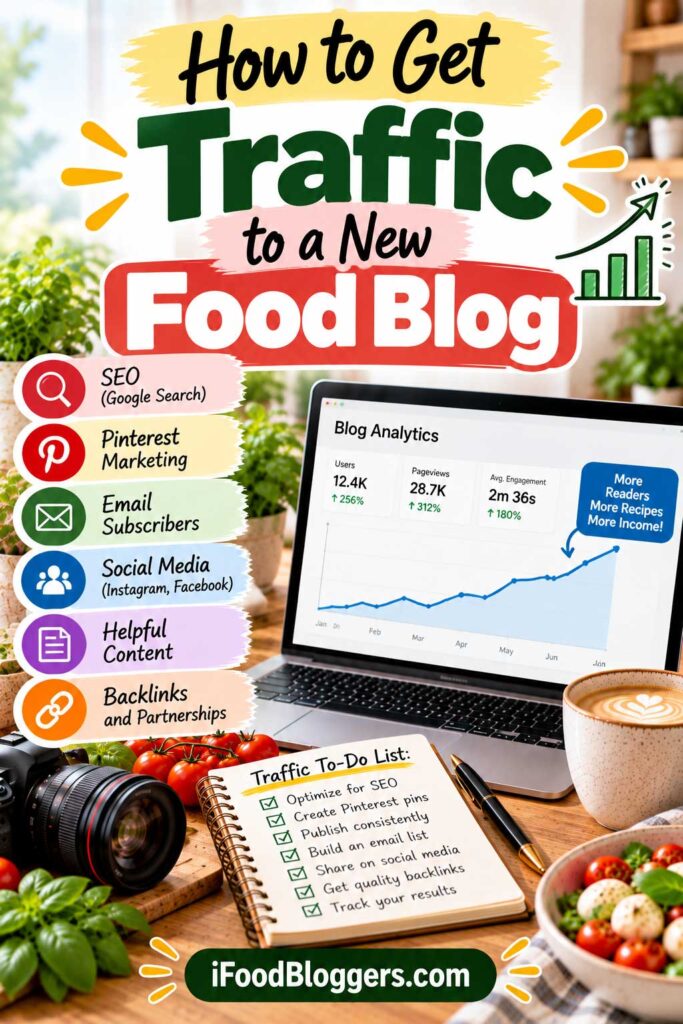
Step 11: Grow Your Food Blog Traffic With Google and Pinterest
Publishing recipes is only the beginning. Once your food blog has useful content, the next challenge is helping people discover it.
Google Search and Pinterest are two valuable traffic channels for food bloggers. Google connects readers with recipes they’re actively searching for, while Pinterest helps people discover and save cooking ideas.
Both can attract visitors over time, although results vary and neither guarantees traffic.
Start by making your recipes easy to find through Google, then choose a promotion channel you enjoy using. For many food bloggers, Pinterest is a practical place to begin.
Build Organic Traffic With Recipe SEO
Search engine optimization (SEO) helps search engines understand your content and connect it with relevant searches.
For food bloggers, this starts with choosing clear recipe topics and publishing original, reliable instructions.
A recipe targeting “Greek lemon potatoes” should include the ingredients, preparation steps, cooking times, photographs, and practical advice readers expect.
Use descriptive titles, organize your content with helpful headings, and complete your recipe card accurately.
Avoid publishing nearly identical articles simply to target small keyword variations.
For a deeper explanation, explore our Recipe SEO: How to Rank Recipes on Google guide.
Use Pinterest to Promote Your Recipes
Pinterest can be particularly useful for cooking, baking, meal planning, and seasonal recipe content.
Start by creating a Pinterest business account and a few boards that reflect your niche, such as Easy Dinner Recipes, Mediterranean Cooking, or Homemade Desserts.
Create Pins with appealing food photographs, descriptive titles, and direct links to the corresponding recipe pages.
A vertical 2:3 format, such as 1000 × 1500 pixels, is a practical starting point for standard Pins.
For example, a homemade tzatziki recipe could use the title “Easy Homemade Greek Tzatziki Sauce” over a clear photograph of the finished dish.
Include relevant keywords naturally in Pin titles and descriptions without repeating the same phrases excessively.
You don’t need to publish dozens of Pins every day. Start with a manageable schedule and experiment with different photographs, layouts, and titles for your recipes.
For additional guidance, read our Pinterest SEO for Food Bloggers and How to Get Pinterest Traffic to a Food Blog guides.
Can Tailwind Help With Pinterest Scheduling?
Tailwind is a social media management platform offering Pinterest scheduling and content planning features.
For food bloggers who regularly publish recipes and create multiple Pins, a scheduling tool can make it easier to organize promotional content in advance.
However, using Tailwind doesn’t guarantee additional traffic or engagement. Results depend on the quality of your Pins, the topics you cover, and how Pinterest distributes your content.
If you’re just starting out, Pinterest’s own publishing and scheduling features may be sufficient. Consider paid tools when managing your Pins manually becomes too time-consuming.
Use Internal Links to Help Readers Discover More Recipes
Internal links connect related recipes, cooking guides, and category pages.
For example, a homemade hummus recipe might link naturally to pita bread, roasted vegetables, or other Mediterranean appetizers.
You can also include a short related-recipes section near the end of each article.
Use descriptive anchor text and link to content that genuinely helps readers rather than adding unnecessary links.
Explore Other Traffic Sources
Google and Pinterest are useful starting points, but other platforms can help you reach different audiences.
| Traffic Source | Best Use | Main Consideration |
|---|---|---|
| Google Search | Reaching people searching for specific recipes | Search visibility can take time |
| Promoting visual recipes and cooking ideas | Requires appealing, relevant Pins | |
| Sharing food photographs and short videos | Driving website clicks can be challenging | |
| YouTube | Demonstrating recipes and cooking techniques | Video production takes additional time |
| Email newsletters | Encouraging readers to return | Requires permission-based subscriber growth |
You don’t need to use every platform. Choose one or two channels that fit your available time and expand as your workflow becomes more manageable.
Measure Which Channels Bring Visitors
Use Google Analytics and Google Search Console to understand how people discover your recipes.
For Pinterest, focus on outbound clicks rather than relying only on impressions and saves.
A Pin with fewer impressions but consistent website clicks may contribute more direct traffic than one that receives widespread exposure without generating visits.
Review your results over several weeks or months to identify patterns.
If certain recipes attract interest, consider creating related content that answers additional questions or explores different cooking techniques.
Your next action: Optimize your first recipes for search, create several Pinterest Pins linking to those posts, and establish a manageable promotion schedule.
As your audience grows, the next step is building an email list that helps turn occasional visitors into returning readers.
Step 12: Build an Email List for Your Food Blog
Attracting visitors is important, but encouraging them to return can be just as valuable.
An email newsletter lets you share new recipes, seasonal cooking ideas, and helpful tips directly with readers who have chosen to hear from you.
Unlike search engines and social media platforms, email provides a more direct way to communicate with your audience.
You don’t need thousands of visitors to start building an email list. Your first 20 subscribers might be more engaged than hundreds of casual visitors. They’re people who have asked to hear from you again, which makes your newsletter worth building from the beginning.
Choose an Email Marketing Platform
An email marketing platform helps you collect subscribers, create newsletters, and manage your mailing list.
Popular options include MailerLite, Kit, Mailchimp, and Brevo.
| Email Platform | Best For | Main Advantage |
|---|---|---|
| MailerLite | Beginners and small food blogs | Simple newsletters and signup forms |
| Kit | Creators building content-based businesses | Subscriber management and creator-focused features |
| Mailchimp | Bloggers wanting familiar marketing tools | Email templates and integrations |
| Brevo | Bloggers exploring additional communication tools | Email marketing and automation options |
Many platforms offer free or entry-level plans, although subscriber limits, sending allowances, and features vary.
For beginners, prioritize ease of use, reliable email delivery, and WordPress integration.
You can explore additional options in our Best Email Marketing Platforms guide.
Mailchimp: Mailchimp is an email marketing platform that lets you create signup forms, organize subscribers, send newsletters, and build automated email campaigns.
For a food blog, you could use it to send new recipes, seasonal cooking collections, and welcome emails to subscribers.
Before choosing Mailchimp, compare its current subscriber limits, email sending allowances, automation features, and pricing with alternatives such as MailerLite and Kit.
Add Email Signup Forms
Once you’ve chosen a platform, make it easy for readers to subscribe.
You can place signup forms below recipe posts, on your homepage, in the footer, or on a dedicated newsletter page.
Keep forms simple. In most cases, requesting an email address is enough.
Explain what subscribers will receive and how often you’ll contact them.
For example:
Get easy Mediterranean recipes, seasonal cooking ideas, and practical kitchen tips delivered to your inbox every Friday.
Avoid excessive popups that interrupt readers while they’re viewing recipes.
Offer a Useful Free Resource
A free resource, often called a lead magnet, can encourage visitors to subscribe.
For food blogs, useful options include:
- A seven-day meal plan
- A printable recipe collection
- A seasonal grocery checklist
- A beginner’s pantry guide
- A kitchen measurement conversion chart
Choose something relevant to your niche and genuinely helpful to your audience.
For example, a baking blog might offer a conversion chart, while a family cooking blog could provide a weeknight dinner planner.
You don’t need a lengthy ebook. A useful two- or three-page PDF can be enough.
Make sure subscribers understand that they’ll also receive your newsletter, and obtain any consent required by applicable laws.
Send Welcome Emails and Regular Newsletters
When someone subscribes, send a short welcome email introducing your food blog.
Thank them for joining, explain what they can expect, and share a few popular recipes. If you promised a free resource, include its download link.
Most email platforms support automated welcome messages.
For ongoing newsletters, weekly or twice-monthly emails can be a manageable starting point.
A simple newsletter might include a new recipe, a seasonal favorite, and one practical cooking tip.
Choose a schedule you can maintain rather than sending emails simply to meet an arbitrary frequency.
Grow Your Email List Responsibly
Email marketing works best when subscribers genuinely want to hear from you.
Don’t purchase mailing lists or add people without appropriate permission.
Use clear signup language, provide an unsubscribe option, and follow applicable privacy and email marketing requirements.
Monitor clicks and unsubscribes to understand which content interests readers.
Email open rates can be less reliable because some email clients automatically load or restrict tracking information.
Focus on providing useful recipes and cooking advice rather than treating every newsletter as a sales opportunity.
Your next action: Choose an email marketing platform, add a signup form, and prepare a simple welcome email.
With your newsletter in place, you’ll have another way to bring readers back to your recipes as your food blog grows.
Step 13: How to Make Money From a Food Blog
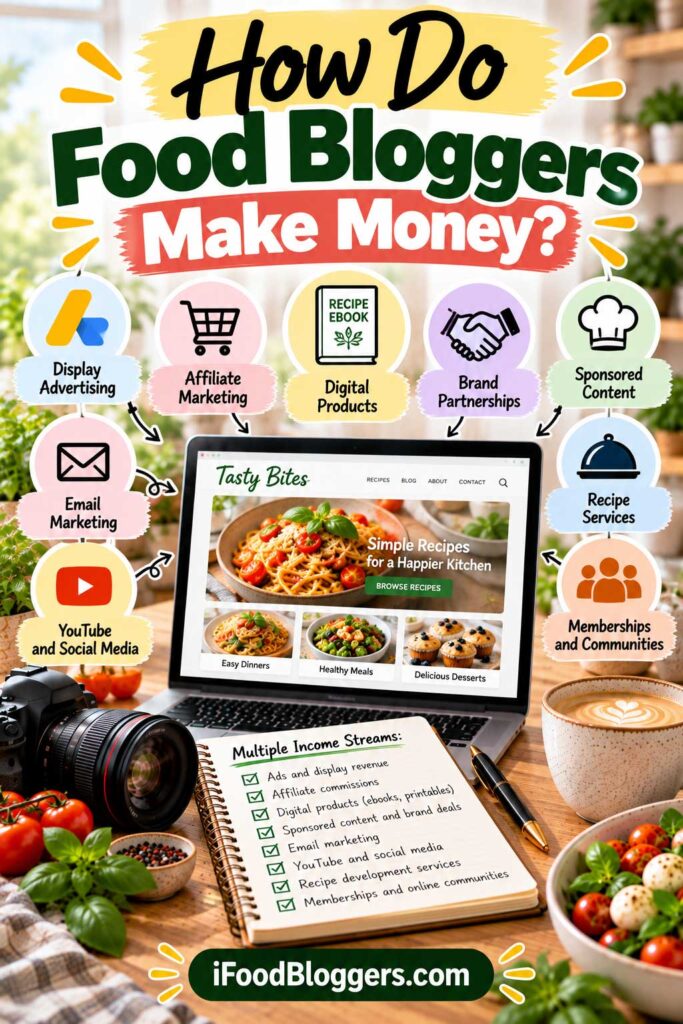
Can you make money from a food blog? Yes, although building a profitable website usually takes time.
Food bloggers can earn income through advertising, affiliate marketing, brand partnerships, digital products, and freelance services. Results depend on audience size, niche, traffic quality, and the monetization methods used.
Some bloggers earn occasional extra income, while established publishers may build full-time businesses.
Before worrying about advertising revenue or affiliate commissions, give readers a reason to return. Reliable recipes, practical cooking advice, and honest product recommendations can help you earn that trust.
Earn Money With Display Advertising
Display advertising is one of the most common ways food blogs generate revenue.
Ads appear on your website, and earnings depend on factors such as impressions, visitor location, advertiser demand, and the advertising program.
Beginners may explore Google AdSense, while more established publishers can consider networks such as Mediavine and Raptive.
Each program has its own eligibility requirements and approval policies.
Advertising income can vary considerably between websites with similar traffic. Avoid placing so many ads that readers struggle to follow your recipes.
Earn Affiliate Commissions
Affiliate marketing allows you to earn commissions when readers make qualifying purchases through your referral links.
Relevant products for food bloggers include cookware, kitchen appliances, baking equipment, cameras, and photography accessories.
For example, a homemade bread recipe could recommend a stand mixer or loaf pan you’ve personally used.
You can also publish buying guides that help readers compare products for different needs and budgets.
Programs such as Amazon Associates and individual brand affiliate programs have different commission structures and requirements.
Recommend products because they’re genuinely useful, not simply because they pay a commission.
Clearly disclose affiliate relationships as required by applicable rules.
For additional ideas, explore our Equipment for Food Bloggers resources.
Partner With Brands on Sponsored Content
Brands may pay food bloggers to create recipes, photographs, videos, or articles featuring their products.
For example, a cookware company might sponsor a recipe demonstrating how to use one of its pans.
Payment depends on audience engagement, content quality, deliverables, and usage rights.
Smaller food blogs can sometimes attract niche partnerships, particularly when they serve a clearly defined audience.
Always disclose sponsored relationships and maintain honest editorial standards.
Sell Digital Products
Digital products allow food bloggers to earn income from resources they create themselves.
Examples include:
- Recipe ebooks and digital cookbooks
- Printable meal planners and grocery lists
- Cooking guides and online courses
- Themed recipe collections
A Mediterranean food blog, for example, could sell a collection of 30 easy weeknight dinners.
Start with a manageable product that solves a specific problem for your audience.
Remember that creating a digital product doesn’t guarantee sales. Marketing and customer support may also be necessary.
Offer Food Photography or Recipe Development Services
Food blogging can help you develop skills that other businesses are willing to pay for.
Potential services include food photography, recipe testing, recipe development, video production, and content creation for restaurants or food brands.
Your website can serve as a portfolio showcasing your work.
Freelance services may generate income before your blog attracts significant traffic, although finding clients and completing projects requires active effort.
Compare Food Blog Income Streams
| Monetization Method | When to Consider It | Main Challenge |
|---|---|---|
| Display advertising | When you have consistent traffic and meet program requirements | Earnings depend on traffic and ad rates |
| Affiliate marketing | When you publish relevant product recommendations | Requires trust and qualifying purchases |
| Sponsored content | When you have an engaged audience or strong content skills | Finding suitable brand partnerships |
| Digital products | When you understand your readers’ needs | Creating and selling useful products |
| Freelance services | When you have marketable skills and a portfolio | Finding clients and managing projects |
You don’t need to pursue every income stream immediately. Choose one that makes sense for your current stage and expand as your blog develops.
Our Business Tools for Food Bloggers page includes additional resources for managing your blogging business.
How Much Can a Beginner Food Blogger Earn?
There is no standard income for a new food blog.
Some websites earn nothing during their first year, while others begin generating affiliate commissions, advertising revenue, or service income earlier.
Earnings depend on traffic, audience location, purchasing behavior, advertising rates, and operating expenses.
It’s also important to distinguish revenue from profit. Hosting, software, ingredients, equipment, and other business expenses reduce what you actually keep.
Focus on building a useful website and testing realistic income opportunities rather than expecting immediate passive income.
Your next action: Choose one monetization method that fits your niche, research its requirements, and identify content or services that could support it.
Building trust and a useful collection of recipes creates a stronger foundation for future income.
Step 14: How Much Does It Cost to Start a Food Blog?
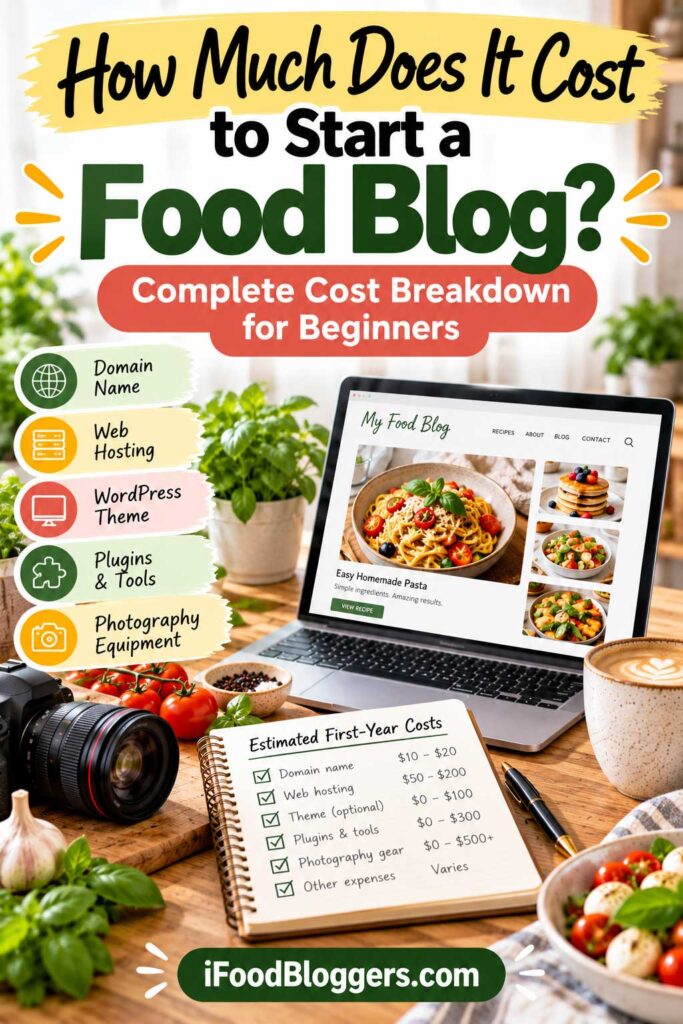
Wondering how to start a food blog without spending a fortune? You can build a professional-looking website on a modest budget, especially if you handle the setup, writing, and photography yourself.
Your main initial expenses are usually a domain name and web hosting. WordPress is free, and many themes and plugins offer free versions.
You may be able to launch and run a basic self-hosted food blog for approximately $50–$200 during the first year by choosing introductory hosting offers and free WordPress tools.
This estimate covers basic website expenses, not ingredients, photography equipment, your time, or optional upgrades. Hosting renewal rates may also be higher.
Essential Food Blogging Expenses
Here’s an approximate breakdown of common first-year expenses.
| Expense | Estimated First-Year Cost | Is It Necessary? |
|---|---|---|
| Domain name | $10–$25 | Yes |
| Web hosting | $30–$150 | Yes |
| WordPress software | Free | Yes |
| WordPress theme | $0–$80 | Free or paid theme |
| Recipe plugin | $0–$100+ | Recommended |
| SEO plugin | $0–$100+ | Free version usually sufficient |
| Email marketing | $0–$180+ | Optional initially |
| Design tools | $0–$150+ | Optional |
Prices are illustrative estimates and may vary by provider, introductory offers, subscription terms, taxes, and renewal rates.
You don’t need every premium tool. For most beginners, reliable hosting, a domain, a functional WordPress theme, and a suitable recipe plugin are enough to get started.
Explore our Best Hosting for Food Bloggers and Website Tools for Food Bloggers guides for additional options.
Food Photography and Recipe Testing Costs
Beyond website expenses, food blogging may involve ingredients, recipe testing, photography props, lighting, and kitchen equipment.
Fortunately, you can begin with tools you already own.
A smartphone, natural window light, and a few simple dishes can produce appealing food photographs.
You don’t need professional cameras, expensive lenses, or studio lighting before publishing your first recipes.
Upgrade when your current equipment creates a genuine limitation.
Our Equipment for Food Bloggers page covers useful tools for different stages of food blogging.
Sample First-Year Food Blog Budgets
Your total spending depends on the tools and services you choose.
| Budget Level | Approximate First-Year Cost | Typical Setup |
|---|---|---|
| Budget launch | $50–$200 | Domain, introductory hosting, free theme and plugins |
| Comfortable beginner | $200–$400 | Hosting, domain, and selected premium tools |
| Expanded setup | $400–$1,000+ | Additional software, equipment, or professional services |
These budgets are examples, not fixed prices. They cover different levels of website setup and optional tools but exclude ingredients, taxes, and your time. Your actual spending will depend on the services you choose.
Also remember that low hosting prices sometimes require paying for multiple years upfront. Compare the checkout total and renewal price, not just the advertised monthly rate.
How to Keep Food Blogging Costs Low
One of the most common beginner mistakes is buying tools before knowing whether they’re needed.
Start with free or affordable software, use existing kitchen equipment, and prioritize publishing useful recipes.
Avoid overlapping subscriptions, such as multiple SEO plugins or image optimization services that perform similar tasks.
Review renewals regularly and invest in upgrades only when they solve a real problem or save meaningful time.
Your next action: Set a realistic first-year budget, compare hosting and domain costs, and identify which tools you can use for free.
You don’t need an expensive setup to start a food blog. Helpful recipes, clear presentation, and consistent effort matter much more than premium software.
Step 15: Common Food Blogging Mistakes to Avoid
Starting a food blog means learning several skills at once, from recipe writing and photography to SEO and website management.
You don’t need to get everything right immediately. However, avoiding a few common mistakes can save time, reduce expenses, and help you build a more useful website.
Publishing Recipes Without Proper Testing
Readers depend on your instructions to prepare meals, often using ingredients they’ve purchased specifically for the recipe.
Incorrect measurements, missing steps, or unrealistic cooking times can quickly damage their trust.
Test recipes carefully, verify ingredient quantities, and provide instructions that beginners can follow.
Include useful details such as visual signs of doneness, tested substitutions, and storage advice when relevant.
Ignoring Keyword Research
A delicious recipe doesn’t automatically mean people are searching for it.
Before publishing, research how readers describe the dish and what information they’re looking for.
For example, “easy Greek chicken marinade” addresses a more specific search need than the broad topic “chicken recipes.”
Don’t choose topics based only on search volume. Your recipes should also fit your niche and offer genuine value.
Our How to Find Low-Competition Recipe Keywords guide explains how to identify realistic opportunities.
Using Poor-Quality or Misleading Food Photography
Food photographs help readers understand what a finished dish should look like.
Dark, blurry, or misleading images can make even a good recipe less appealing.
Use natural light when possible, keep backgrounds simple, and photograph the actual dish you’re teaching readers to prepare.
You don’t need expensive equipment. Basic lighting and composition skills can make a noticeable difference.
Making Recipes Difficult to Follow
Readers shouldn’t have to search through a confusing article to find ingredients or instructions.
Use a clear recipe card, helpful headings, readable formatting, and logical preparation steps.
A Jump to Recipe link can improve navigation, especially on longer posts.
Keep personal stories relevant and avoid adding unnecessary paragraphs simply to increase word count.
Overlooking Website Speed and Mobile Usability
Many readers access recipes on their phones while shopping or cooking.
Slow loading times, intrusive popups, oversized images, and difficult navigation can create a frustrating experience.
Choose a responsive theme, optimize images, and avoid unnecessary plugins.
Test your website on a mobile device to make sure recipes are easy to read and navigate.
Our Common WordPress Mistakes guide covers additional problems worth avoiding.
Neglecting Internal Links and Existing Recipes
Publishing new recipes is important, but older content also deserves attention.
Review existing posts periodically for outdated instructions, broken links, missing information, or photographs that could be improved.
Connect related recipes naturally. For example, a grilled chicken recipe might link to homemade sauces, salads, or suitable side dishes.
Improving useful existing content can be just as worthwhile as publishing something new.
Trying to Use Every Marketing Platform
Managing Google SEO, Pinterest, Instagram, Facebook, YouTube, and email marketing simultaneously can quickly become overwhelming.
Start with the channels that best fit your audience and available time.
For many beginners, publishing search-friendly recipes and promoting them through one additional channel is a manageable starting point.
Add another platform only when you’re comfortable managing the ones you already use.
Expecting Immediate Results or Overspending
Food blogging rarely produces significant traffic or income overnight.
Search visibility takes time, and monetization depends on factors such as audience size, content quality, and traffic sources.
Avoid comparing your first few months with established websites that have spent years building their audiences.
It’s also easy to overspend on premium themes, plugins, cameras, and marketing tools before they’re necessary.
Put your time into testing recipes, taking better photographs, and learning what your readers need. Buy new equipment when your current setup is genuinely holding you back.
Your next action: Review your food blog for recipe accuracy, mobile usability, clear navigation, and unnecessary expenses. Fix the most important issues before investing in additional tools or marketing channels.
Avoiding these mistakes won’t guarantee success, but it will help you build a more reliable, reader-friendly food blog from the beginning.
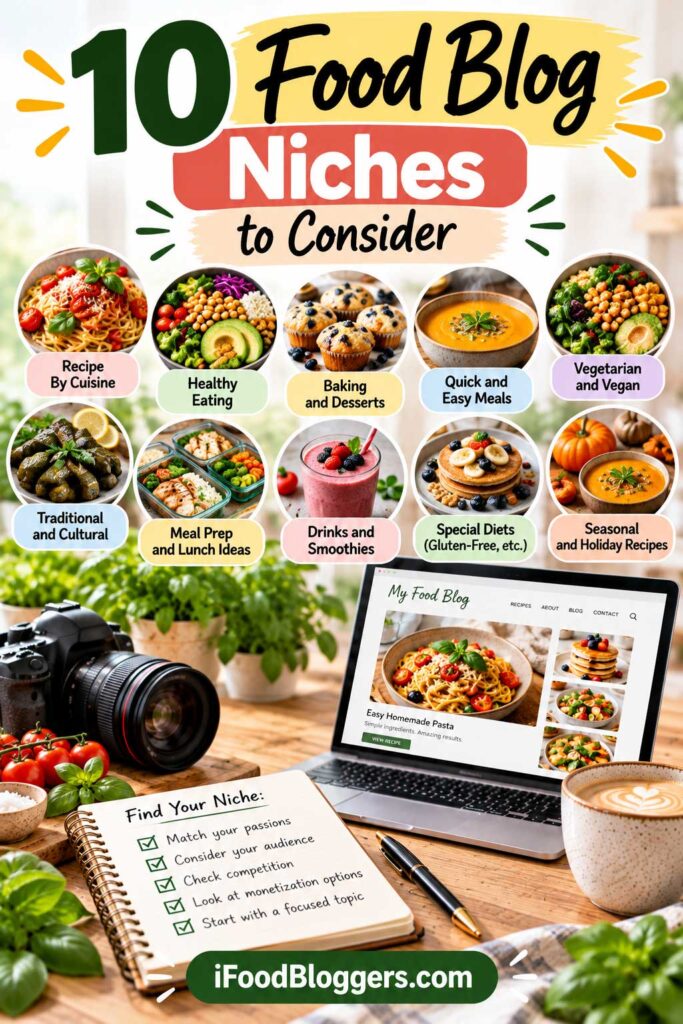
Step 16: How to Start a Food Blog in Your First 90 Days
Starting a food blog involves learning several skills, from WordPress and recipe photography to SEO and content promotion.
The easiest way to learn how to start a food blog is to tackle one stage at a time. Give yourself three months to set up your website, publish your first recipes, and begin reaching readers.
After 90 days, you should have a working website, several recipes you’re proud to share, and a better understanding of how much time each post takes. That’s a much more useful milestone than chasing a particular traffic number.
Days 1–30: Launch Your Website and Publish Your First Recipes
During your first month, focus on getting your website ready for readers.
Choose your niche, register a domain, install WordPress, and select a mobile-friendly theme.
Create your essential pages, configure a recipe plugin, and connect Google Analytics and Google Search Console.
Then begin publishing.
Aim for 3–5 thoroughly tested recipes with clear instructions, accurate ingredient measurements, appealing photographs, and properly completed recipe cards.
Check each post on a mobile device before publishing.
By the end of your first month, you should have a functional website with several useful recipes.
Days 31–60: Publish More Recipes and Start Promoting
During your second month, concentrate on expanding your content library.
Research relevant recipe topics and establish a realistic publishing schedule.
One or two recipes per week may be manageable, depending on the time required for testing, photography, and writing.
Organize your recipes into useful categories and connect related posts with internal links.
If Pinterest fits your niche, create a business account, set up relevant boards, and begin publishing Pins linking to your recipes.
You can also introduce a simple email signup form.
By day 60, aim to have six to ten recipes published in total. This includes the recipes you created during your first month, so there’s no need to start counting from zero again.
Days 61–90: Review Performance and Improve Your Content
During your third month, continue publishing while reviewing your website’s performance.
Use Google Search Console to check indexing and early search impressions. Google Analytics can help you understand which pages receive visits and where readers come from.
Don’t be discouraged if traffic is still limited. New websites often need time to develop search visibility.
Focus on improvements you can control, such as clearer instructions, better photographs, stronger internal links, and faster mobile loading.
Review your publishing workflow and identify ways to make content creation more efficient.
You can also research suitable affiliate programs or other income opportunities without expecting immediate earnings.
By day 90, a reasonable target is 10–15 quality recipes, basic analytics, and a sustainable publishing and promotion routine.
Your 90-Day Food Blog Launch Checklist
| Timeline | Main Priority | Suggested Goal |
|---|---|---|
| Days 1–30 | Website setup and initial content | Launch your website and publish 3–5 recipes |
| Days 31–60 | Content creation and promotion | Reach 6–10 recipes and begin promoting |
| Days 61–90 | Optimization and performance review | Reach 10–15 recipes and establish a repeatable workflow |
These milestones are flexible. Recipe testing, photography, and available working hours will affect your progress.
Publishing fewer well-tested recipes is better than rushing to meet a target at the expense of quality.
What Comes After Your First 90 Days?
Once you’ve completed your initial launch, continue building on what works.
Publish recipes that fit your niche, update existing content when needed, and use performance data to guide future topics.
As your audience grows, you can expand your email newsletter, experiment with additional traffic sources, and explore monetization opportunities.
Avoid changing your strategy based on short-term traffic fluctuations.
Your next action: Create a simple 90-day editorial calendar with recipe topics, publishing dates, and promotion tasks.
By the end of your first three months, you’ll know more about what it takes to run your blog than you did on launch day. Use that experience to plan your next recipes and decide where to spend your time.
How to Start a Food Blog: Frequently Asked Questions
Can I Start a Food Blog With No Experience?
Yes. You don’t need professional cooking experience, web design skills, or a photography background to start a food blog.
Begin with recipes you know well, test them carefully, and improve your writing, photography, and technical skills as you gain experience.
How Much Does It Cost to Start a Food Blog?
A basic self-hosted food blog may cost around $50–$200 for its first year, depending on your hosting plan and domain registration costs.
That estimate doesn’t include groceries, photography equipment, premium tools, or your time. Hosting renewal prices may also increase after the introductory period.
Can I Start a Food Blog for Free?
Yes. Free blogging platforms let you publish content without paying for hosting or a domain.
However, they may limit customization, monetization, and website control. Self-hosted WordPress is often a better option for building a long-term blogging business.
Do I Need to Know How to Code to Start a Food Blog?
No. WordPress allows you to create pages, publish recipes, upload photographs, and customize your website without writing code.
Themes, plugins, and the built-in editor handle most beginner needs.
How Many Recipes Should I Publish Before Launching?
Three to five thoroughly tested recipes are enough for an initial launch.
Focus on clear instructions, appealing photographs, and complete recipe cards rather than publishing dozens of posts immediately.
How Often Should I Publish New Recipes?
There’s no required publishing frequency.
One well-tested recipe per week can be a practical starting point, but choose a schedule that allows enough time for cooking, photography, writing, and promotion.
How Long Does It Take for a Food Blog to Get Traffic?
Traffic timelines vary considerably.
Social media and referrals may bring early visitors, while organic search visibility often takes longer to develop. Monitor Google Search Console and continue improving your content rather than expecting immediate results.
Can You Make Money From a Food Blog?
Yes. Food bloggers can earn income through advertising, affiliate marketing, sponsored content, digital products, and freelance services.
However, earnings aren’t guaranteed, and many new websites generate little or no income initially.
Do I Need a Professional Camera for Food Blogging?
No. A modern smartphone, natural window light, and thoughtful composition can produce appealing food photographs.
Professional cameras and lighting equipment are optional upgrades, not requirements for getting started.
Is It Better to Start a Food Blog or a YouTube Cooking Channel?
A food blog works well for searchable recipes, printable instructions, and detailed cooking guides. YouTube is better suited to demonstrating techniques through video.
Both can complement each other, but beginners may find it easier to focus on one format before expanding.
Final Thoughts: Your Food Blogging Journey Starts Here
Every food blog begins somewhere. Sometimes it’s a collection of family recipes, a favorite dish you’ve made dozens of times, or simply the desire to share what you’ve learned in the kitchen.
You don’t need to have everything figured out before you begin.
Start with a recipe you know well. Photograph it, write instructions someone else can follow, and publish it on your website. Then make another.
Along the way, you’ll discover which recipes readers enjoy, improve your photography, and learn how to bring more people to your blog.
Some things will work better than others. That’s part of the process.
Your first goal isn’t to build the biggest food blog. It’s to create a website you’re proud to share and recipes people genuinely enjoy making.
The rest comes with practice, patience, and a willingness to keep learning.
Ready to start your food blog? Begin by choosing your niche, brainstorming a few memorable domain names, and setting a realistic budget. You don’t need to complete all 16 steps today. Start with the first decision, then work through the rest at your own pace.
Read Next: Essential Guides for Food Bloggers
Ready to take the next step? These practical guides will help you improve your website, attract readers, and develop your food blogging business.
- Best Hosting for Food Bloggers – Compare hosting providers and choose the right foundation for your website.
- Best WordPress Recipe Plugins – Find plugins for creating organized, user-friendly recipe cards.
- How to Find Low-Competition Recipe Keywords – Discover recipe topics with realistic opportunities for search visibility.
- Recipe SEO: How to Rank Recipes on Google – Improve your recipe content, on-page optimization, and search visibility.
- Best Lenses for Food Photography – Explore photography equipment for different budgets and shooting styles.
- Pinterest SEO for Food Bloggers – Learn how to optimize Pins, boards, and descriptions for discoverability.
- How to Get Pinterest Traffic to a Food Blog – Explore practical strategies for promoting recipes on Pinterest.
- Business Tools for Food Bloggers – Discover tools for managing and growing your food blogging business.